LayerGrab

How to Turn an Ad, Social Post or Thumbnail into an Editable Template

When the Canva or Figma file behind a post, ad or thumbnail is gone and only the exported picture is left, you can still rebuild it as a template. Split the screenshot so the photo, the product, the badge, the button and every block of text sit on separate layers over a filled background. Bring those layers into Canva, Figma or Photoshop, retype the text in a real font, and save the result as your template. Next time you swap one photo and edit two lines instead of starting from a blank canvas. Do this with designs you made or have the right to reuse.

Last updated 2026-11-13

Why a screenshot fights you

A screenshot is one flat picture. The product photo, the badge and the headline are all the same layer, so changing the headline means painting over it and rebuilding the gradient behind it, and moving the product leaves a hole. Most people end up recreating the whole design from scratch.

Splitting first changes the order of work. The hard part (separating each element and repairing what was behind it) is done once, and what is left is the easy part: retyping text and saving the file the way your team will reuse it. If the aim is a single change to an ad, such as a new price, see how to edit a product banner without the PSD.

From screenshot to template

  1. 1

    Get the cleanest copy of the design

    The exported file beats a screenshot, and a full-size screenshot beats a cropped one from your phone. PNG, JPG or WebP up to 20 MB.

  2. 2

    Split the whole design

    Choose All layers and leave the box empty, or list the parts you want kept apart: “product photo, headline, offer line, badge, button, logo”. Each comes back as a named transparent layer, with the background behind them painted in.

  3. 3

    Move the layers into your editor

    Figma and Photoshop users can place the layers straight into a file with the LayerGrab plugins. For Canva, download the ZIP of PNG files and upload them; for Photopea, open the layered PSD.

  4. 4

    Retype every text block

    Text comes back as a picture of the letters. Hide each text layer and type the same words on top in your brand font, so the template has live, editable text.

  5. 5

    Save it as a template

    Lock the background and decorations, leave the photo and text editable, and save. In Canva, Figma or Photoshop the next version is a swap and a retype.

Two real designs, rebuilt

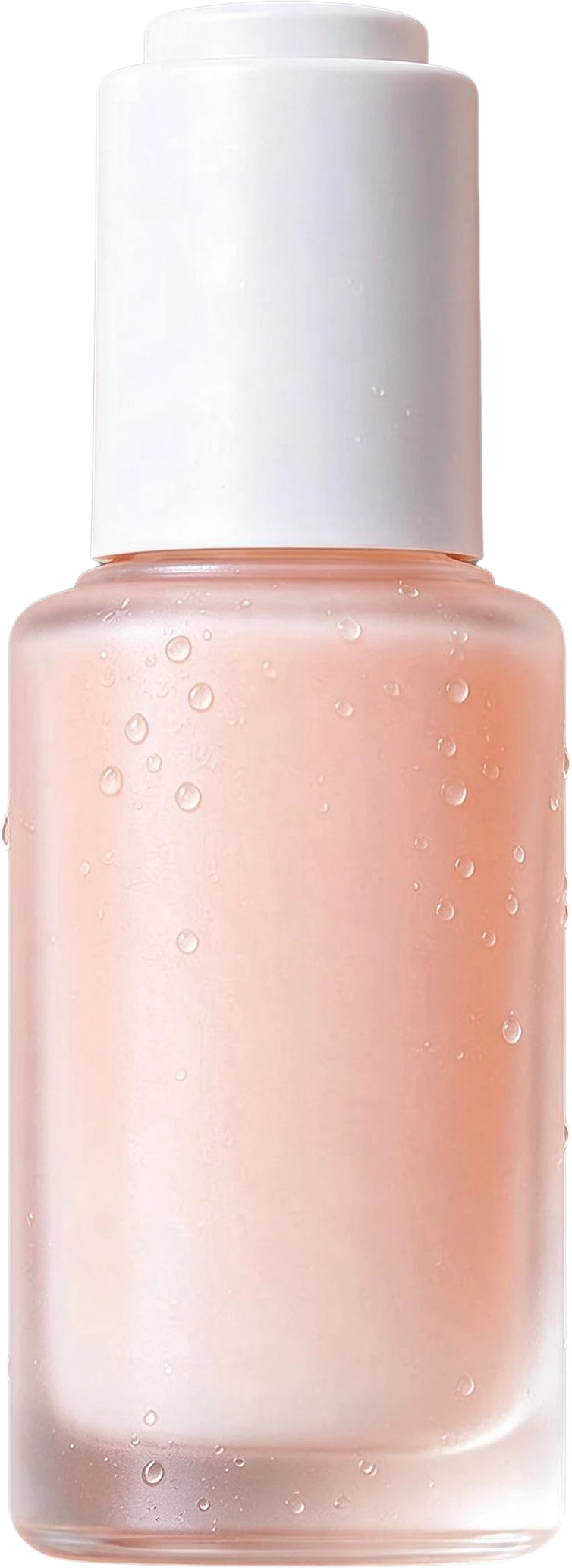
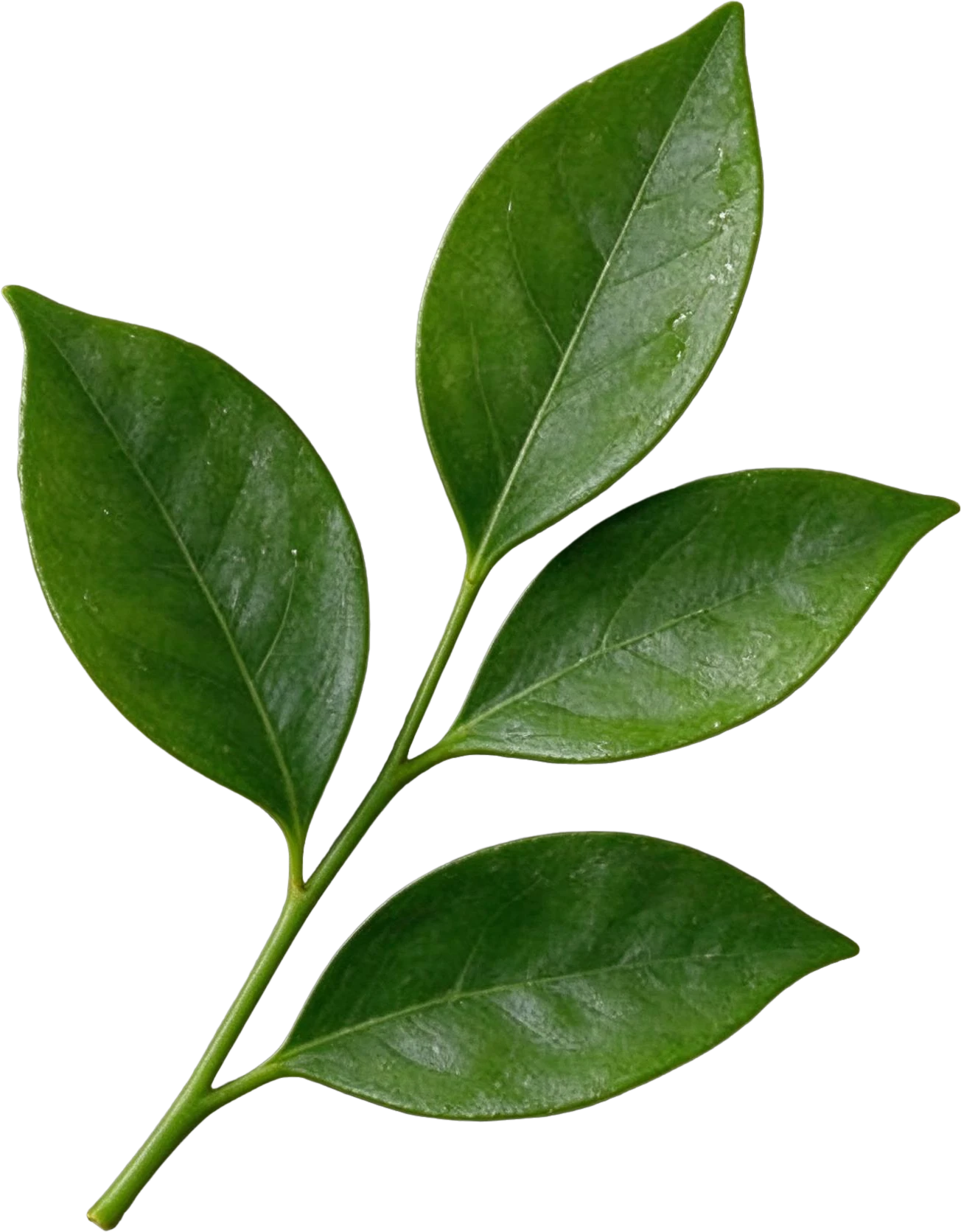
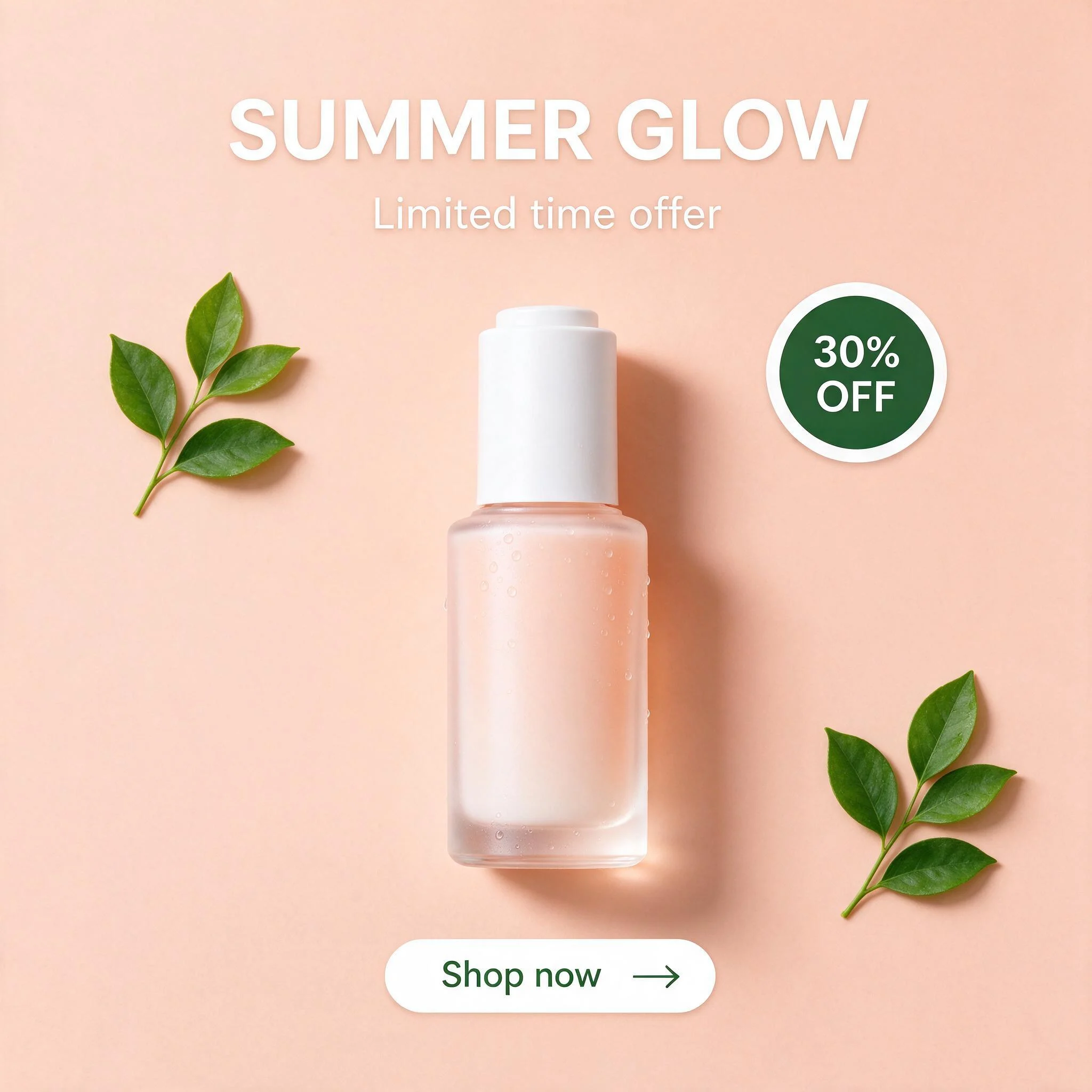
An Instagram post. This square skincare post comes back as the serum bottle, two leaf sprigs, the SUMMER GLOW headline, the offer line, the 30% OFF badge and the Shop now button. Hide the bottle and the three text pieces and what remains is a clean template backdrop: the leaves and the badge shape stay, the gaps are painted in.

Skincare Instagram post — the flat original
Skincare Serum Bottle — separated layerSUMMER GLOW Text — separated layerLimited time offer Text — separated layer30% OFF Badge — separated layerShop now Button — separated layerTop Left Green Leaf Sprig — separated layer
Skincare Instagram post — original
Original
Skincare Instagram post — product and text hidden: the template base
Product and text hidden: the template base

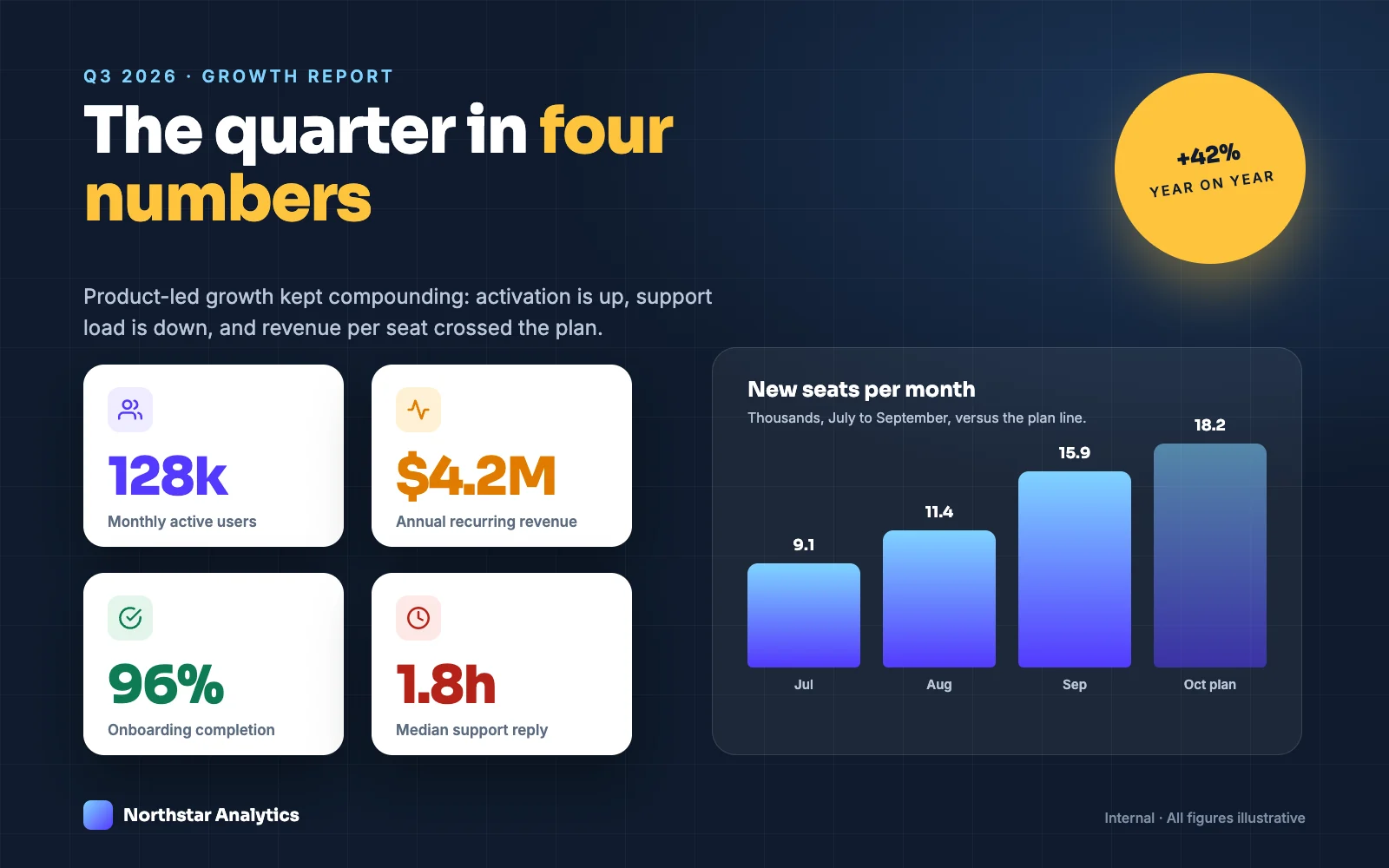
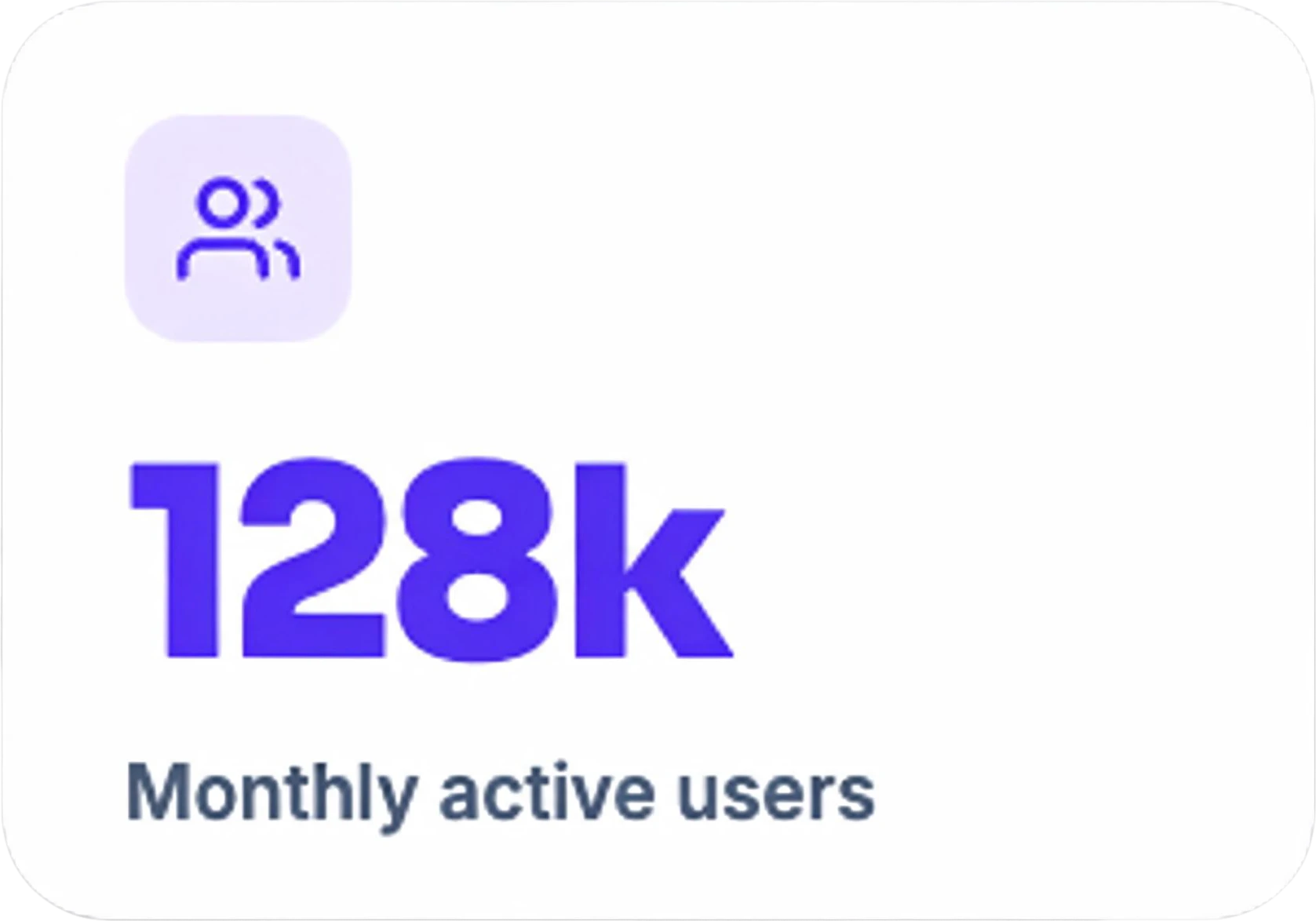
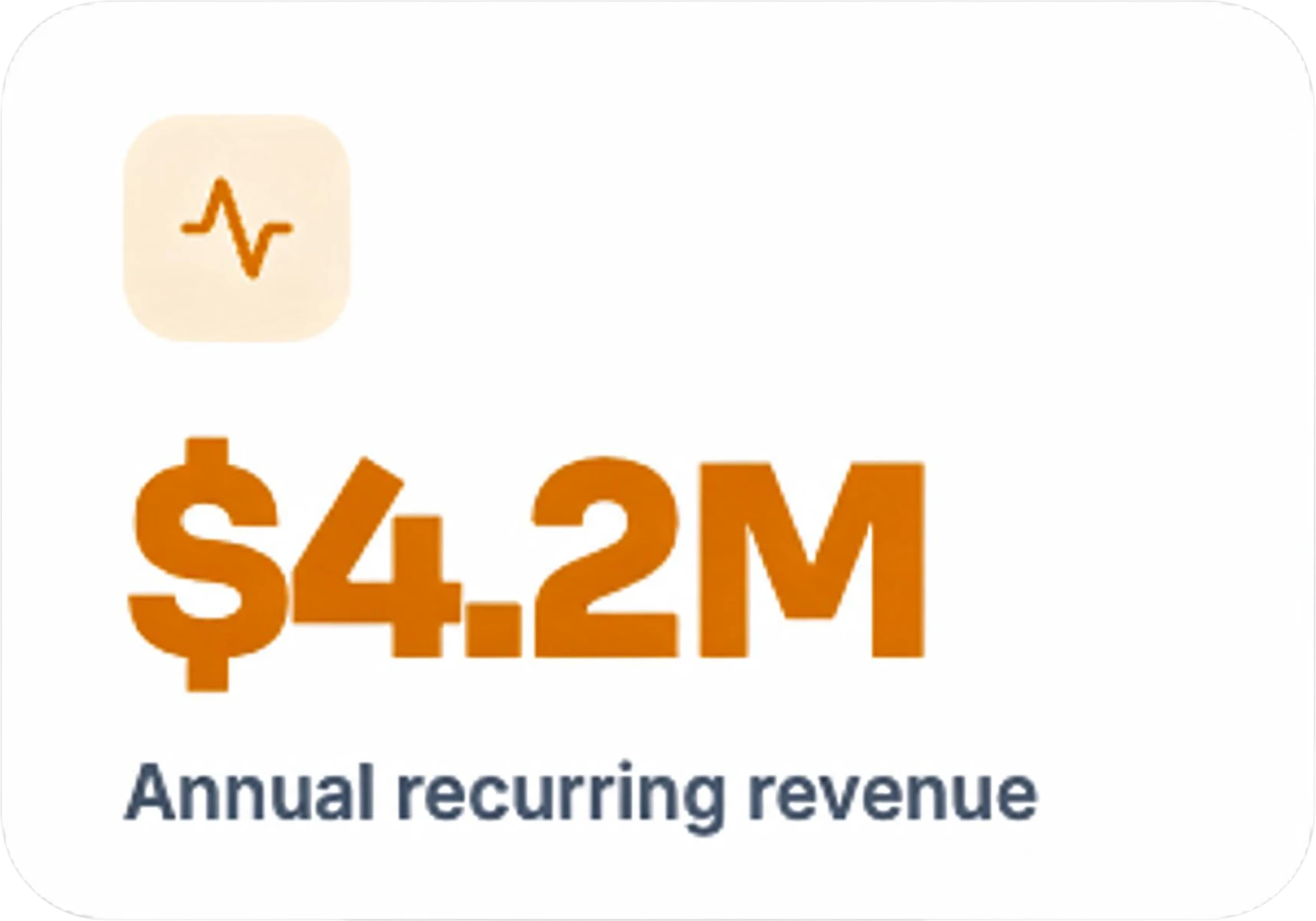
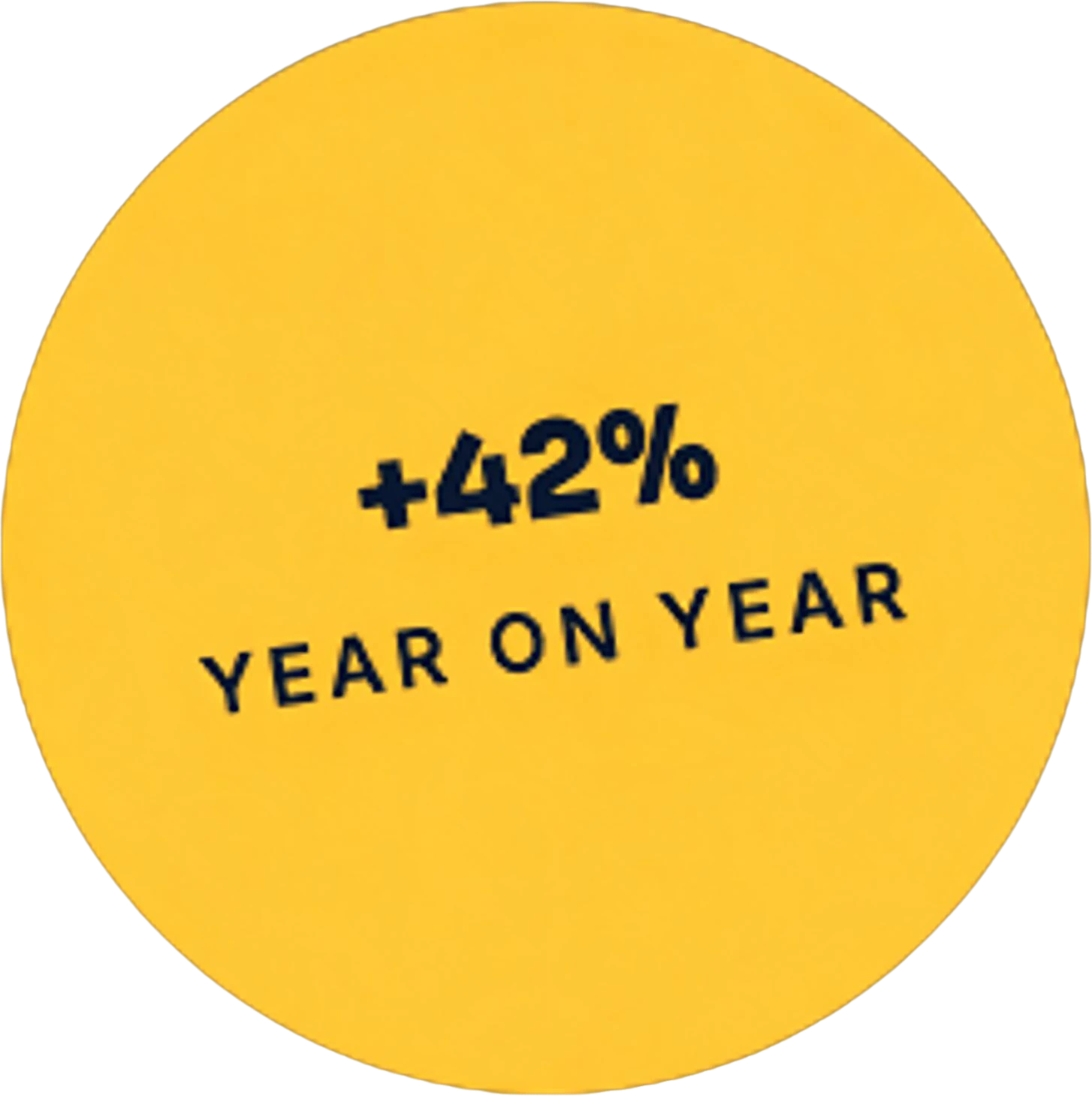
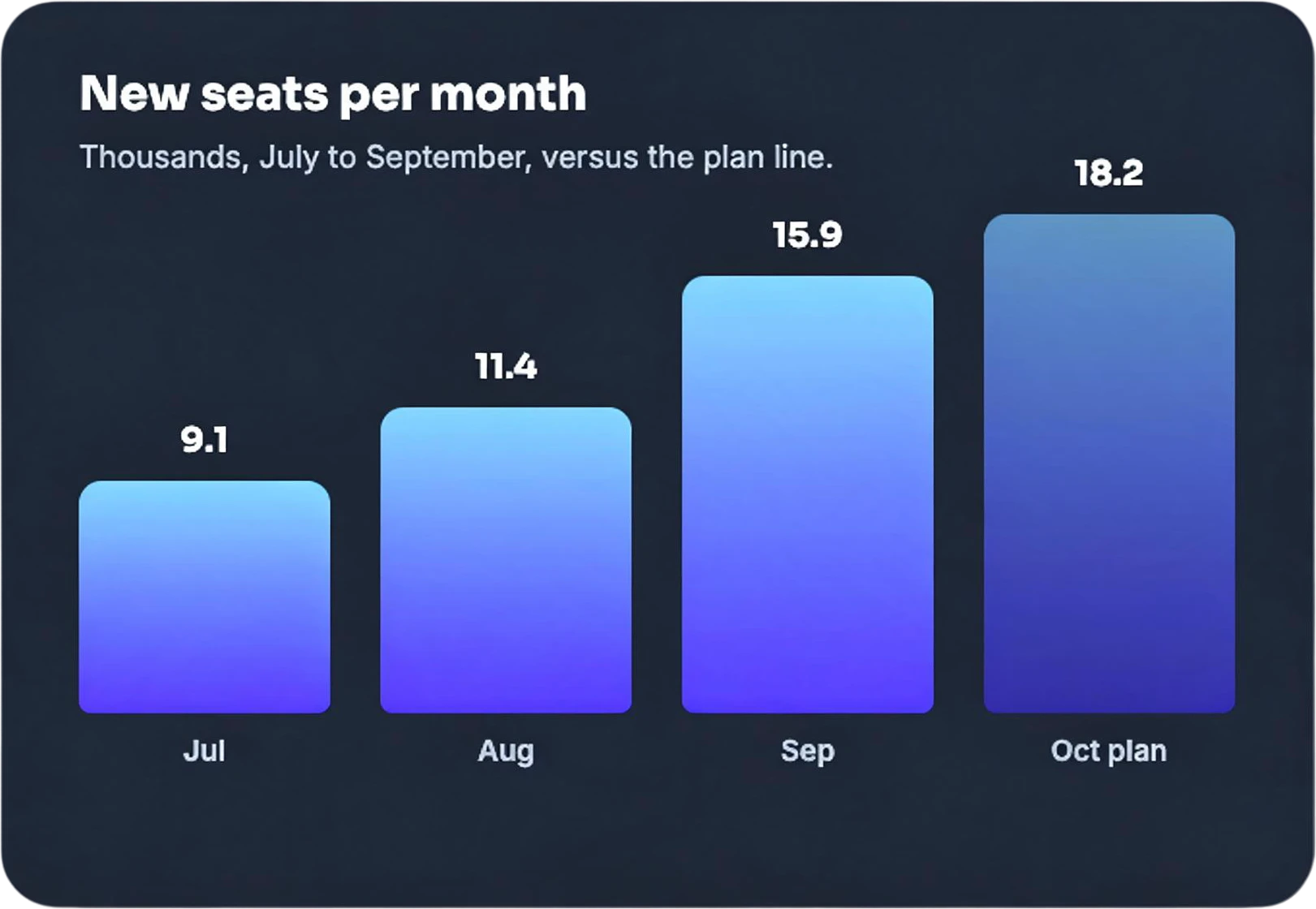
A report slide. A quarterly growth slide, the kind that gets screenshotted into decks and posts, splits into the header, the title, the subtitle, four metric cards, the year-on-year badge, the bar chart panel, the logo and the footer note. The cards and badge are reusable as they are; the numbers inside them and the chart bars are pictures, so retype the figures and rebuild the chart in your slide tool when the data changes.

Growth report slide — the flat original
Metric Card Monthly Active Users — separated layerMetric Card Annual Recurring Revenue — separated layerYellow +42% Year on Year Badge — separated layerNew Seats Per Month Bar Chart Panel — separated layerNorthstar Analytics Logo — separated layerMain Title The quarter in four numbers — separated layer

Thumbnails work the same way

A YouTube thumbnail is usually three things: a cut-out of a face or product, a few huge words and a background. Split it, keep the cut-out and the filled background for the next video in the series, hide the old title and type the new one. If the thumbnail is a still from your own video, splitting it also gives you the subject on its own for an intro animation; the steps are in how to split an image into layers for After Effects.

When not to use this

The design belongs to someone else. Copying another brand's ad with its images, wording or logo is not a template; it is their work. Use it as a layout reference and build your version from your own material.

It is a website or app screen. Interfaces need vector shapes, auto layout and live text. Figma's own screenshot-to-design feature (in beta on paid plans) and similar tools rebuild screens as editable frames; a layer splitter returns pictures.

The design is mostly text. A carousel slide that is nine lines of copy on a colour is faster to retype than to split.

You still have the original file. Open it; nothing rebuilt from an export is better.
Frequently asked questions

Can I turn a screenshot of a post into a Canva template?

Yes, by rebuilding it. Split the screenshot into layers, upload the PNG layers to a Canva design in the same size, retype the text with Canva text boxes, and save it. The pictures stay pictures; the text becomes real text because you typed it.

How do I reuse an old YouTube thumbnail when I no longer have the PSD?

Split the thumbnail. The face cut-out, any product shot and the background come back as separate layers, with the area behind the face filled in. Keep the cut-out and the background, hide the old title and type the new one. Upload the full-size thumbnail file if you still have it; the version YouTube shows is smaller.

Can I make a chart in a slide screenshot editable?

Partly. The cards, icons, logo and background come apart as layers, but the bars and the numbers are pictures. If the data changes, rebuild the chart in your slide tool and keep the rest of the layout from the split.

Can I turn a website screenshot into an editable Figma design?

Not well with an image splitter. Interfaces need vector shapes, auto layout and real text. Tools that rebuild screenshots as Figma frames are the better fit there; this workflow suits posters, posts, ads and thumbnails.

Is it okay to copy an ad I saw on Instagram?

Not the ad itself. Rebuilding someone else’s creative with their photos, wording or brand can infringe their copyright and trademarks. Use a design you like as a layout reference and fill it with your own images and copy, or use the workflow on your own ads.