

LayerGrab

Photoshop Is Dead. AI Just Killed the Last Job Only It Could Do.

AI image models can now split a flat image into layers: a single JPG goes in, and each element comes back on its own transparent layer, named and in place, with the background behind it painted in. Separating an image by hand was the last job only Photoshop could do. That job is over.

Last updated 2026-10-06

There was one thing nobody could take from Photoshop.

AI writes the copy. AI generates the image. AI picks the fonts. But when a client sent a flat JPG and said “make the logo bigger”, you still opened Photoshop, grabbed the Pen tool and lost your afternoon. Cut the headline. Layer via Copy. Patch the hole. Cut the product. Patch again. Element by element, until a dead image was editable again.

That was Photoshop's last moat. It's gone.

A JPG went in. Ten layers came out.

This coffee poster was one flat image. 100 seconds later it was 10 separate, named layers: the headline, the 20% OFF badge, the cup, every leaf. Each one exactly where it was. And behind them, the background nobody ever drew, painted in. Move the cup and there is no hole. Export it and you get a layered PSD that looks like someone spent hours building it.

Nobody did.

Coffee shop poster — original

11 layers

  • Bottom event info text — separated layerBottom event info text
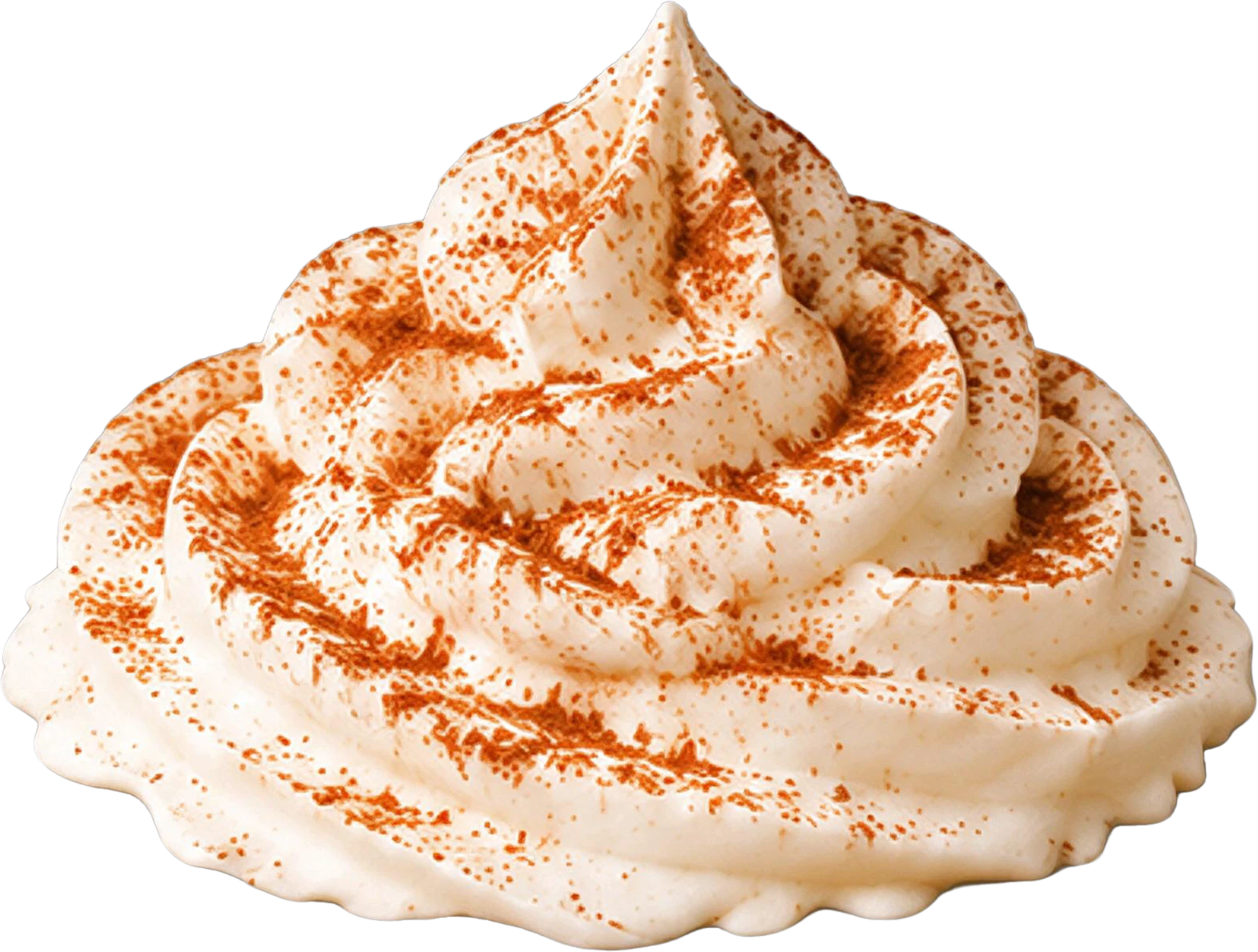
  • Whipped cream topping with cinnamon dust — separated layerWhipped cream topping with cinnamon dust
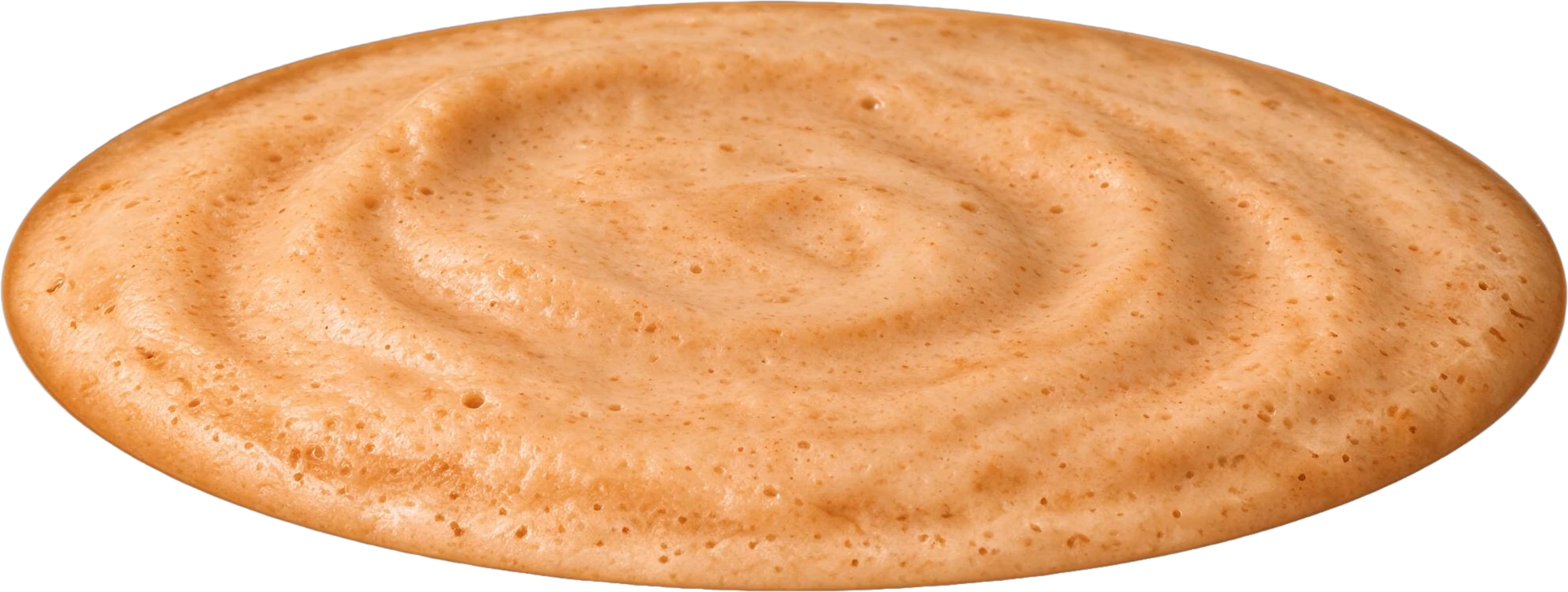
  • Pumpkin spice latte drink base — separated layerPumpkin spice latte drink base
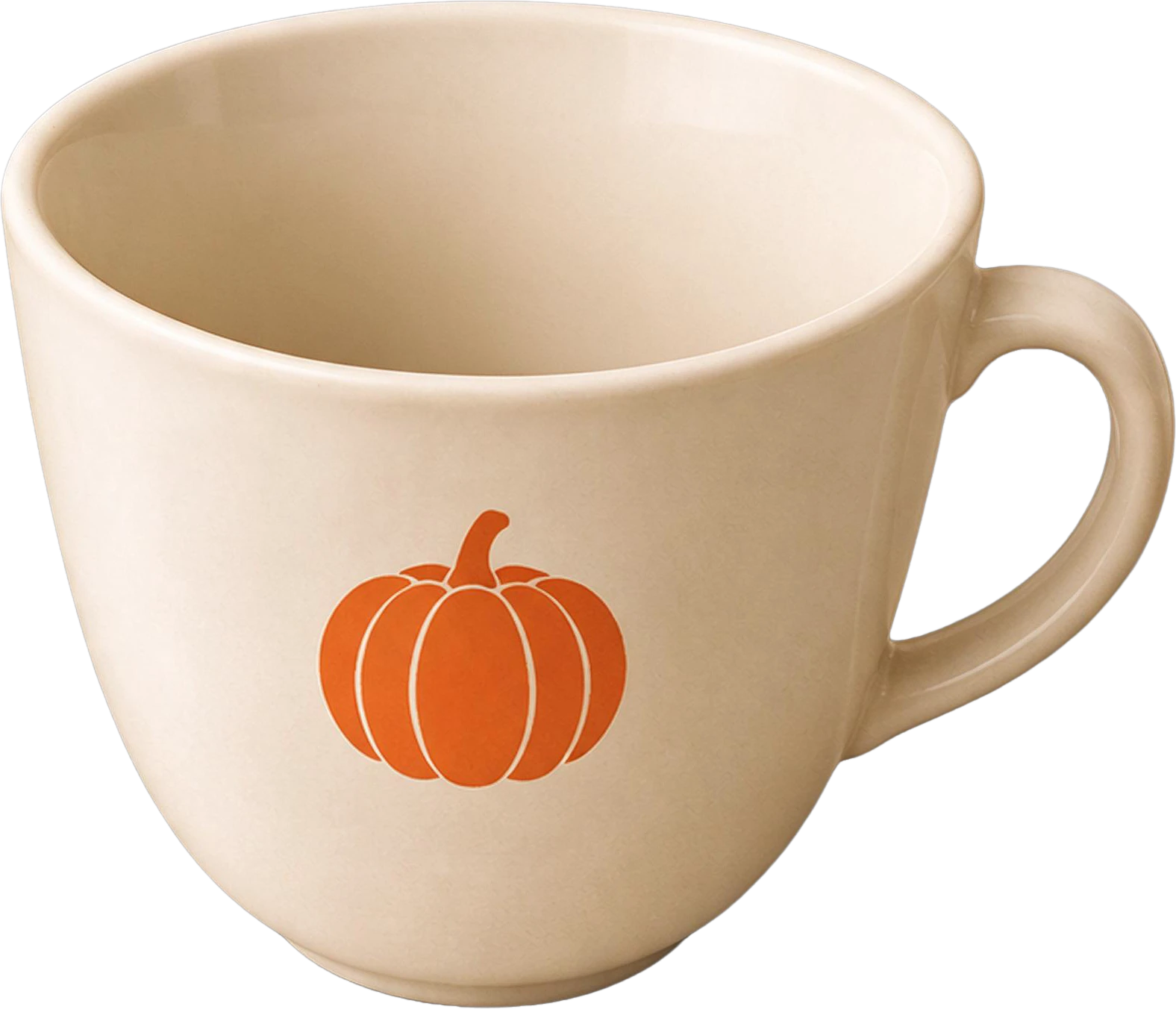
  • White coffee cup with pumpkin logo — separated layerWhite coffee cup with pumpkin logo
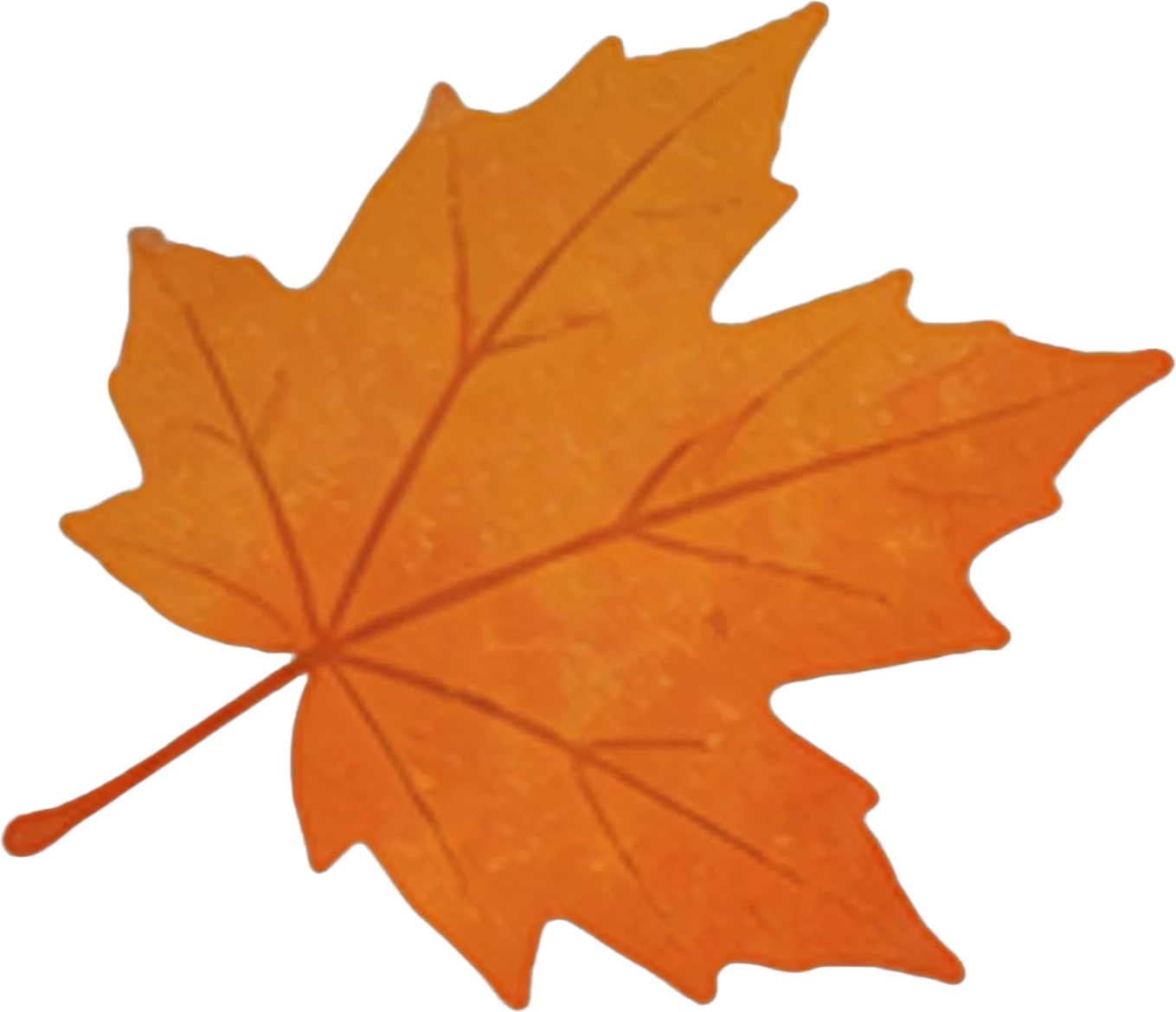
  • Orange maple leaf (bottom right) — separated layerOrange maple leaf (bottom right)
  • Orange maple leaf (top right) — separated layerOrange maple leaf (top right)
  • Background (filled)
Coffee shop poster — original
Original
Coffee shop poster — headline, badge and cup hidden: the background behind them is filled
Headline, badge and cup hidden: the background behind them is filled

This isn't one startup's trick

In December 2025 the Qwen team open-sourced Qwen-Image-Layered, a model that decomposes an image into separate RGBA layers. In March 2026 Canva shipped Magic Layers. Image models no longer just make pictures. They understand them well enough to take them apart.

What just died

  • The “I lost the source file” panic. Every JPG is a layered file now. See how to unflatten an image.
  • The $30 “recreate this as a PSD” gig. People still pay $10 to $30 on Reddit to have a flat image rebuilt as layers. It takes a minute. See JPG to PSD with layers.
  • “AI images are only good for mood boards.” Generate it, split it, fix the misspelled headline, ship it. See AI image to editable layers.

Photoshop will still be on your machine. The irony is that we even built a Photoshop plugin for this. But the job that made you open it, the slow, manual, pixel-by-pixel separation, is over.

Thirty years of the Pen tool. Ended in 100 seconds.

Frequently asked questions

Is Photoshop really dead?

As a place to retouch, typeset and finish work, no: we even ship a Photoshop plugin. What is dead is the manual job of cutting a flat image back into layers with the Pen tool, Layer via Copy and Content-Aware Fill. An AI layer splitter does that in about a minute and hands Photoshop a finished layered PSD.

Which AI models can split an image into layers?

Qwen-Image-Layered, an open model the Qwen team released in December 2025, decomposes an image into RGBA layers. Canva Magic Layers, launched in March 2026, does it inside Canva and rebuilds text as editable text. LayerGrab splits images into named layers with the background filled in and exports PNG, ZIP or a layered PSD.

What can it not do yet?

Text comes back as an image layer rather than live type in most tools, anything fully hidden in the original is painted in rather than recovered, and fine hair is softer than a careful hand mask. If the original layered file still exists, it is still the better starting point.