LayerGrab

LlamaGen AI Layer Splitter Alternative

Split a character, illustration or poster into named transparent layers, only the parts you list, with the background filled in.

Image

Leave empty to split every element.

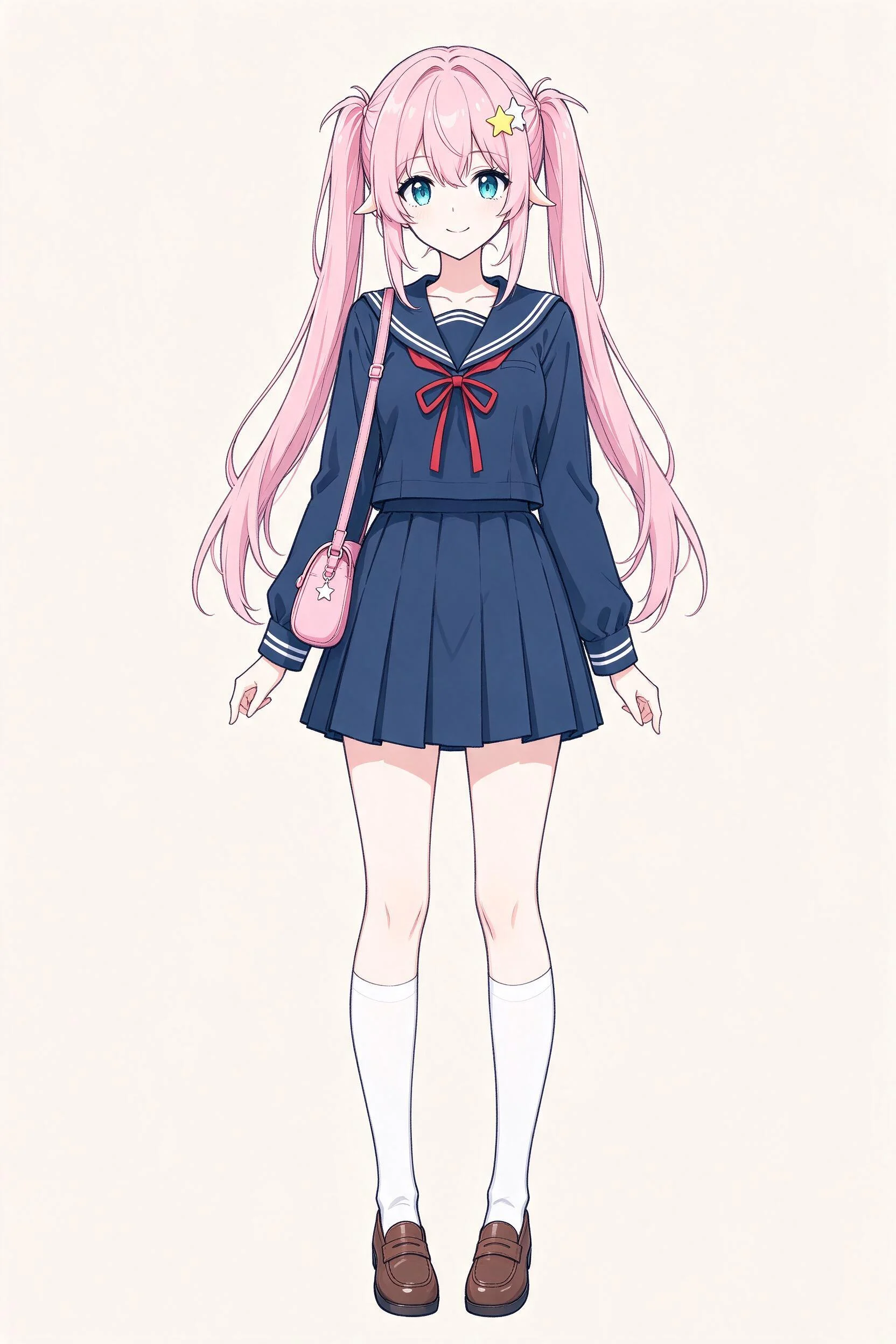
Sample split, free to explore: Anime standing character

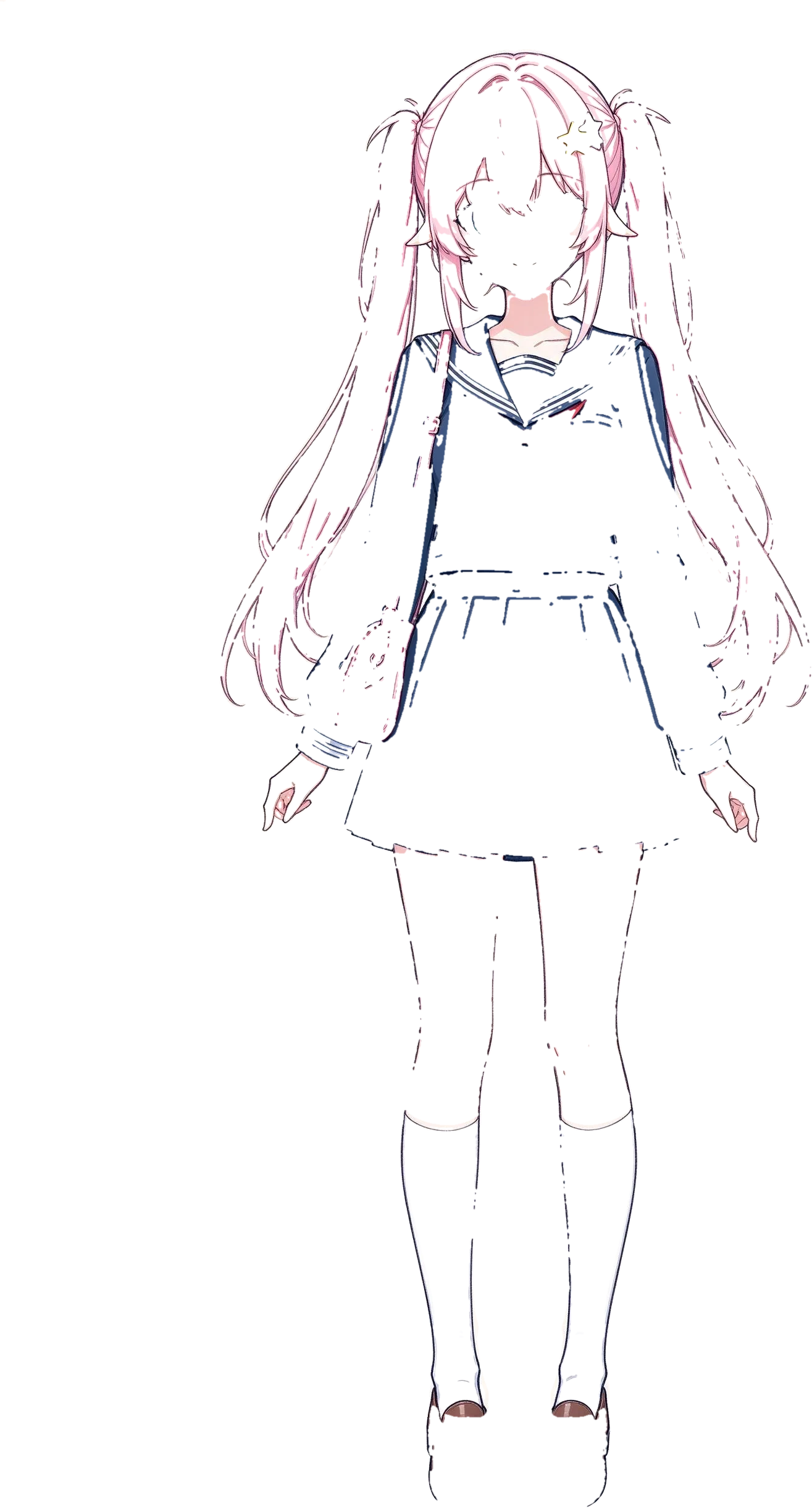
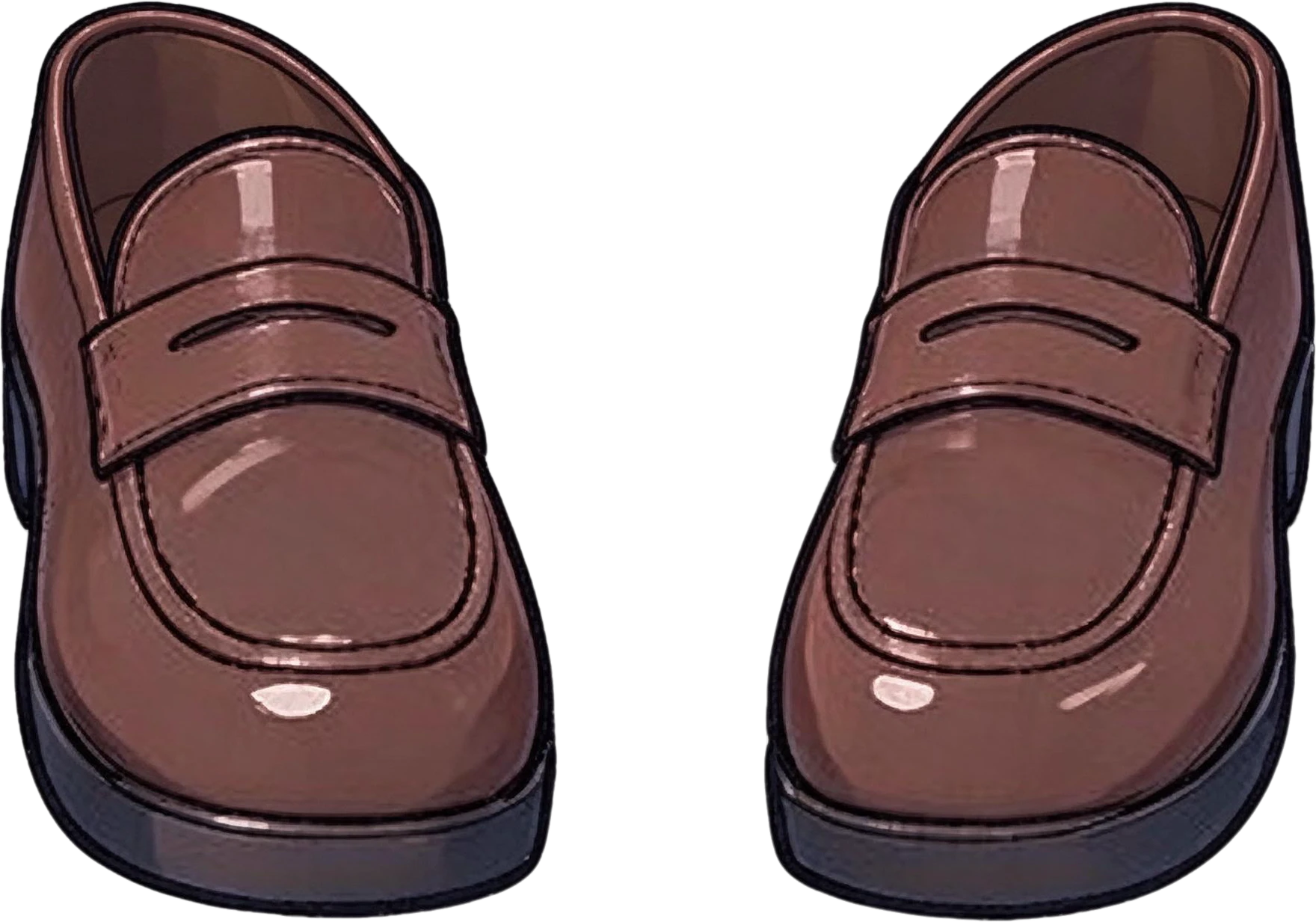
Asked for: “front hair with bangs, twin-tail hair, face, star hair clip, sailor uniform top, red ribbon, pleated skirt, crossbody bag, knee socks, legs, loafer shoes”

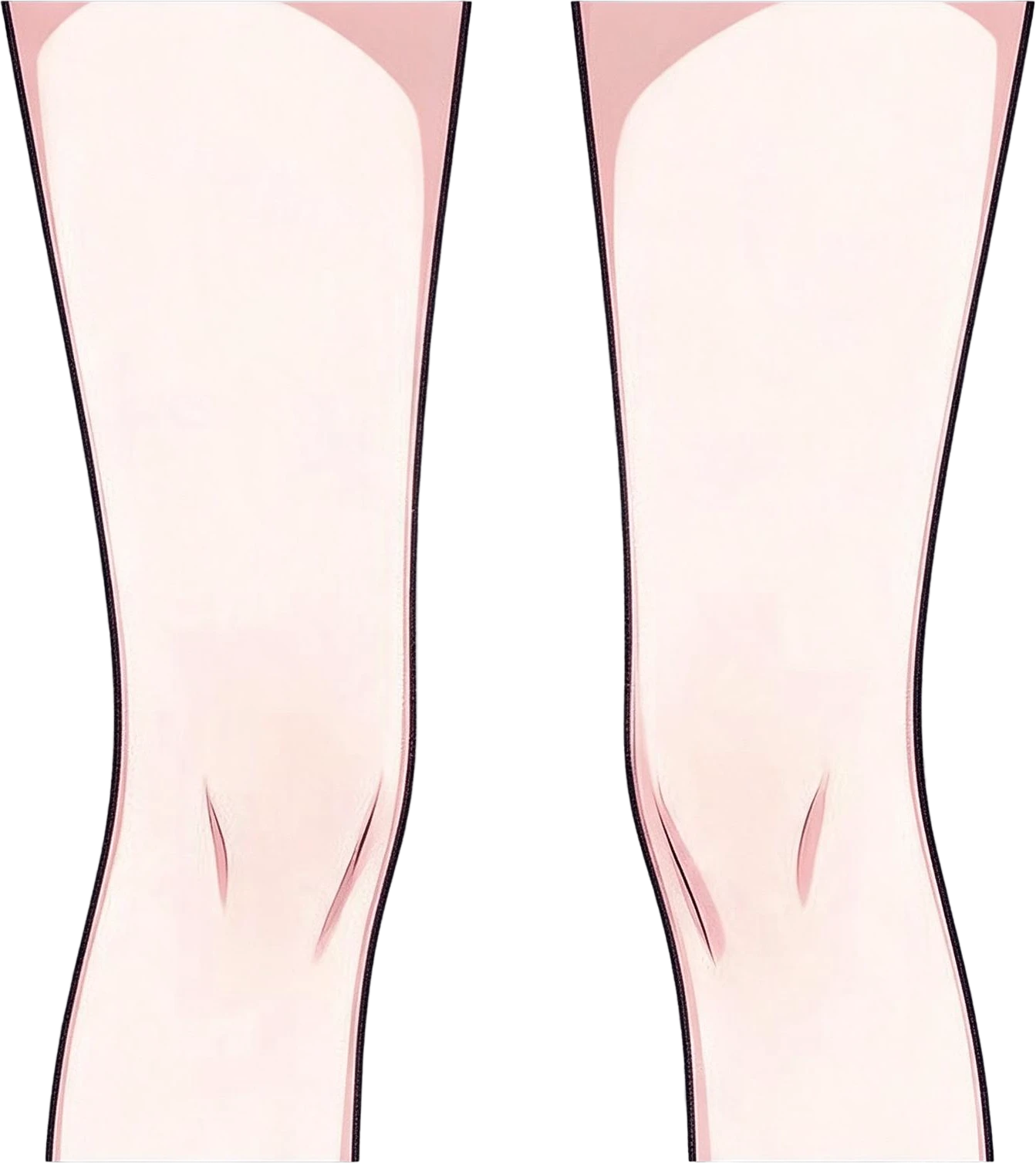
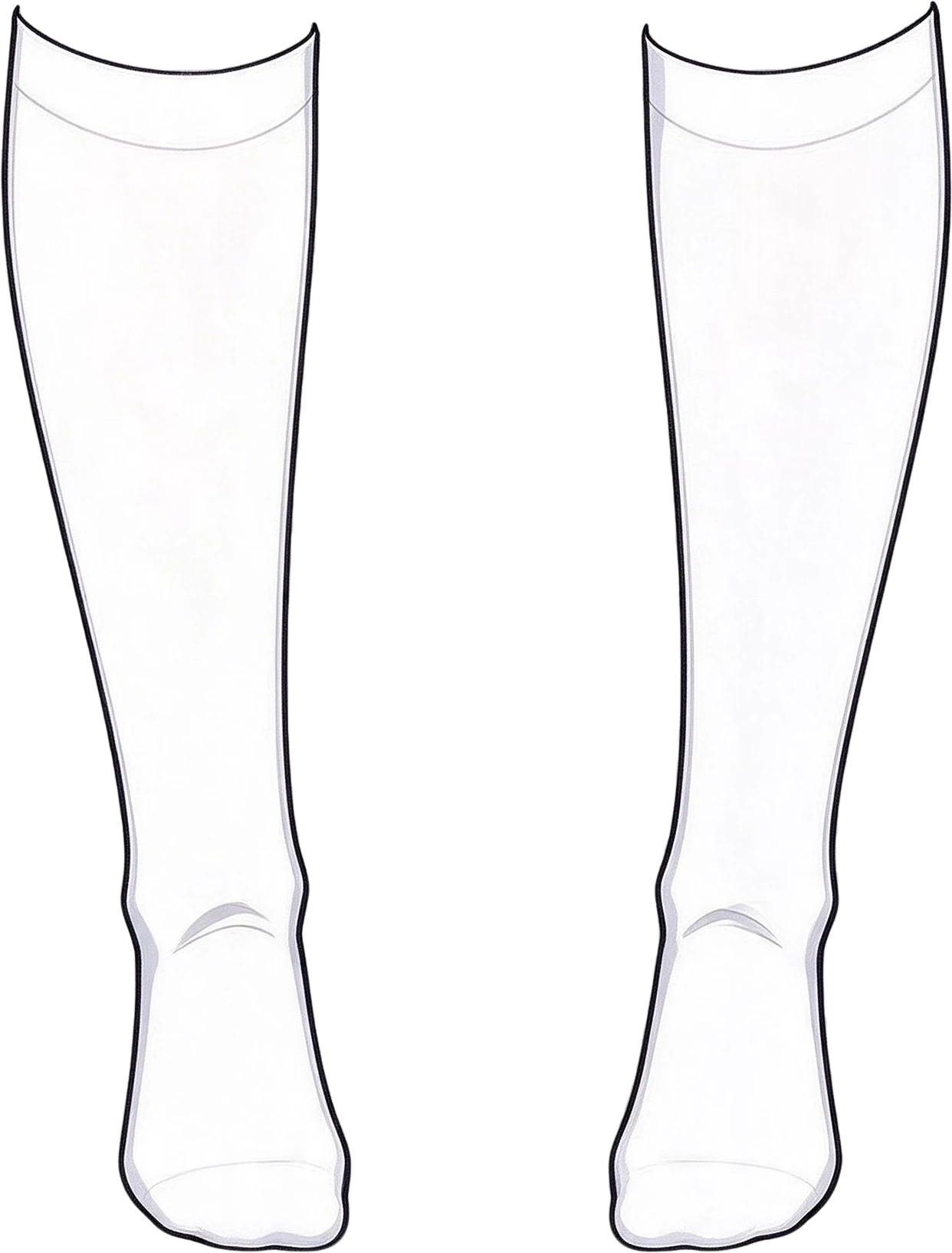
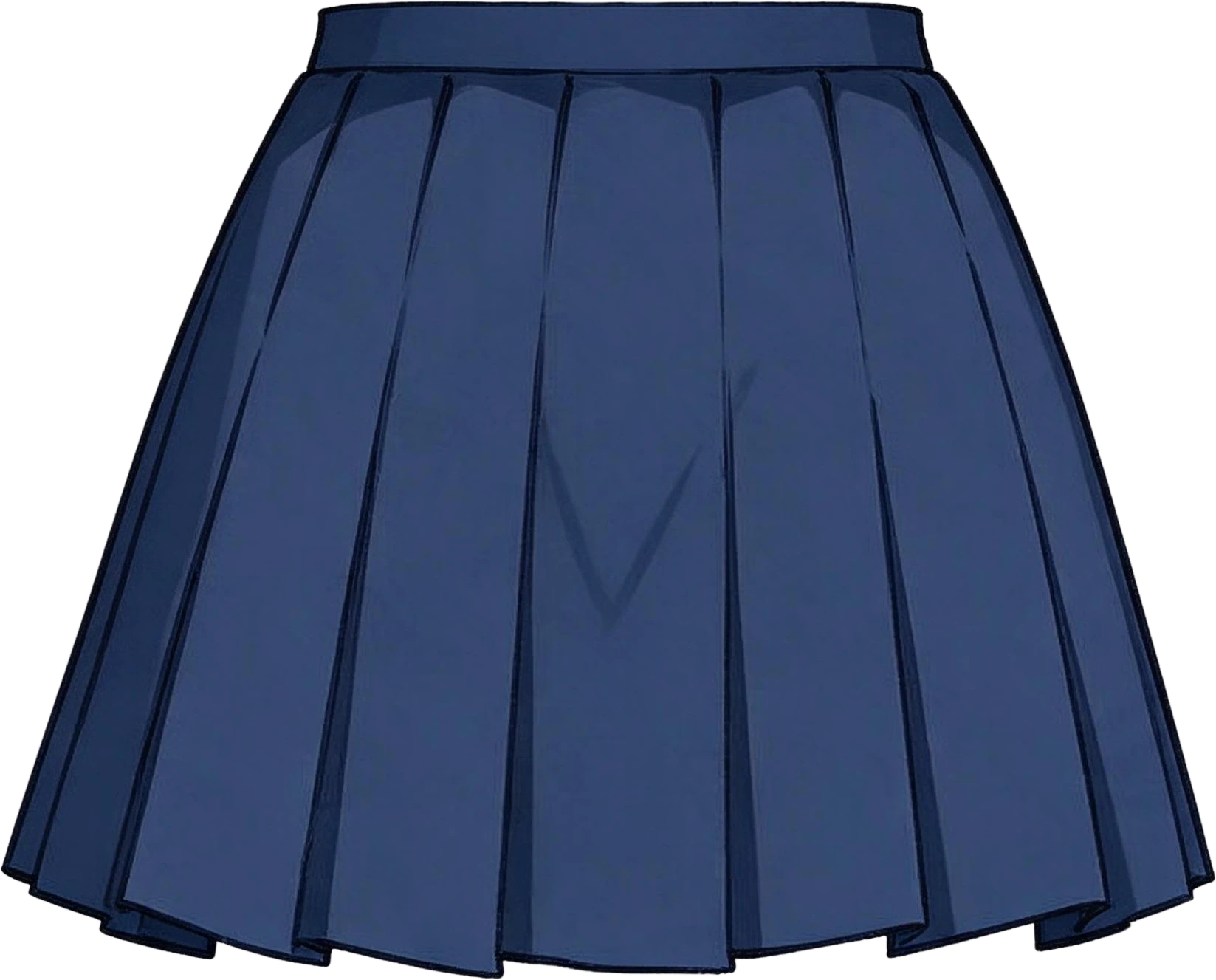
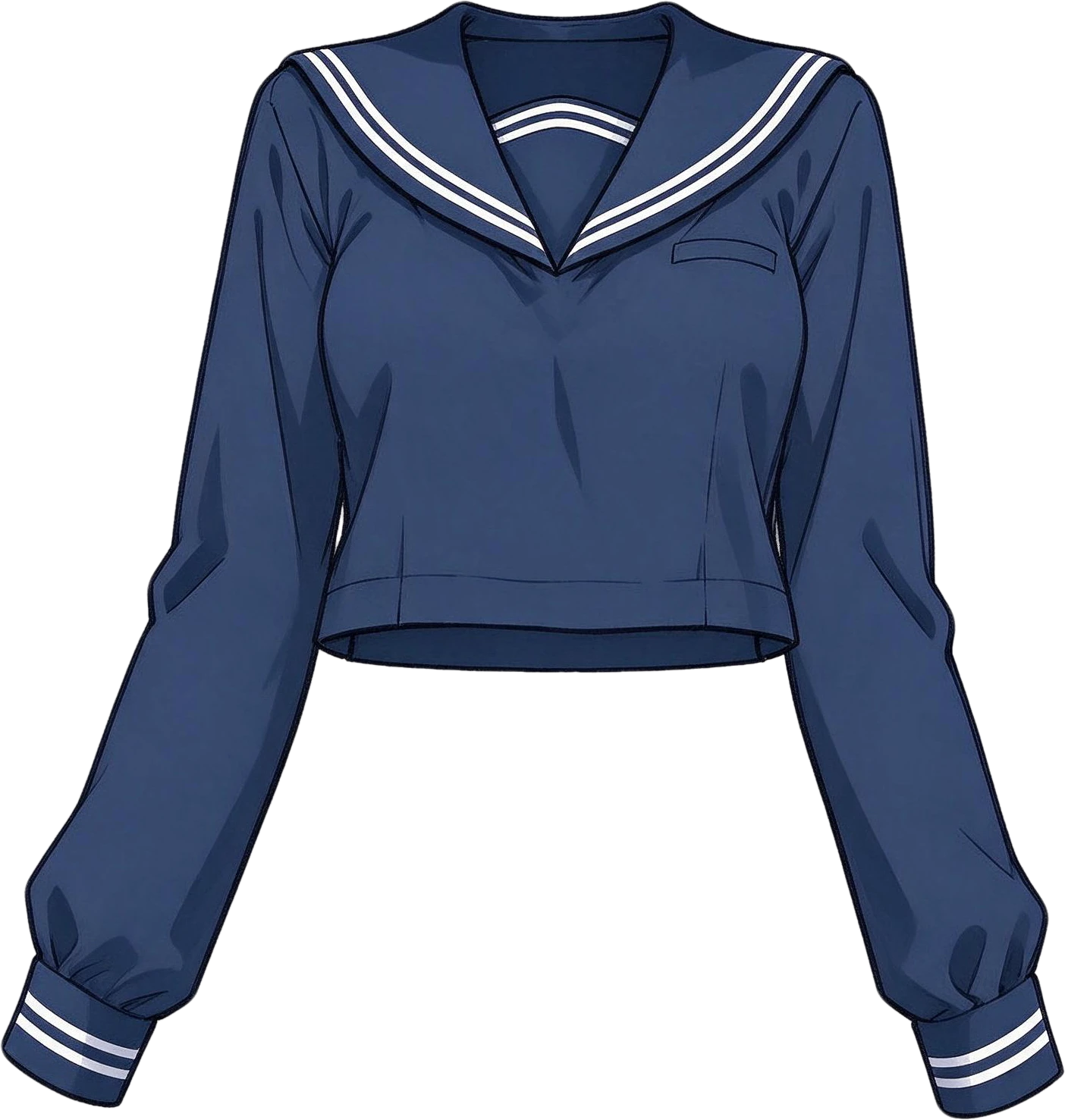
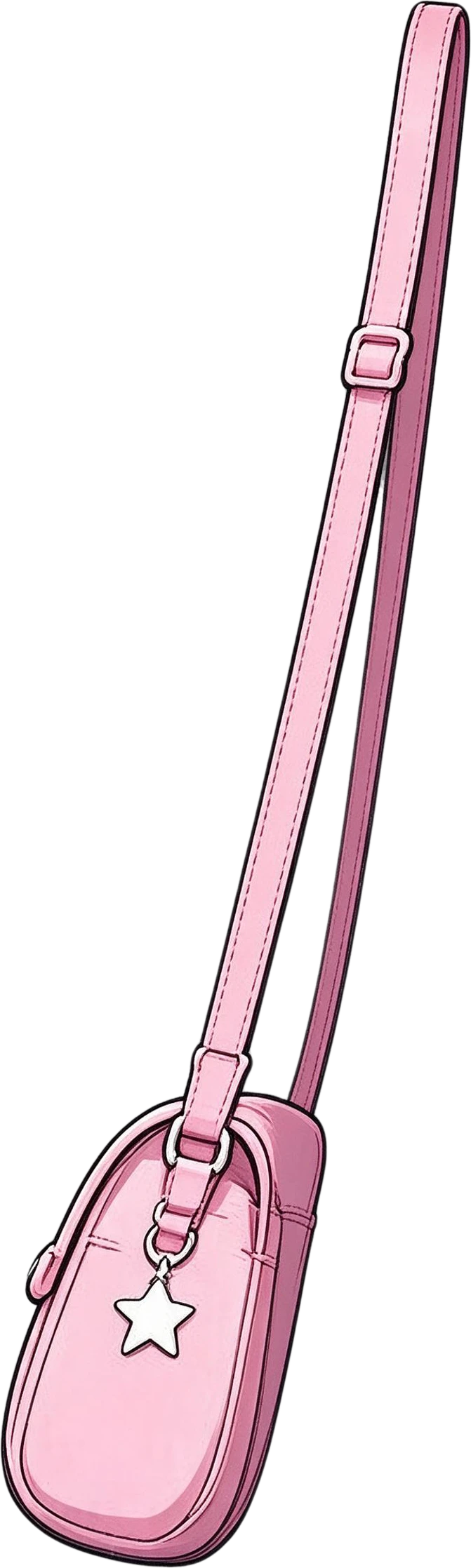
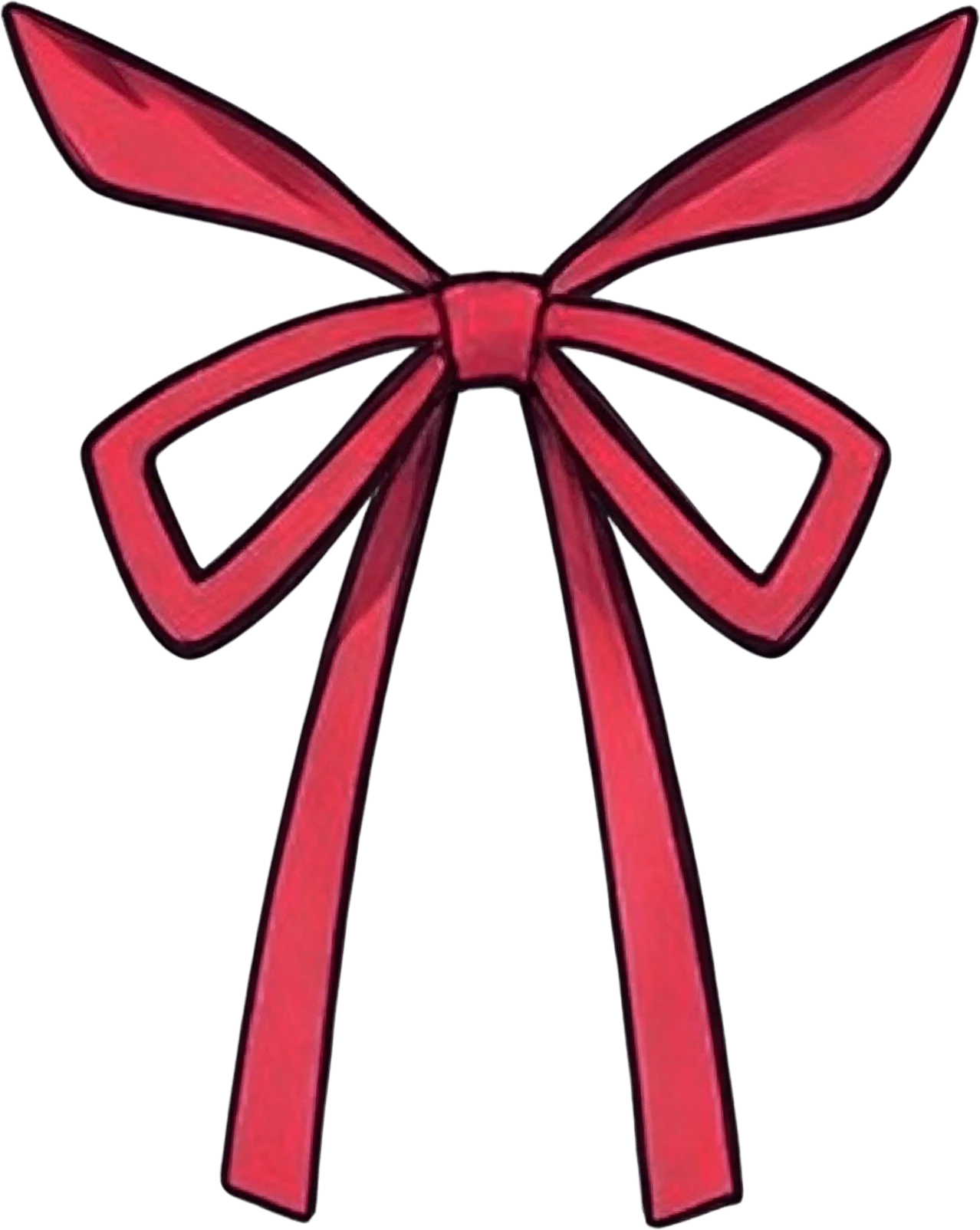
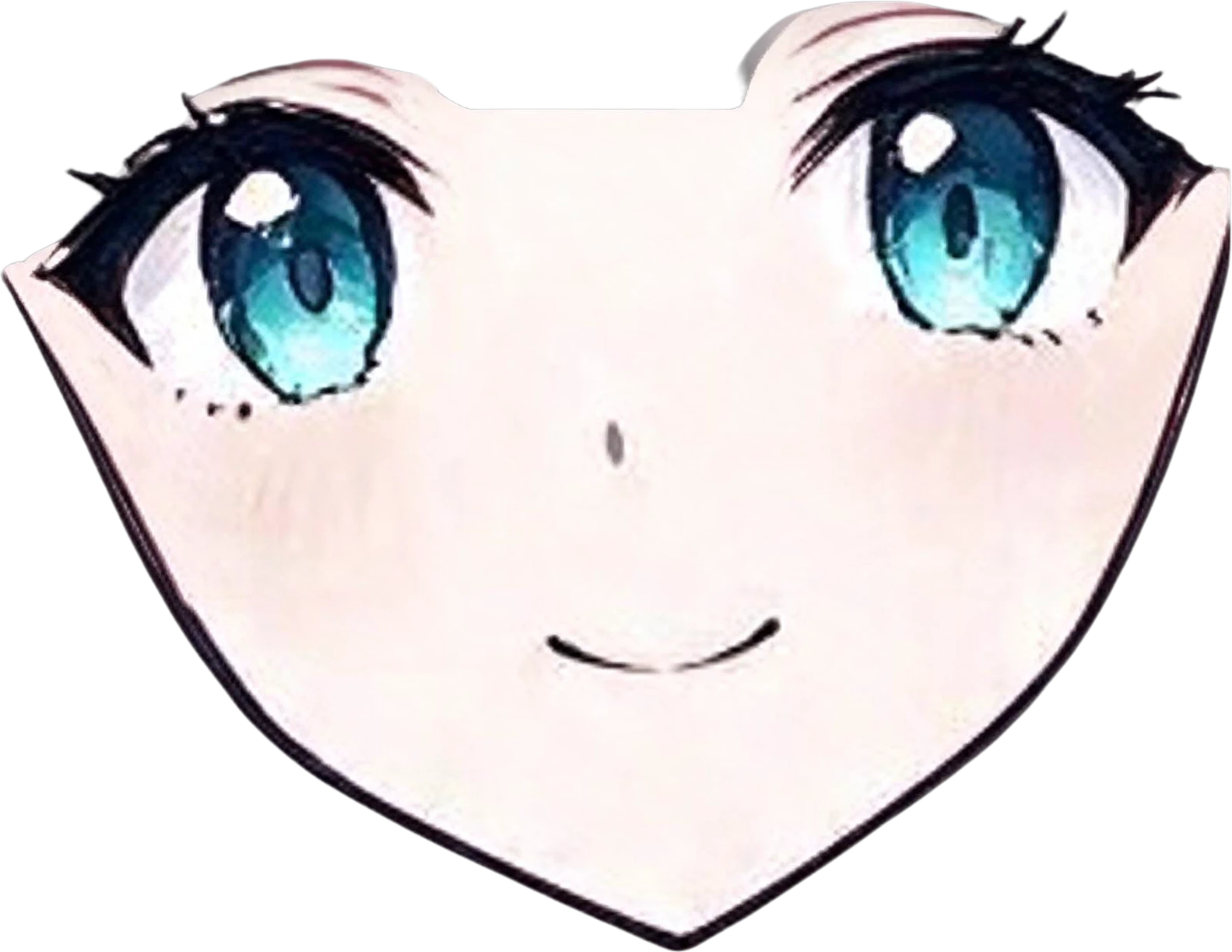
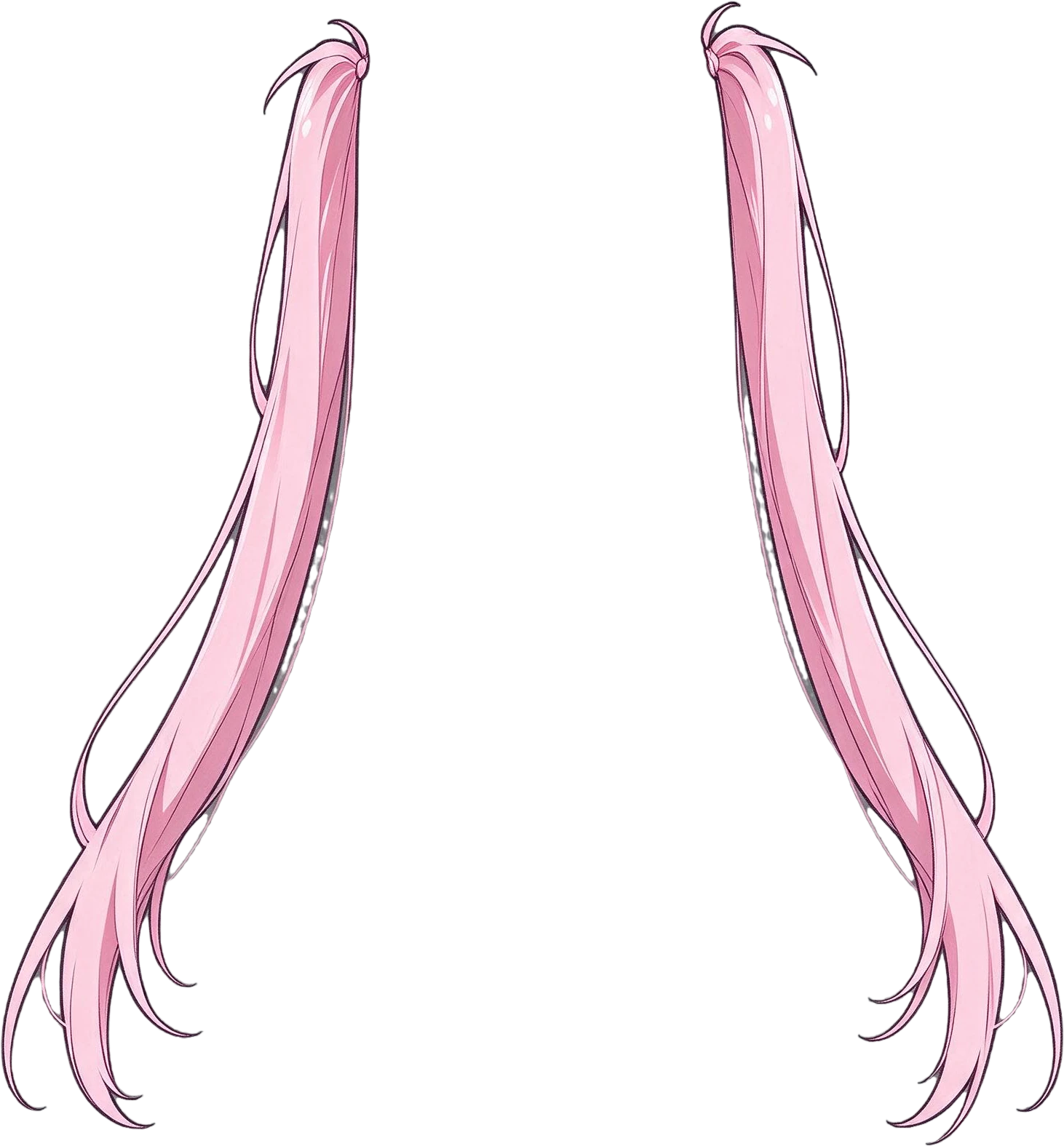
Anime standing character — background with every element removedLoafer shoesLegsKnee socksPleated skirtSailor uniform topCrossbody bagRed ribbonFaceTwin-tail hairFront hair with bangsStar hair clipNeck, hands and ankles (not separated)

13 layers

Split in 84s

  • Background (filled)

Real splits, not mockups

Every example on this page is a real result: the original, the filled background and each named layer, exactly as the tool returned them.

Anime standing character, a real split: the flat image and the 13 named layers it became.

Anime standing character

13 layers in 84 s · Instruction: “front hair with bangs, twin-tail hair, face, star hair clip, sailor uniform top, red ribbon, pleated skirt, crossbody bag, knee socks, legs, loafer shoes”

Illustration generated with Seedream 5.0 for this demo

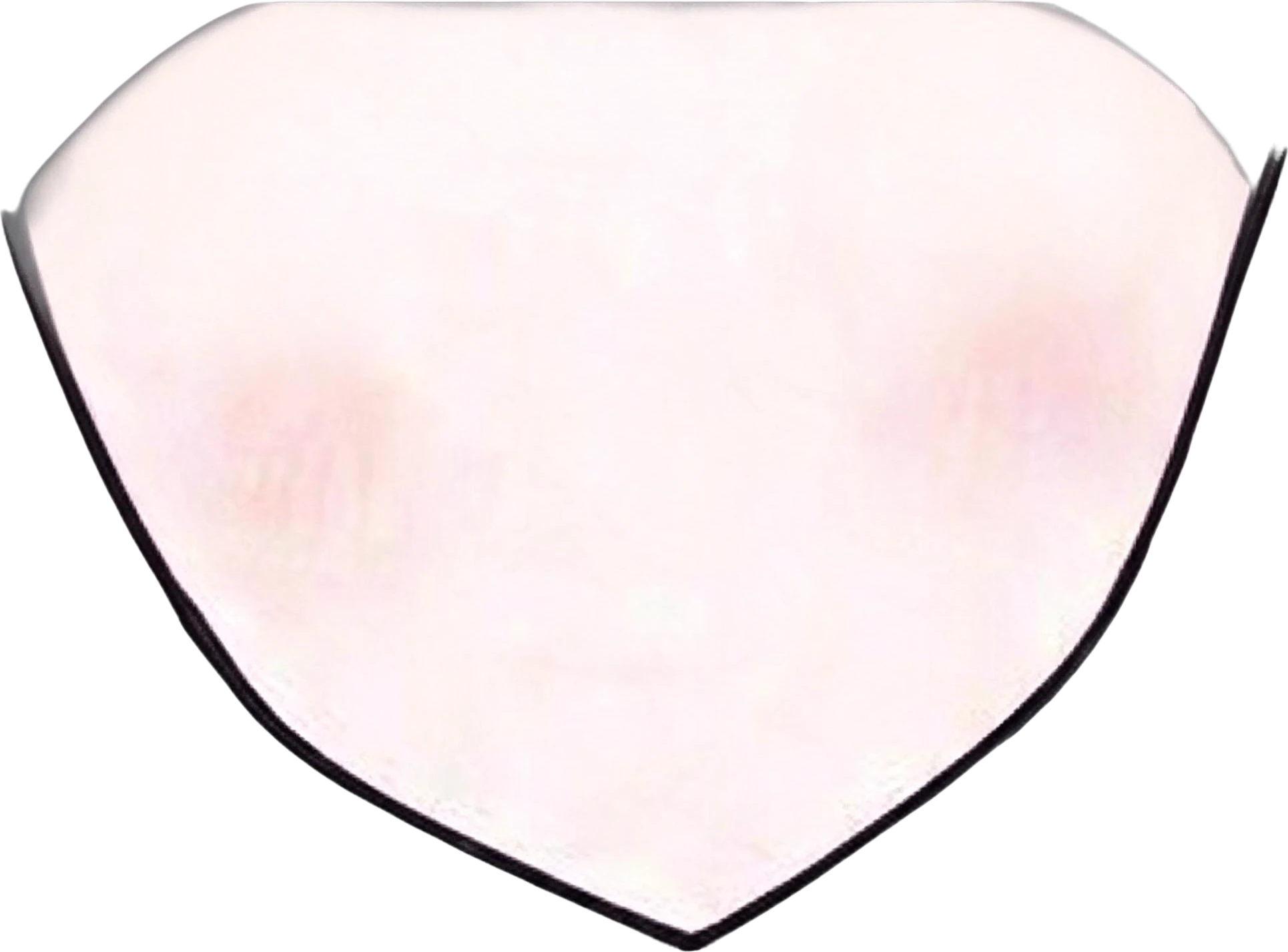
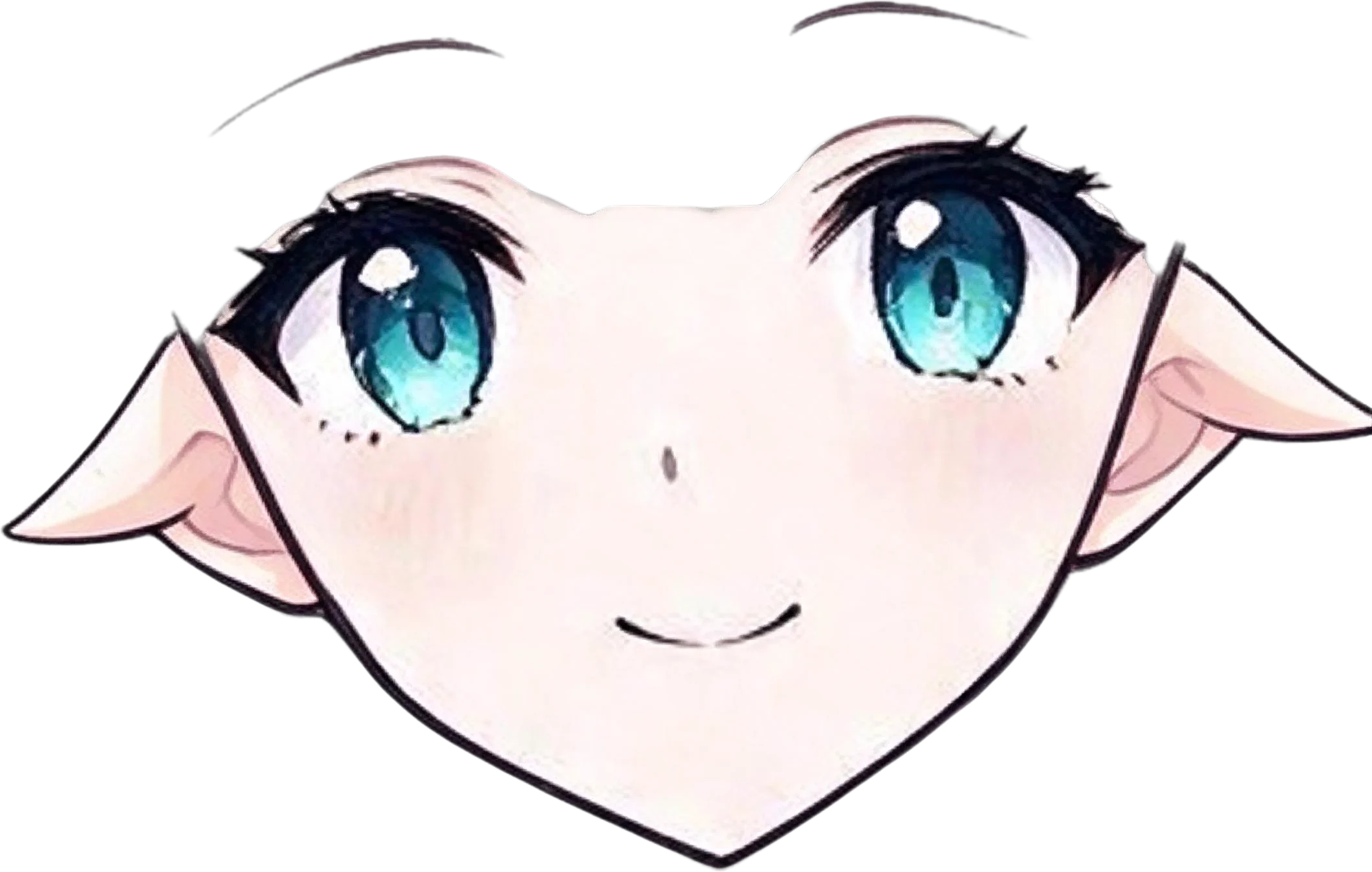
Anime face parts, a real split: the flat image and the 10 named layers it became.

Anime face parts

10 layers in 71 s

Illustration generated with Seedream 5.0 for this demo

Anime room illustration, a real split: the flat image and the 7 named layers it became.

Anime room illustration

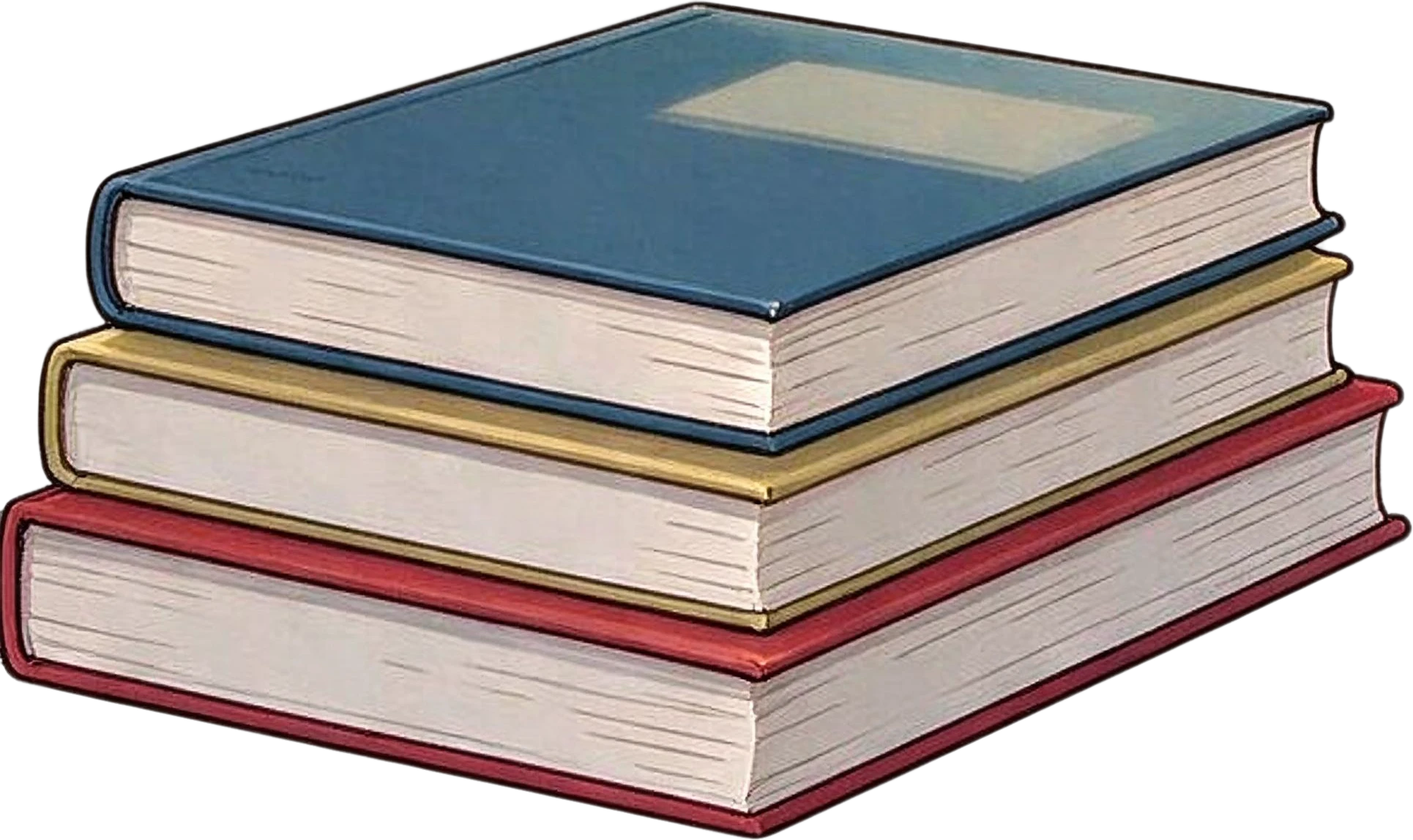
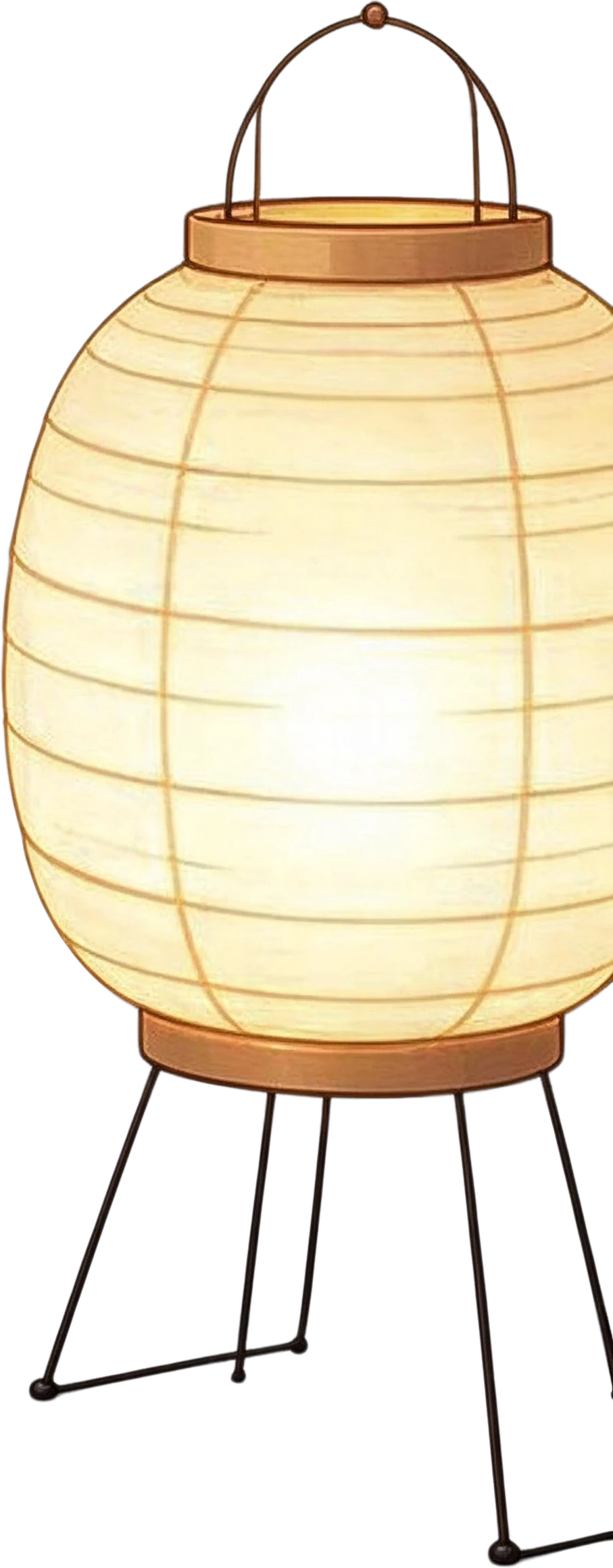
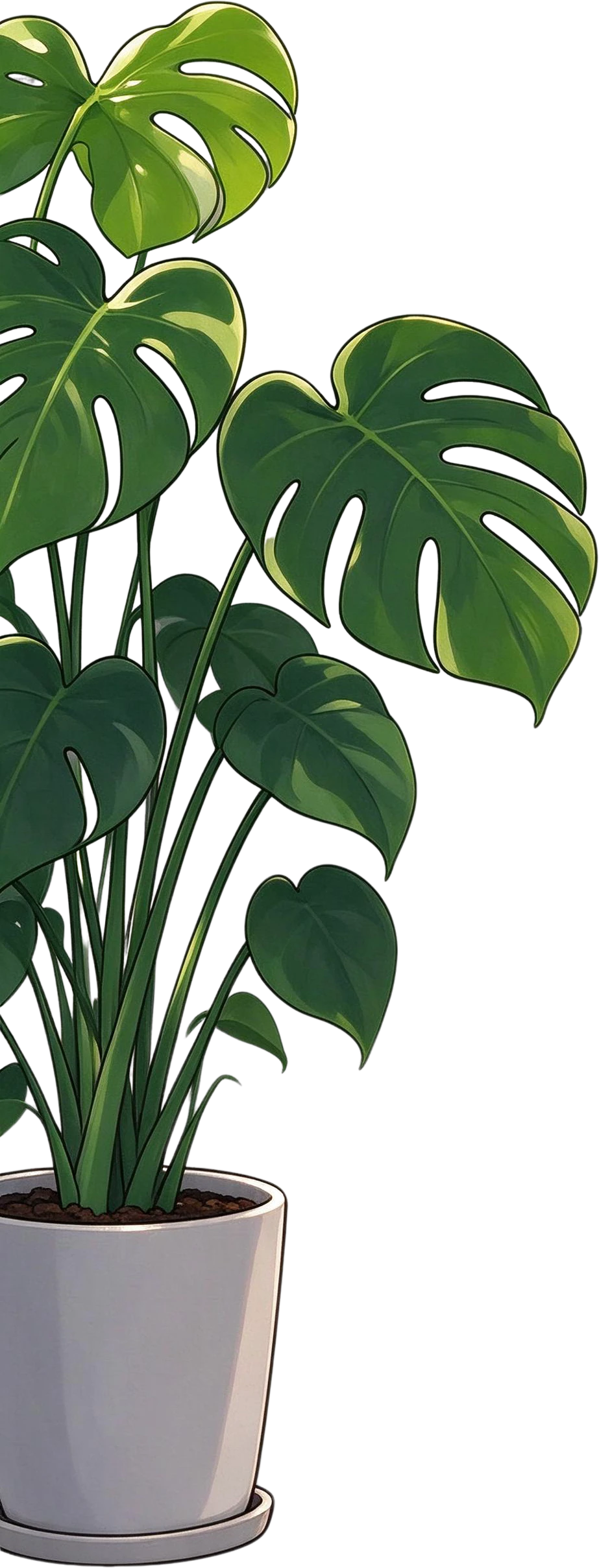
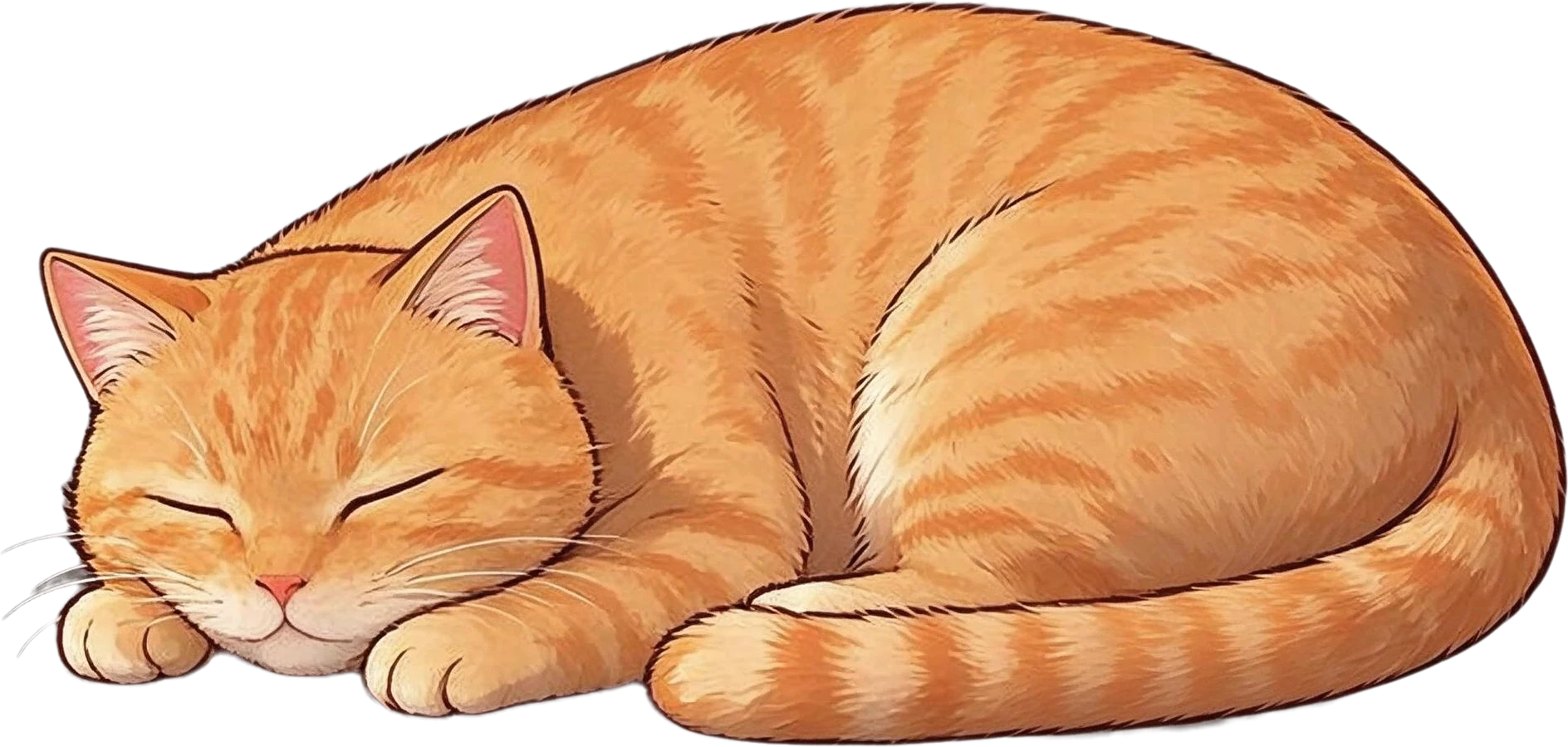
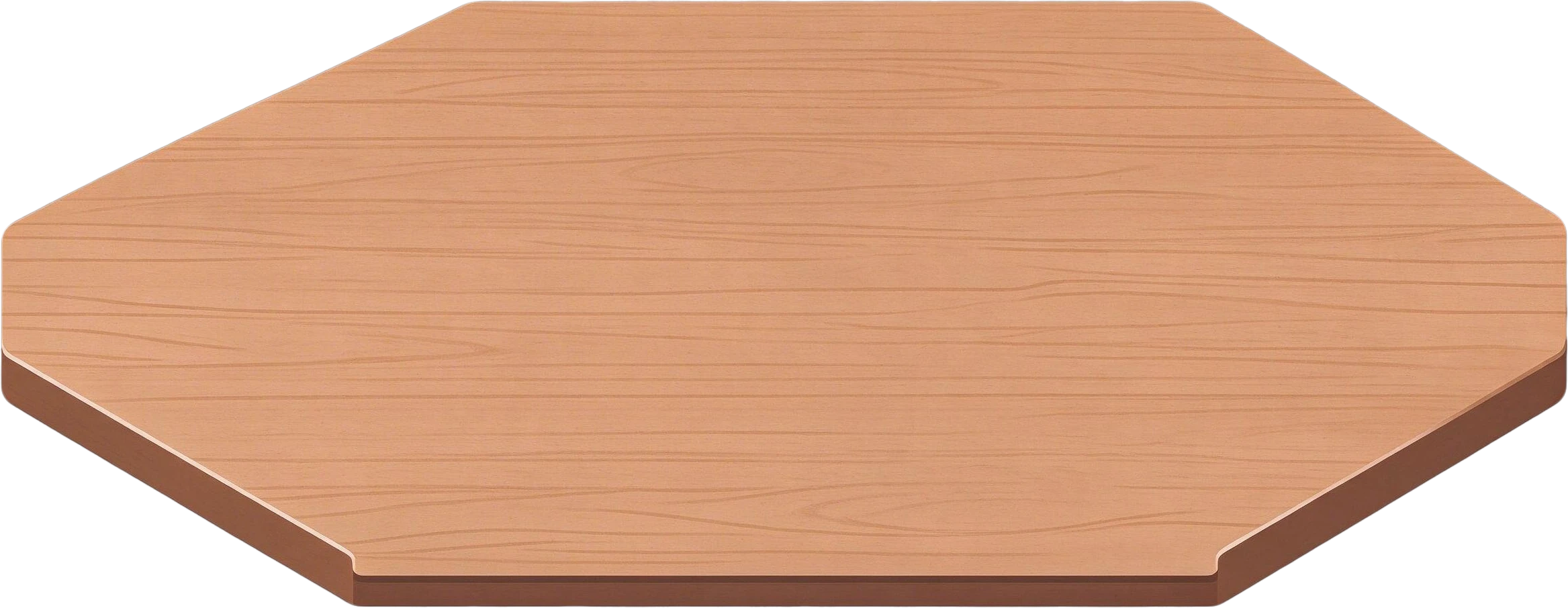
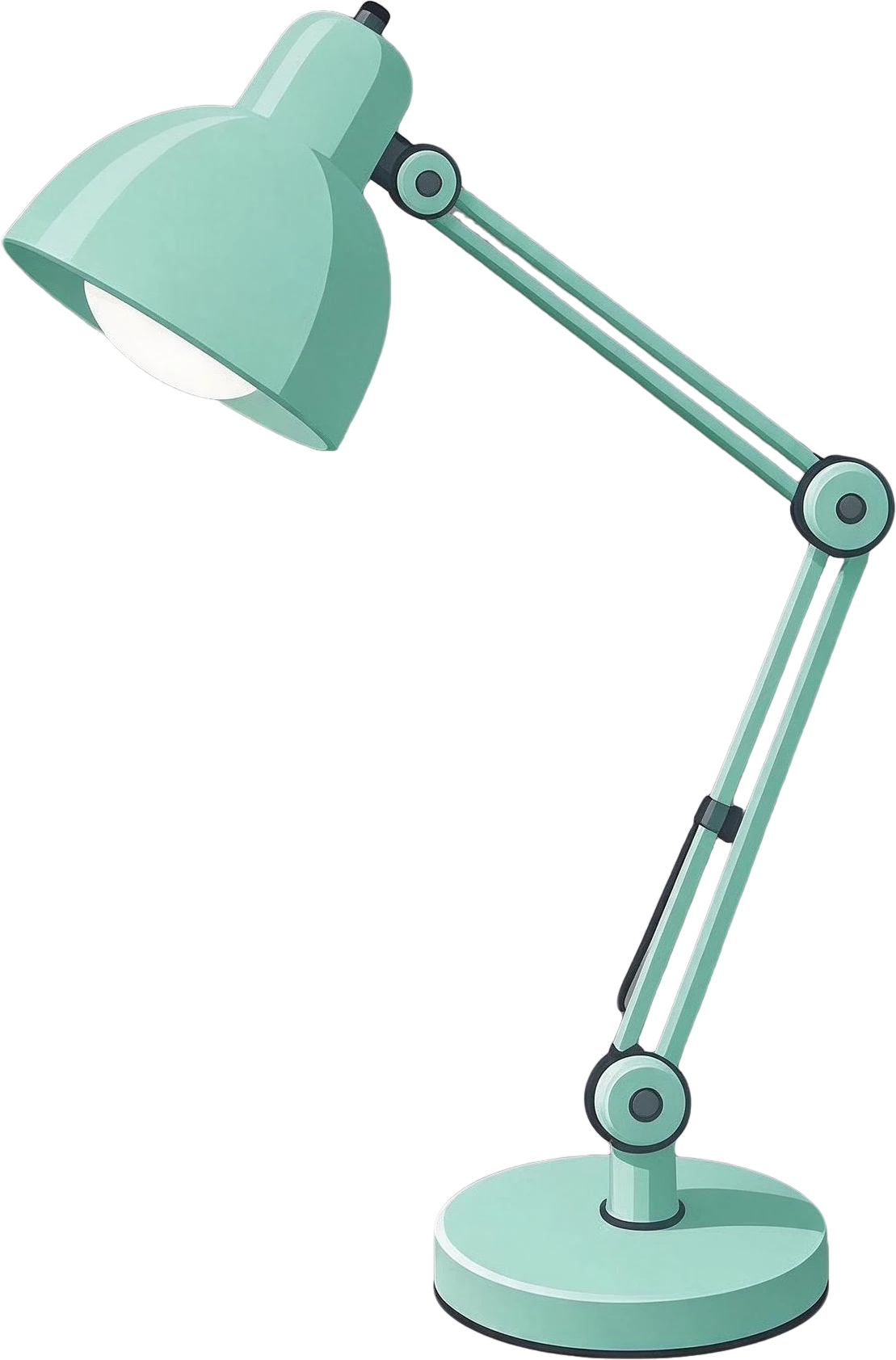
7 layers in 63 s · Instruction: “girl with dark blue hair holding an open book, orange sleeping cat, monstera plant in a white pot, stack of three books, mug of coffee on a wooden tray, paper lantern lamp on a stand”

Illustration generated with Seedream 5.0 for this demo

AI-generated desk illustration, a real split: the flat image and the 10 named layers it became.

AI-generated desk illustration

10 layers in 100 s

Illustration generated with Seedream 5.0

Coffee shop poster, a real split: the flat image and the 11 named layers it became.

Coffee shop poster

11 layers in 100 s

Poster generated with gpt-image-2 for this demo

Headphones product banner, a real split: the flat image and the 8 named layers it became.

Headphones product banner

8 layers in 66 s

Banner generated with gpt-image-2 for this demo

How to use it

  1. 1

    Upload the image

    A character, illustration, poster, product shot or AI image as PNG, JPG or WebP, up to 20 MB.

  2. 2

    Say which parts you want

    Leave "What to focus on" empty to split every element, or list the parts, for example "front hair, twin-tail hair, face, ribbon, skirt, shoes".

  3. 3

    Split

    Each part comes back as a named transparent layer over a filled background, in 60–100 seconds. Split a layer again to go finer, such as a face into eyes, brows and mouth.

  4. 4

    Export

    Copy one layer into Figma, Photoshop or Canva, download PNGs, a ZIP of every layer, or a layered PSD for Photoshop, Live2D prep or animation.

LlamaGen AI Layer Splitter alternative

The same job, on any flat image

LlamaGen AI Layer Splitter is the layer separation tool on LlamaGen, an AI comic platform: it splits characters, mascots and game art into parts. LayerGrab is an alternative that does the same job on any flat image, from anime characters to posters, names every layer it returns, splits only the parts you describe, and fills the background behind them.

It works on the images LlamaGen’s splitter is built for, characters and game art, and on the ones its page advises against, such as crowded scenes and dense photo backgrounds, as well as posters and banners. If you are new to the idea, start with image to layers.
Try it on your own image
Anime standing character — before splitting
Anime face parts — before splitting

Characters into parts for rigging and animation

List the parts and each comes back as its own named layer: front hair, twin tails, face, ribbon, top, skirt, bag, socks and shoes from one standing illustration.

Where one part covers another, the hidden area is completed as far as the model can infer it, and the background is filled, so a part can move without leaving a hole. Export a layered PSD to start Live2D or Spine prep.

Anime standing character — the flat original
Front hair with bangs — separated layerTwin-tail hair — separated layerFace — separated layerSailor uniform top — separated layerPleated skirt — separated layerCrossbody bag — separated layer

A second pass for the face

Split the face layer again and it separates into eyes, eyebrows, ears, nose and mouth, with the eyes, brows and ears named left and right, ready for blinking and lip-sync.

Anime face parts — original

10 layers

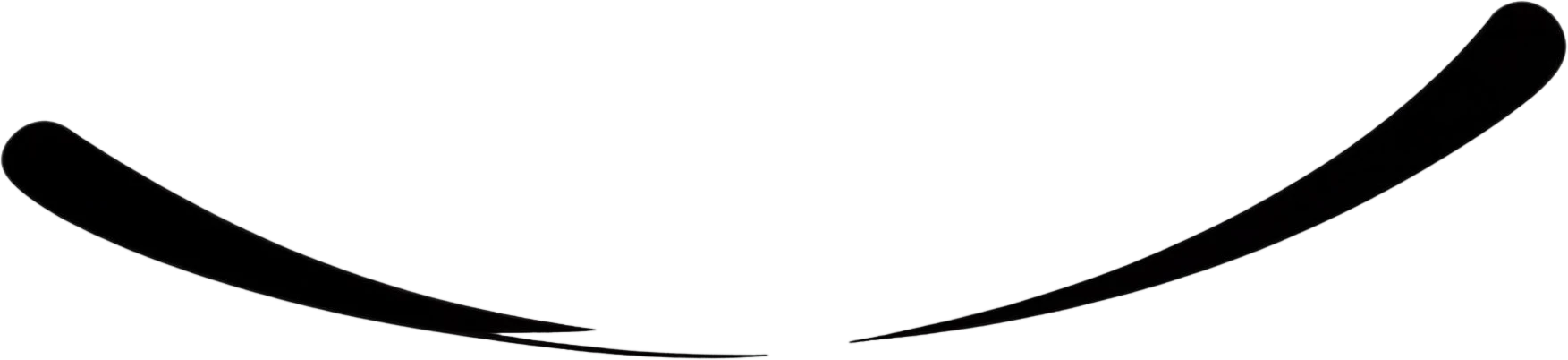
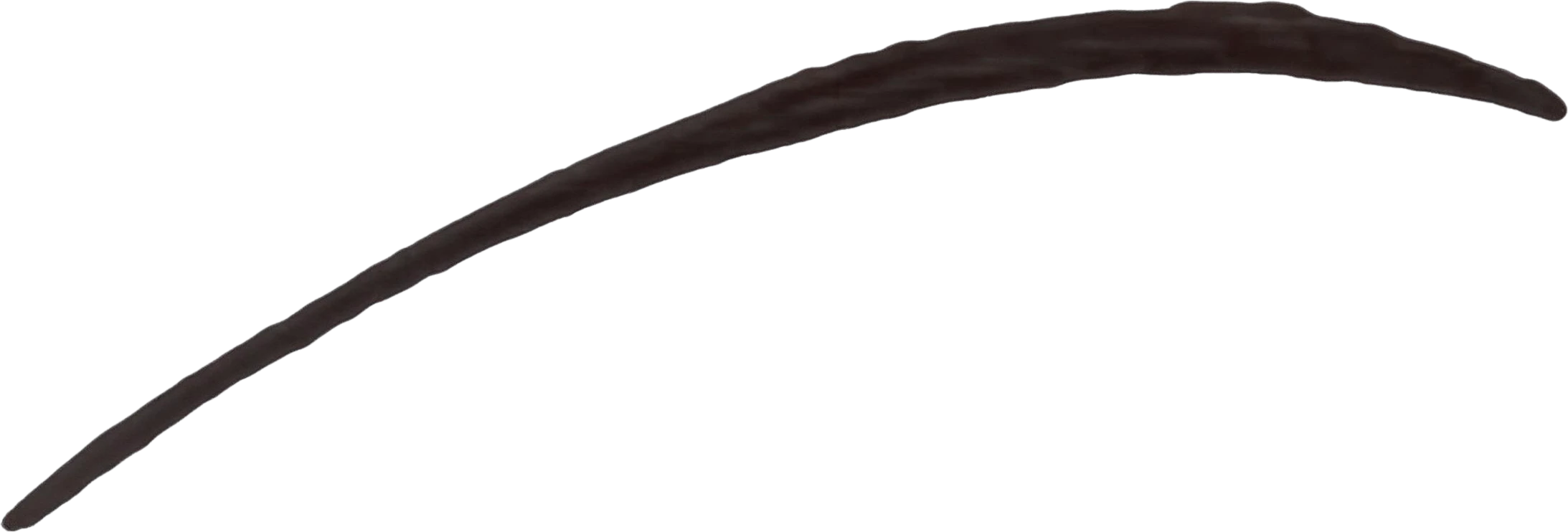
  • Right Eyebrow — separated layerRight Eyebrow
  • Left Eyebrow — separated layerLeft Eyebrow
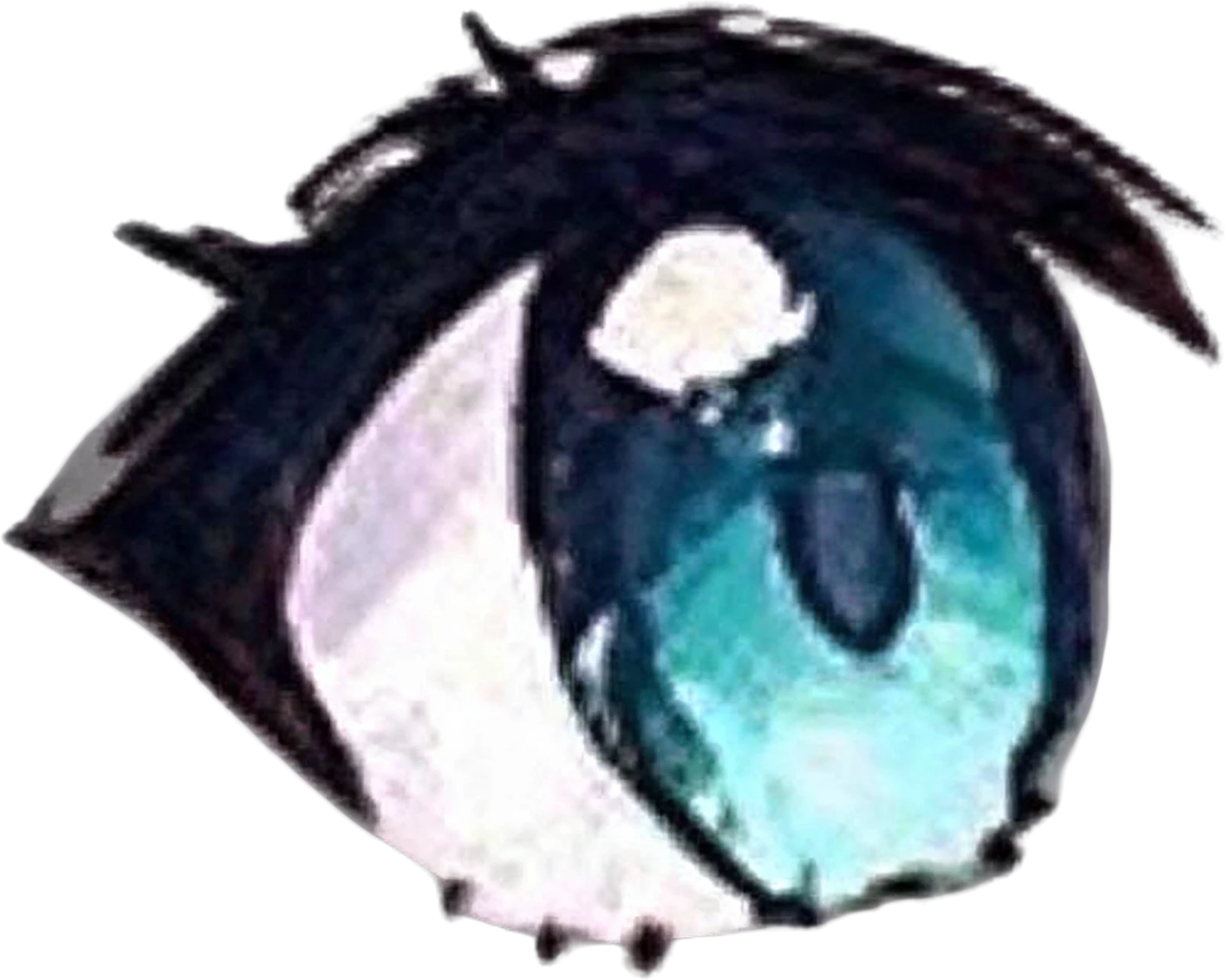
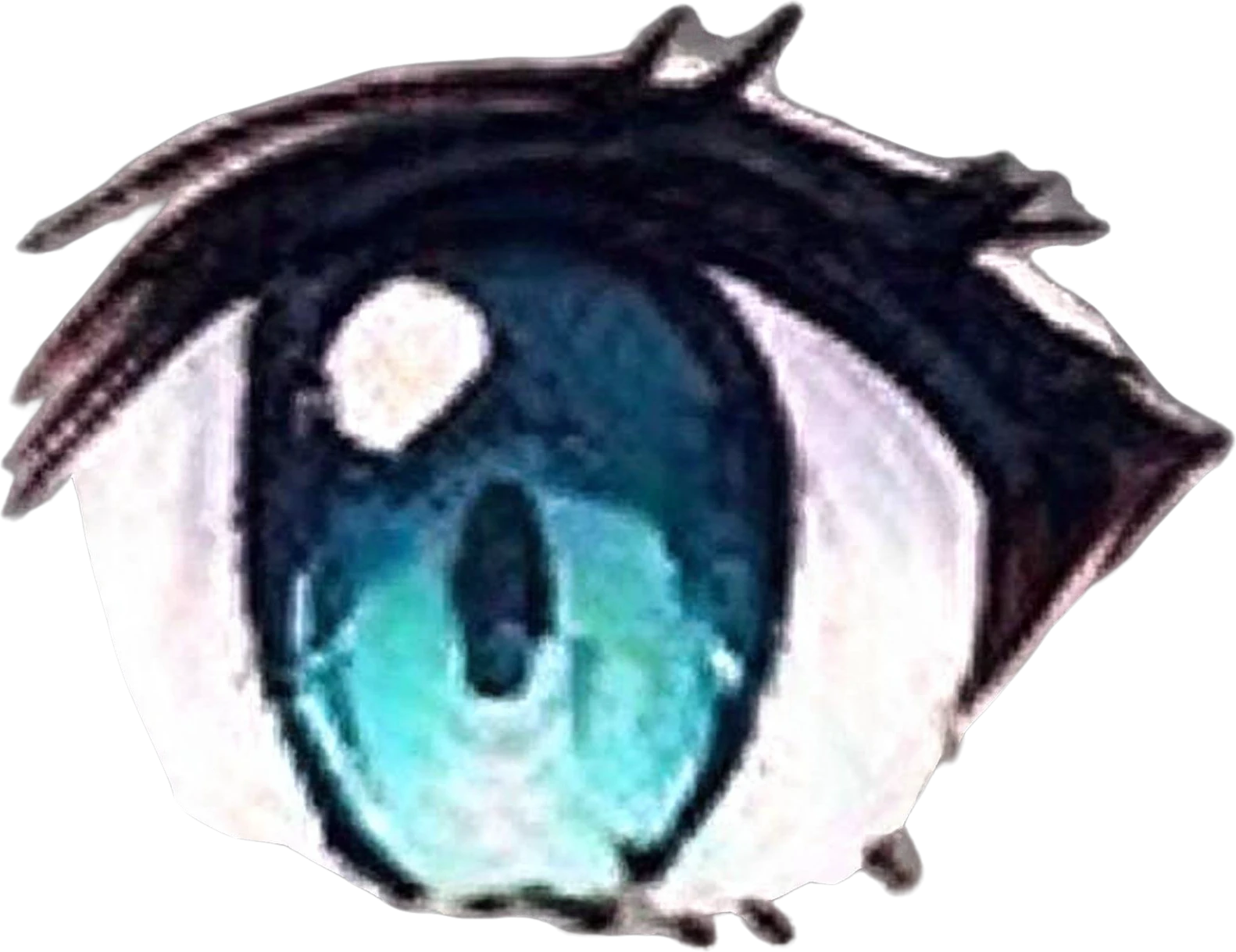
  • Right Teal Anime Eye — separated layerRight Teal Anime Eye
  • Left Teal Anime Eye — separated layerLeft Teal Anime Eye
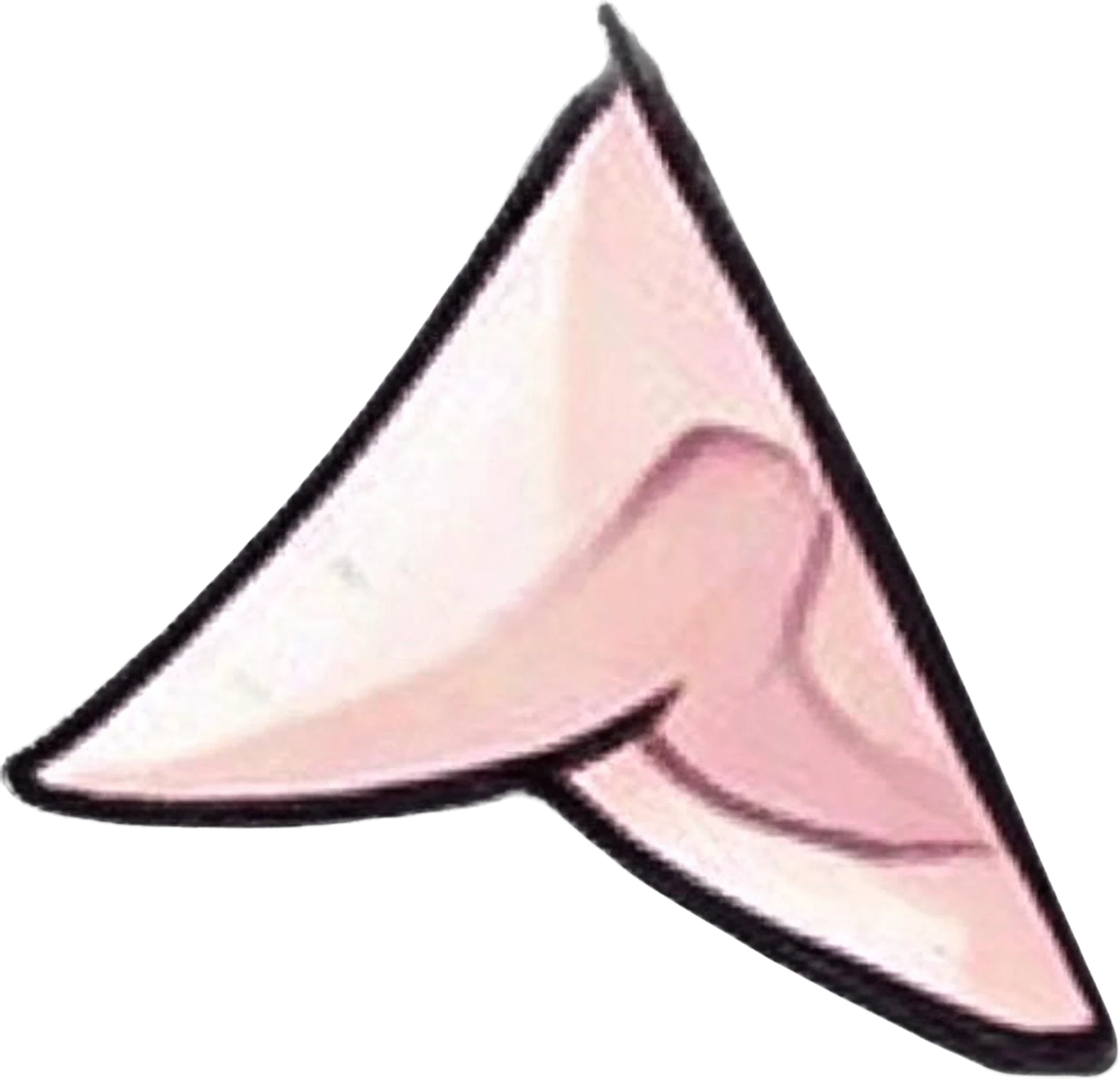
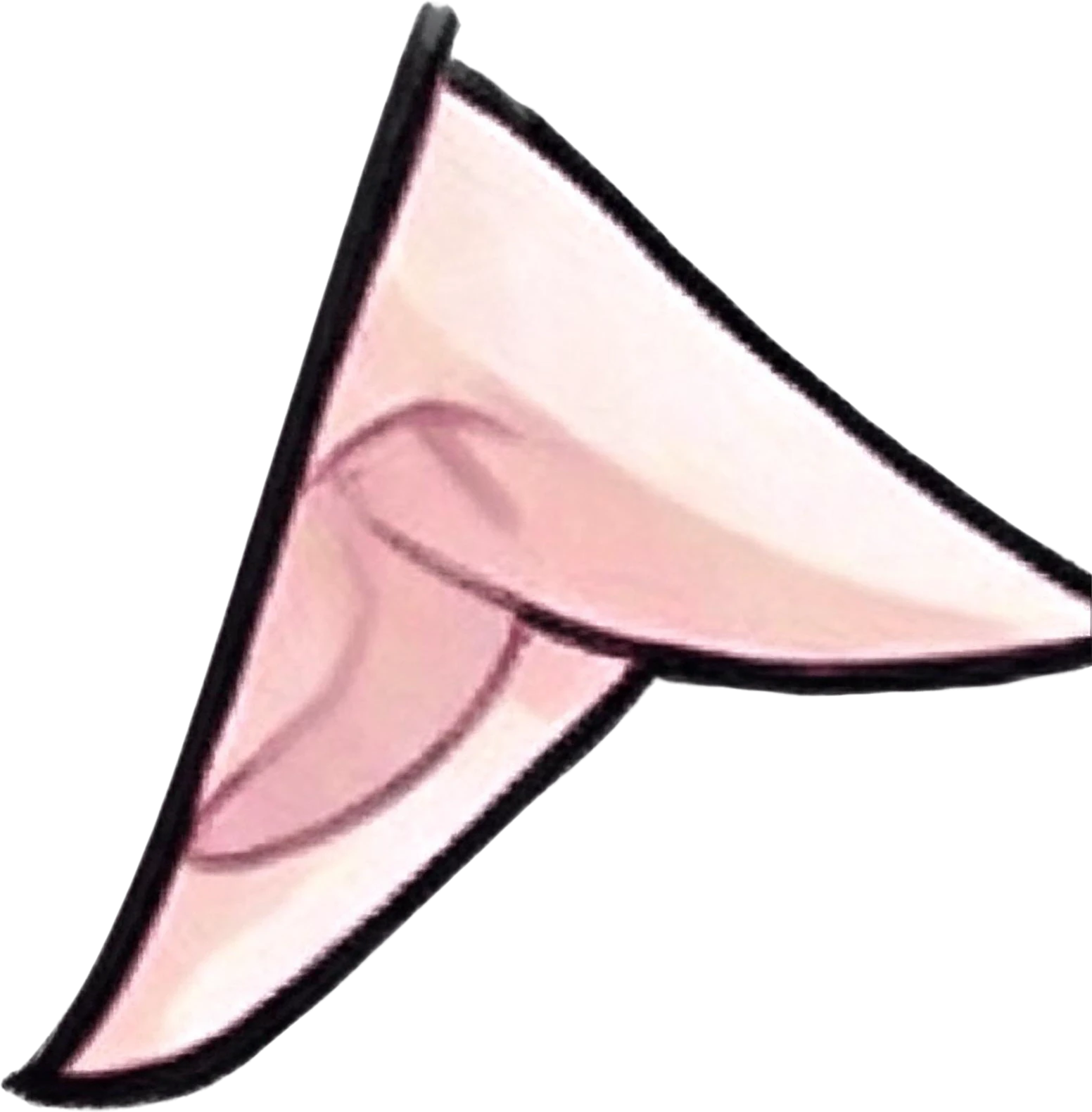
  • Right Pointed Elf Ear — separated layerRight Pointed Elf Ear
  • Left Pointed Elf Ear — separated layerLeft Pointed Elf Ear
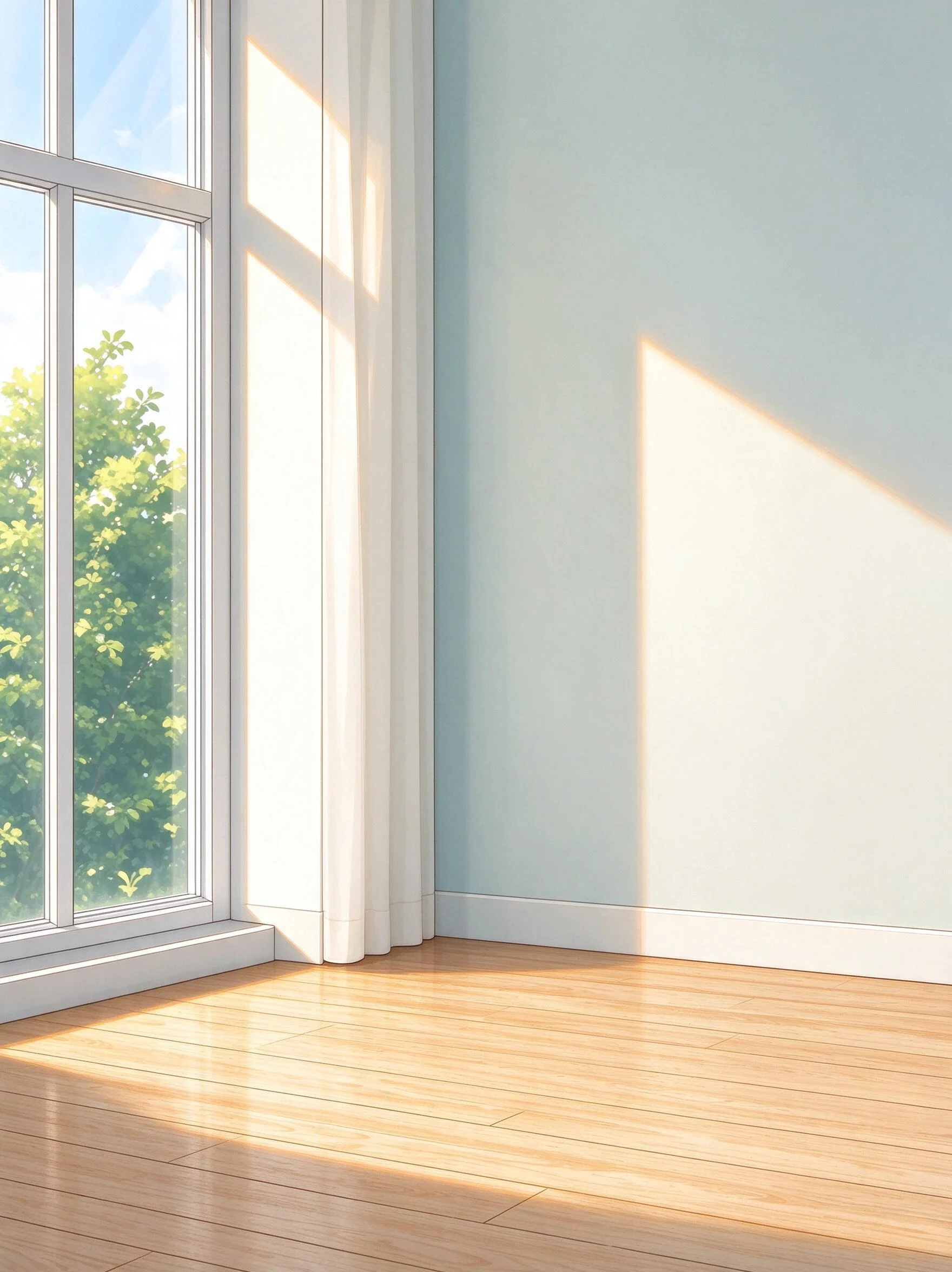
  • Background (filled)

Comic panels and illustrated scenes

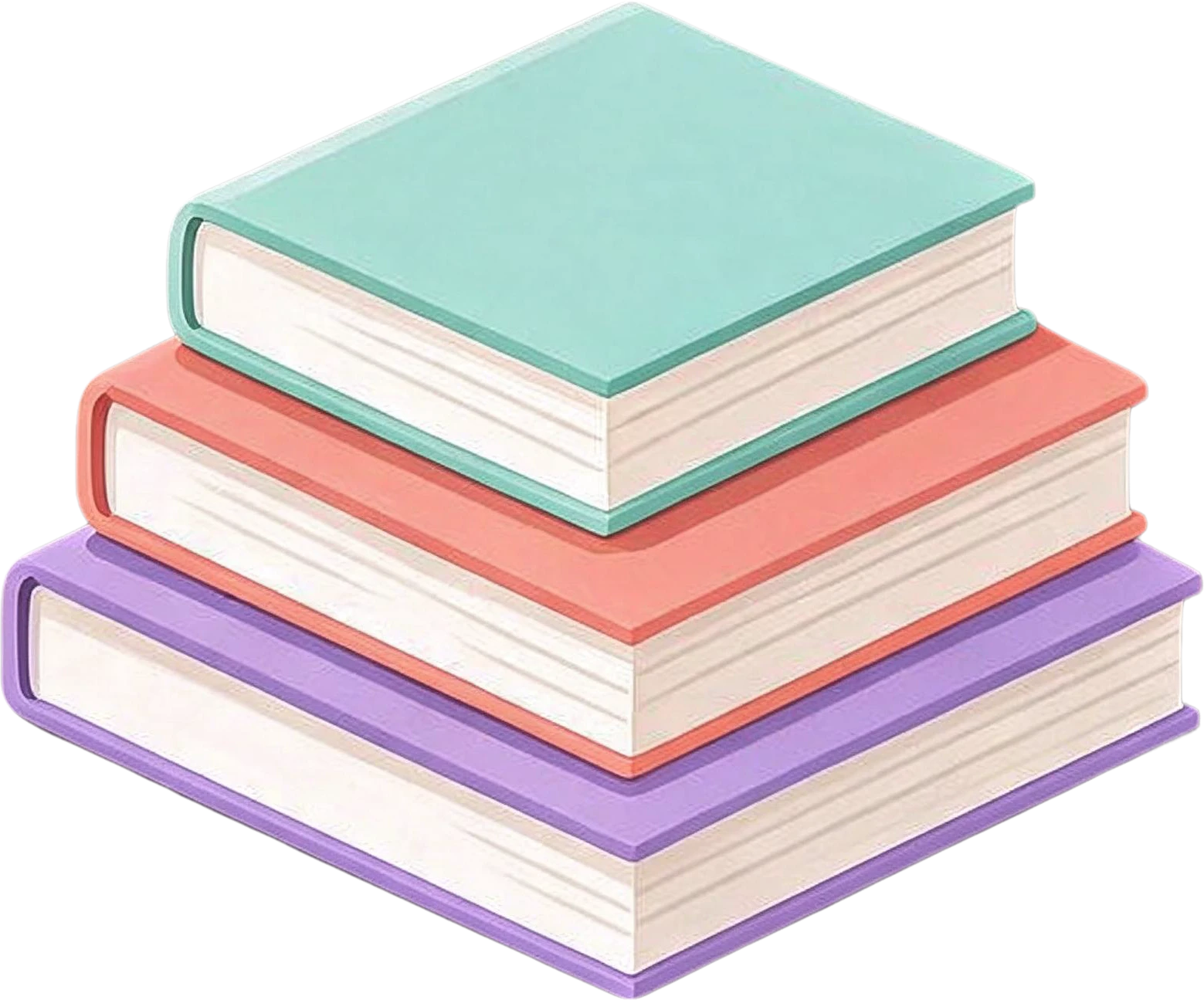
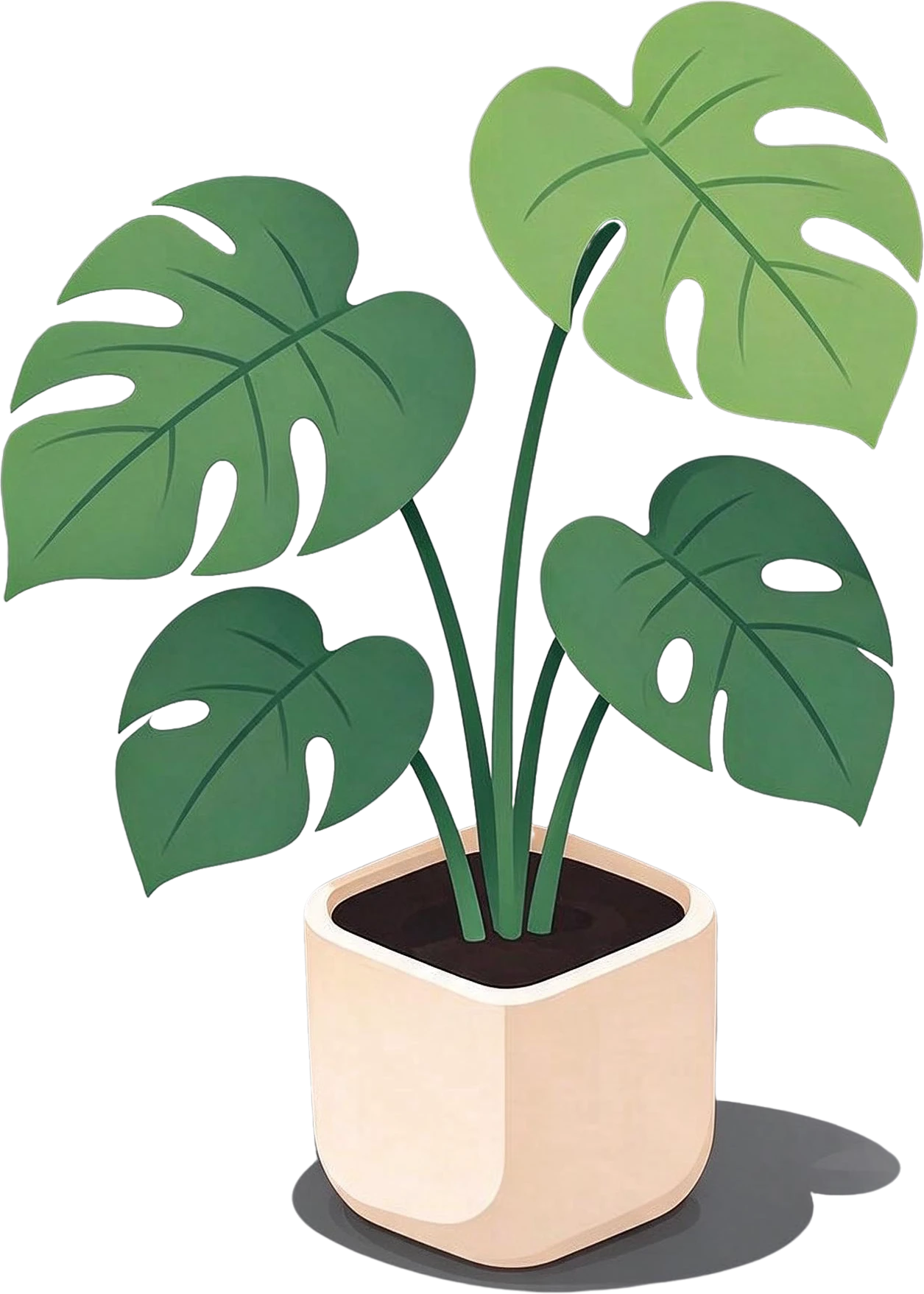
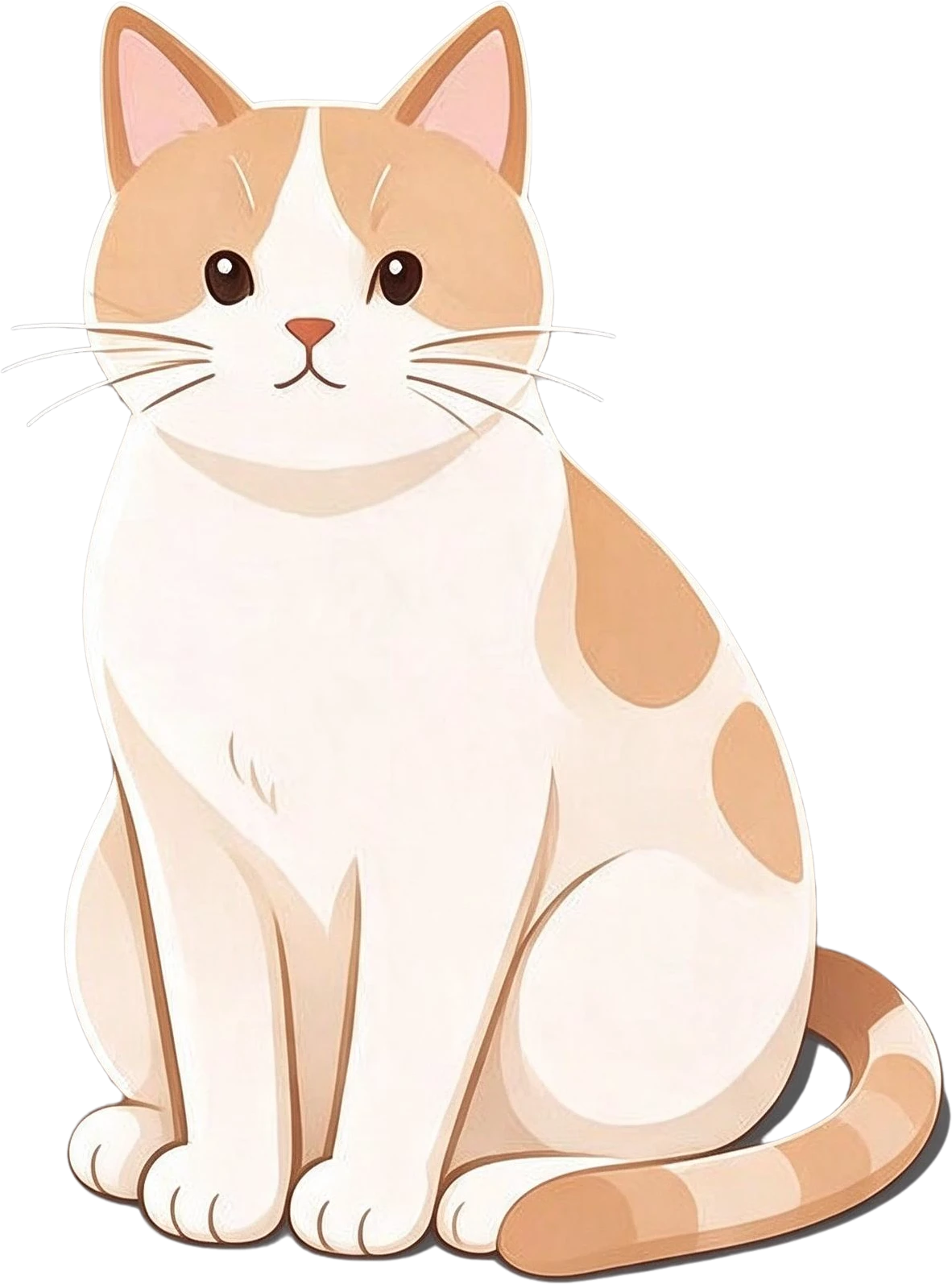
A full scene splits into its characters and props: the girl reading, the sleeping cat, the lamp, the plant. Move them for a parallax shot, reuse them in another panel, or repaint one without touching the rest.

Anime room illustration — the flat original
Dark blue hair girl with open book — separated layerOrange sleeping cat — separated layerPaper lantern lamp on stand — separated layerMonstera plant in white pot — separated layerStack of three books — separated layerMug of coffee on wooden tray — separated layer

Posters, banners and product graphics

Designed images split cleanly too: headline, badge, product and each decoration on their own layers, at the original size, ready for Photoshop, Figma or Canva.

Try it on your own image
AUTUMN LATTE WEEK headline text — separated layer20% OFF red badge — separated layer
  • coffee-poster.psd11 named layers, in place
  • coffee-poster-layers.zip11 transparent PNG files
  • AUTUMN LATTE WEEK headline text.pngOne layer, or copy it to the clipboard

LlamaGen AI Layer Splitter and LayerGrab, side by side

Everything about LlamaGen comes from its own home, feature and pricing pages, checked on 2026-10-06; where they say nothing, the table says so. We have not run LlamaGen ourselves, so this compares what each tool states, not output quality.

LlamaGen AI Layer SplitterLayerGrab
Free useQuick Mode is free and returns a layer sheet to reviewEvery feature on the sample images without an account; new accounts in supported regions get 30 free credits
Getting the layer filesA paid second pass exports each layer as a transparent PNG, a ZIP or a PSD (its FAQ)Each layer as a transparent PNG, all of them as a ZIP, or a layered PSD
PricePlans from $14 a month (15,000 credits); credits per split not stated10 credits ($0.10) per layer returned, 8 on Premium
Choosing what to splitAutomatic; the page describes no way to name a partAutomatic, or list the parts you want
Layer namesNot statedEvery layer named in English from what it shows
Behind removed partsNot statedThe background layer is filled in
Best input, by its own pageCartoon mascots, anime and game characters, product-style graphics, propsCharacters, illustrations, posters, banners, product shots, AI images
Inside design appsNot statedPhotoshop, Figma and Sketch plugins and a Chrome extension

Choose LlamaGen when

You already make comics in LlamaGen, or you split cartoon or game characters and want a free preview sheet of the parts before paying for files.

Choose LayerGrab when

You want named layers, only the parts you list, the background filled behind them, posters and photos as well as characters, or the layers placed straight into Photoshop, Figma or Sketch.

When LayerGrab is not the right tool

If a character has to be cut into a full rig of 20 or more parts in one go, a tool built for rigging prep will save you passes; LayerGrab returns up to 16 layers per split. Text comes back as an image layer, not editable type. For a free split on your own GPU, start with the open Qwen-Image-Layered model.

Frequently asked questions

How do you use LlamaGen AI Layer Splitter?

On LlamaGen’s page you upload one image and run Quick Mode, which returns a sheet of the separated foreground, background, text and props to review. According to its FAQ, getting the parts as separate transparent PNGs, a ZIP or a PSD is a paid second pass.

Is LlamaGen AI Layer Splitter free?

Its Quick Mode is free. Its pages do not say how many credits the paid export pass costs; plans start at $14 a month for 15,000 credits.

What is a free alternative to LlamaGen AI Layer Splitter?

LayerGrab lets you open every sample split on this page without an account, with the layer list and PNG, ZIP and PSD exports. New accounts in supported regions get 30 free credits, enough for a split of up to 3 layers. If you have a large GPU, the open Qwen-Image-Layered model is free to run yourself.
Can it split an anime character into parts?

Yes. The standing character above was split with the instruction "front hair with bangs, twin-tail hair, face, star hair clip, sailor uniform top, red ribbon, pleated skirt, crossbody bag, knee socks, legs, loafer shoes", and the face was then split again into eyes, brows, ears, nose and mouth. Skin the model cannot assign to a part, such as the neck and hands, comes back as one extra layer.

Does LlamaGen use Qwen-Image-Layered?

Its FAQ says its splitter is similar to Qwen Image Layered but does not name the model it runs. LayerGrab runs its own hosted model, and runs Qwen-Image-Layered separately on its Qwen page.

Sources

Last updated 2026-10-06