LayerGrab

How to Turn a ChatGPT or Midjourney Image into Editable Layers

A ChatGPT, Midjourney or Gemini image is a single flat picture: the generator returns one image file with no layers, so the headline, the product and the background cannot be moved or changed on their own. To turn it into editable layers, split it with an AI layer separator, which puts each element on its own transparent layer and fills in the background behind it, then open the layers in Photoshop, Figma or Canva.

Last updated 2026-10-06

Why AI images come out flat

An image model paints the whole picture at once. There is no headline layer or product layer inside it to export, only the final pixels, so every generator hands you one merged image.

Even the tools that show layers flatten them at the end. Midjourney's editor lets you stack images as layers, and its documentation says they are flattened into one when you submit. Asked on Adobe's forum why Firefly designs are not editable in Photoshop, a community manager answered that Firefly does not export designs with editable layers.

Two ways to get layers

Inside Canva: Magic Layers

Canva's Magic Layers separates an image into elements inside the Canva editor and rebuilds text as editable Canva text. If your design will be finished in Canva, it is the shortest route.

As files: split into layers

If the design goes to Photoshop, Figma, a print shop or a developer, you need the layers as files. An image layer separator gives you each element as a transparent PNG and the whole stack as a layered PSD.

From a flat AI image to editable layers

  1. 1

    Download the image at full size

    Save the largest version the generator offers (upscale first in Midjourney if you plan to print). PNG, JPG and WebP all work.

  2. 2

    Split it into layers

    Upload it on LayerGrab. Leave the box empty to get every element, or name what you need: "only the headline", "the bottle and the label".

  3. 3

    Fix what the generator got wrong

    Hide the layer you want to change. Because the background behind it is already filled in, you can set new text, drop in a real product photo or move things around without patching holes.

  4. 4

    Take it where you work

    Copy a layer straight into Figma or Canva, use the Photoshop or Figma plugin, or download a layered PSD with every element named.

Two real AI images, split

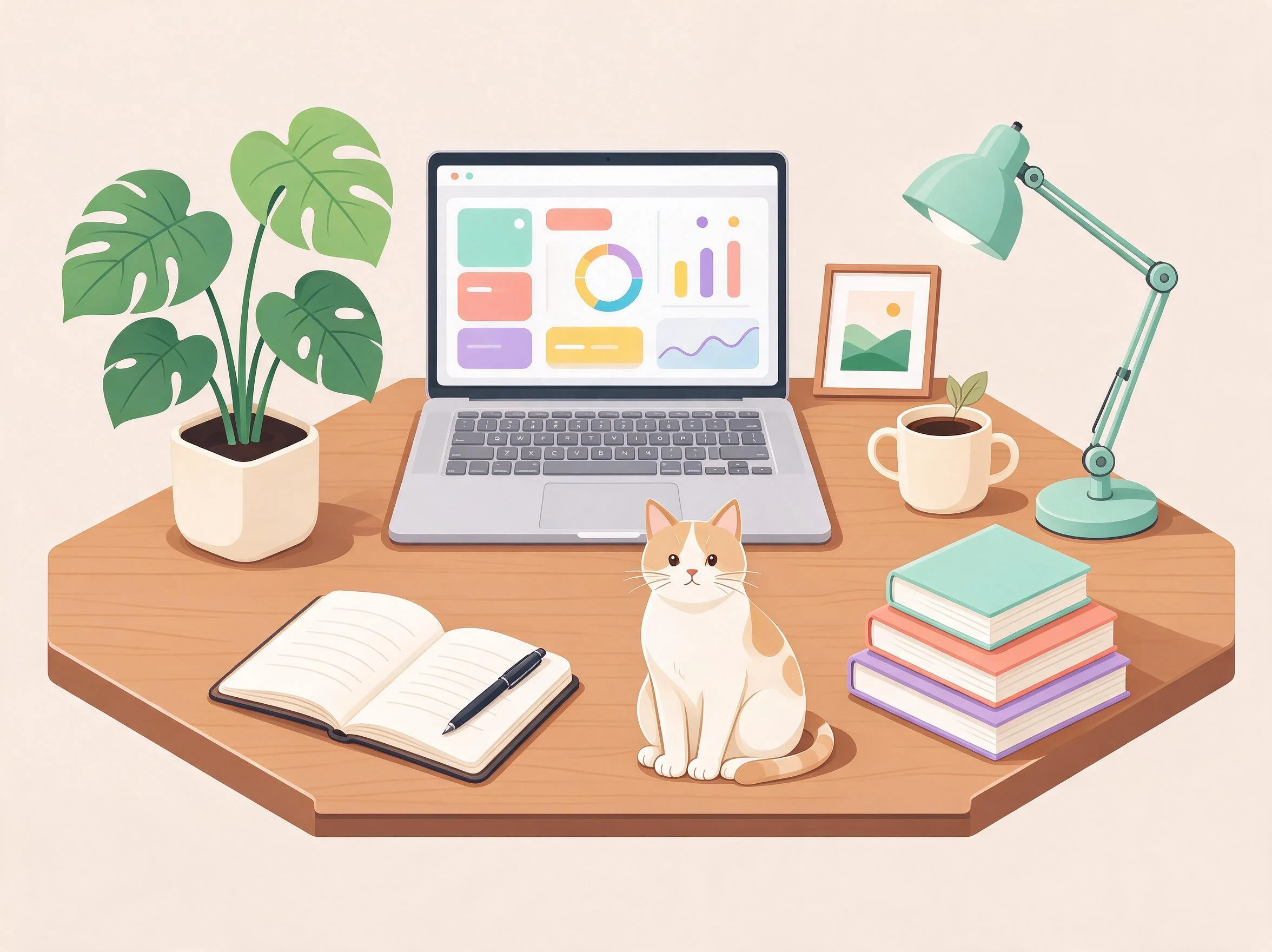
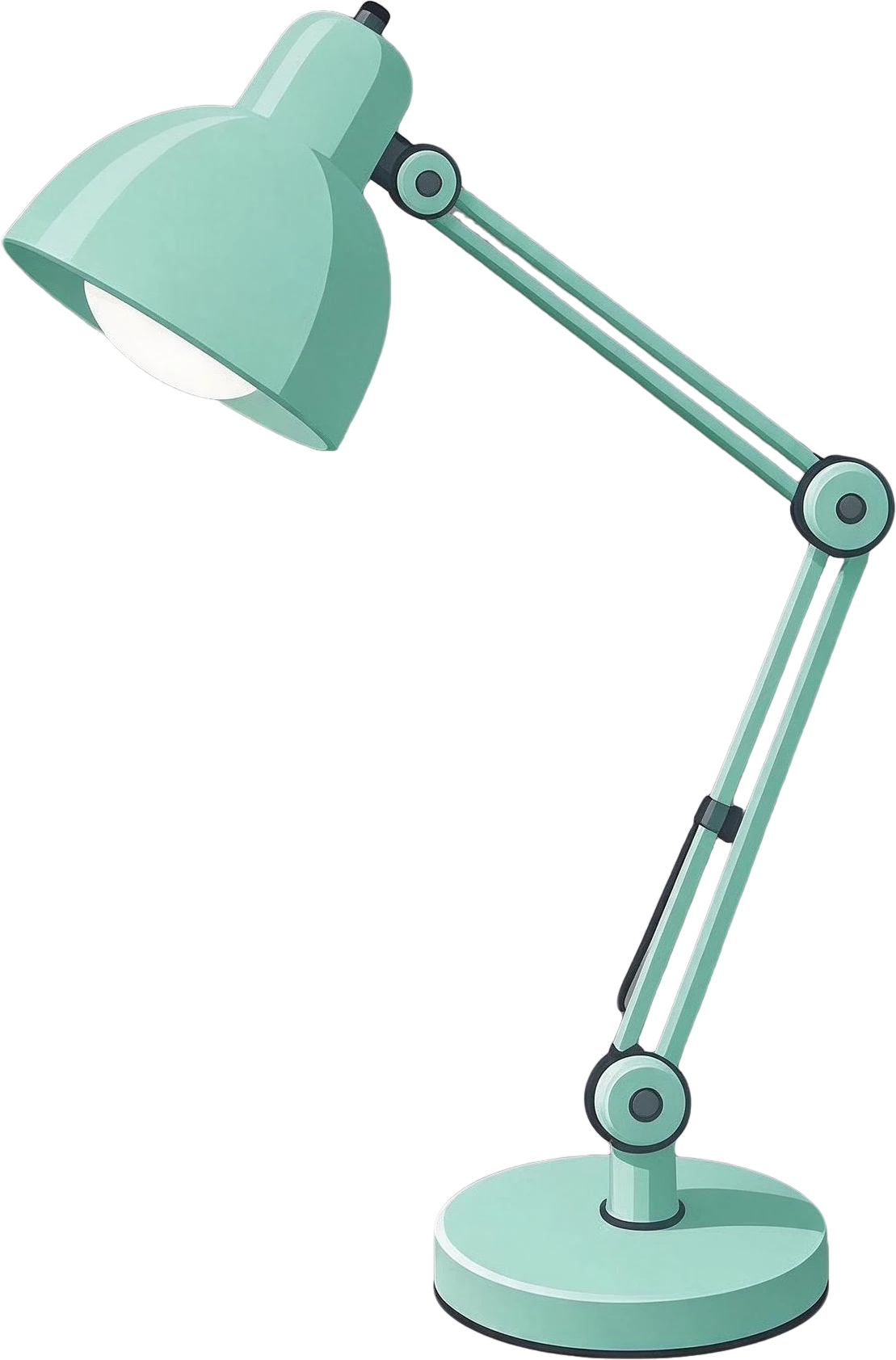
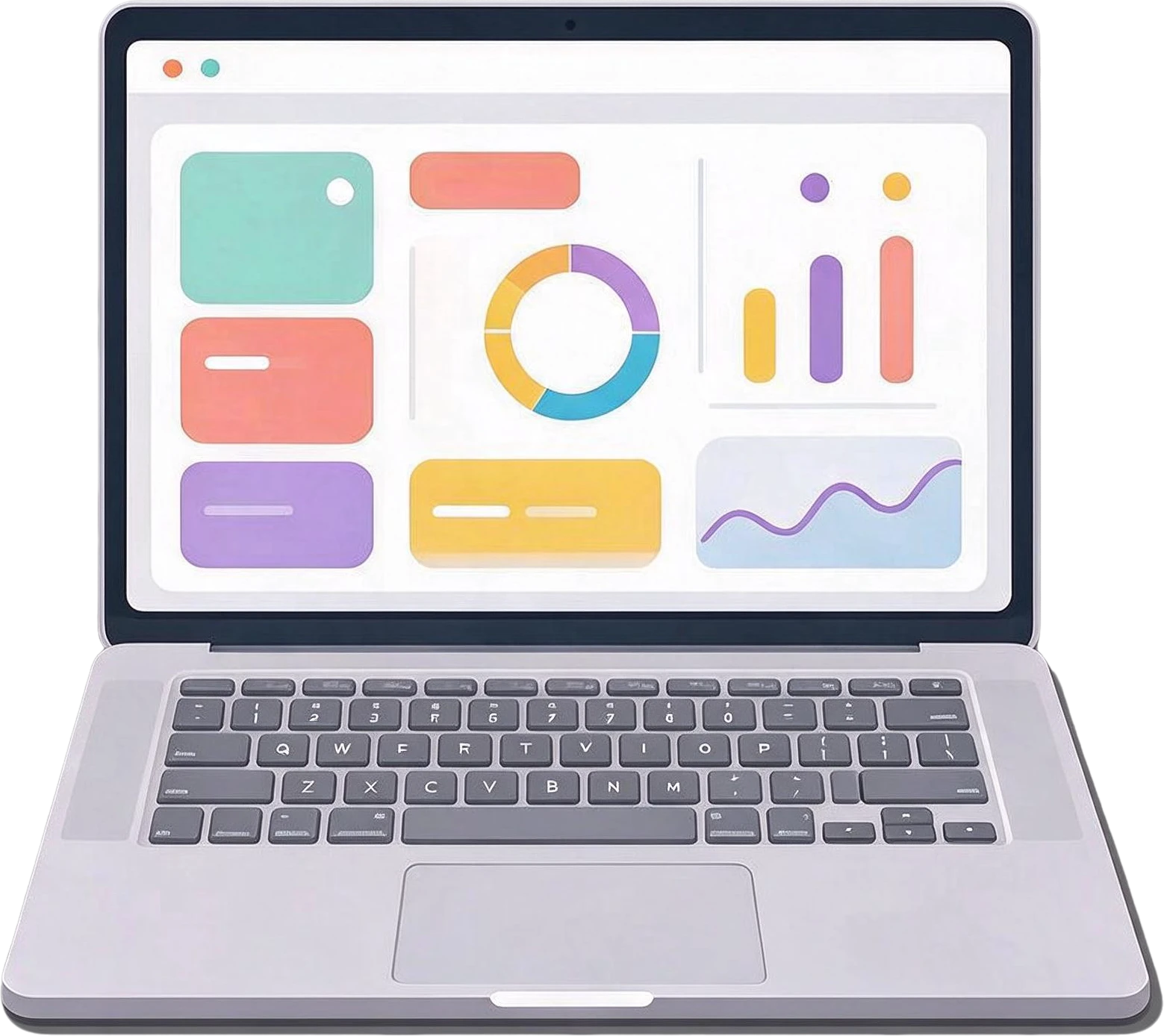
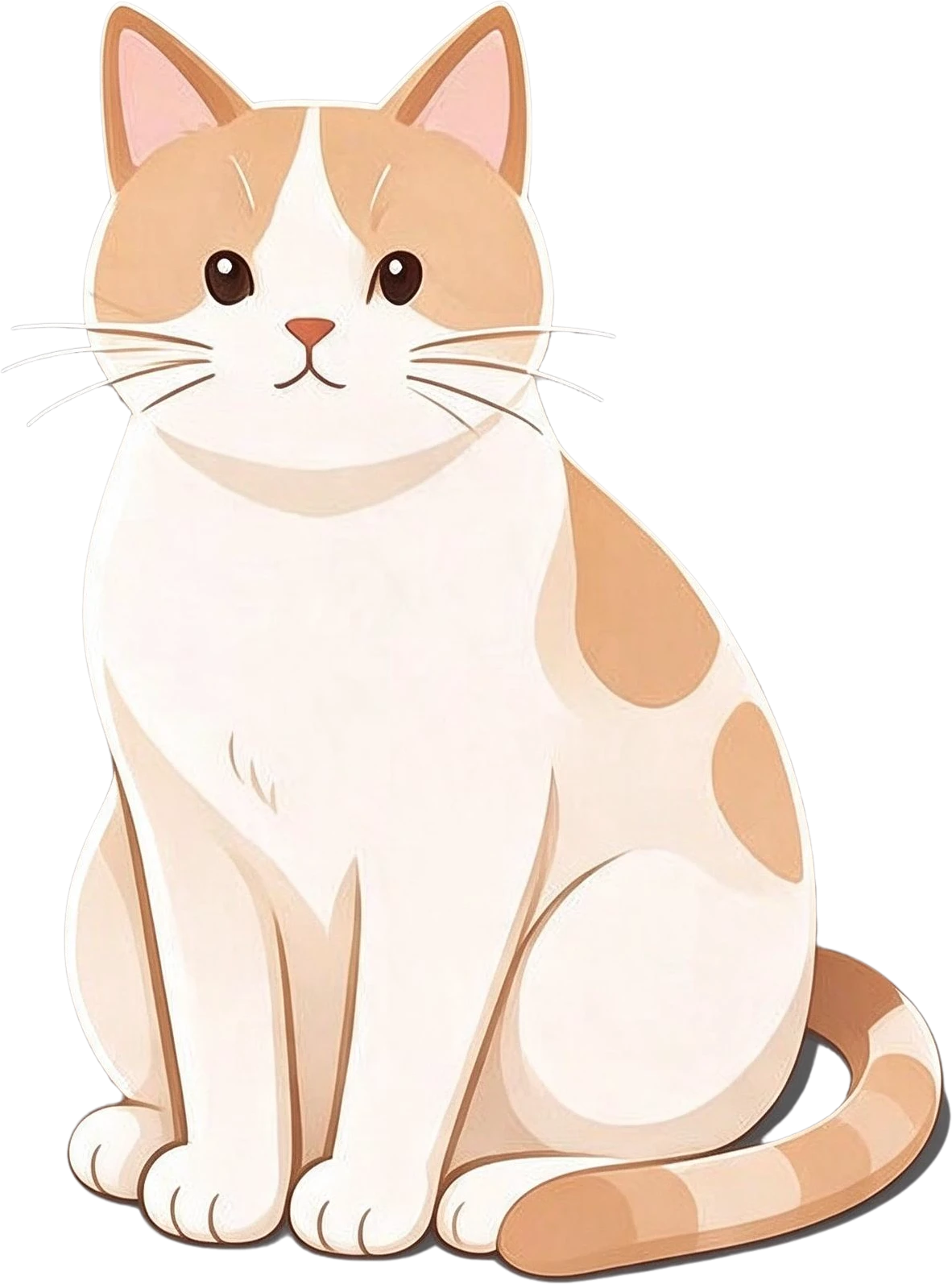
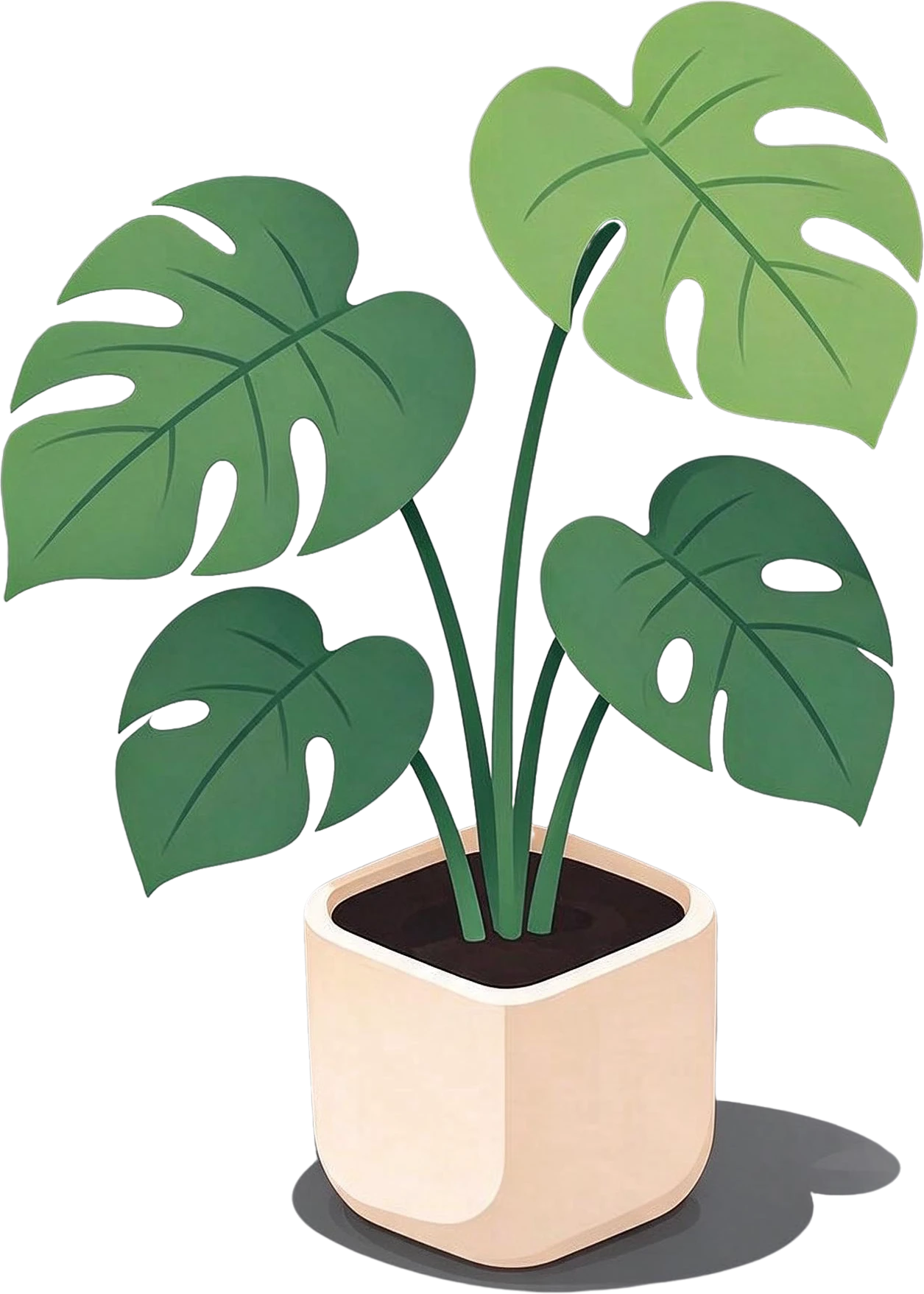
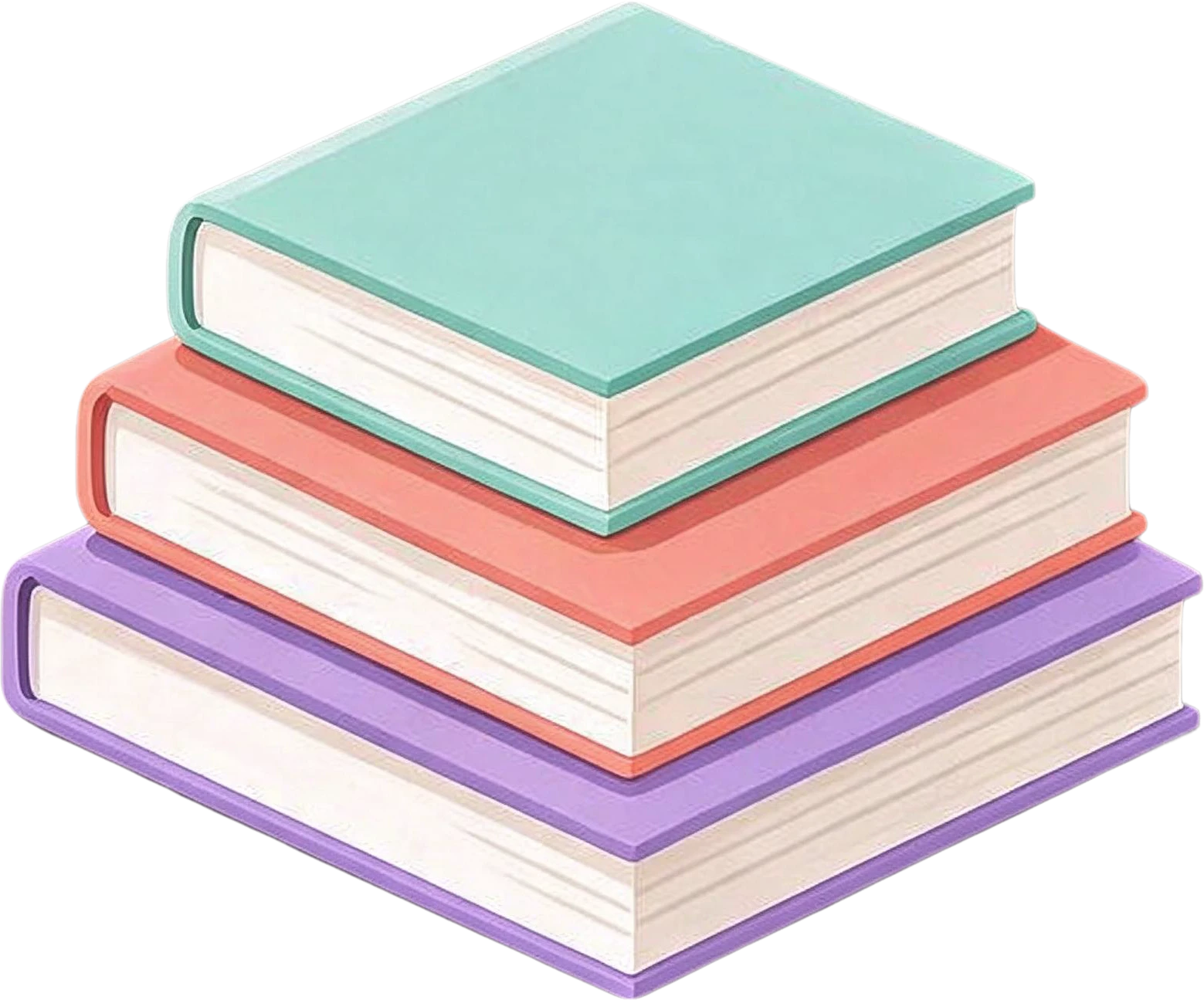
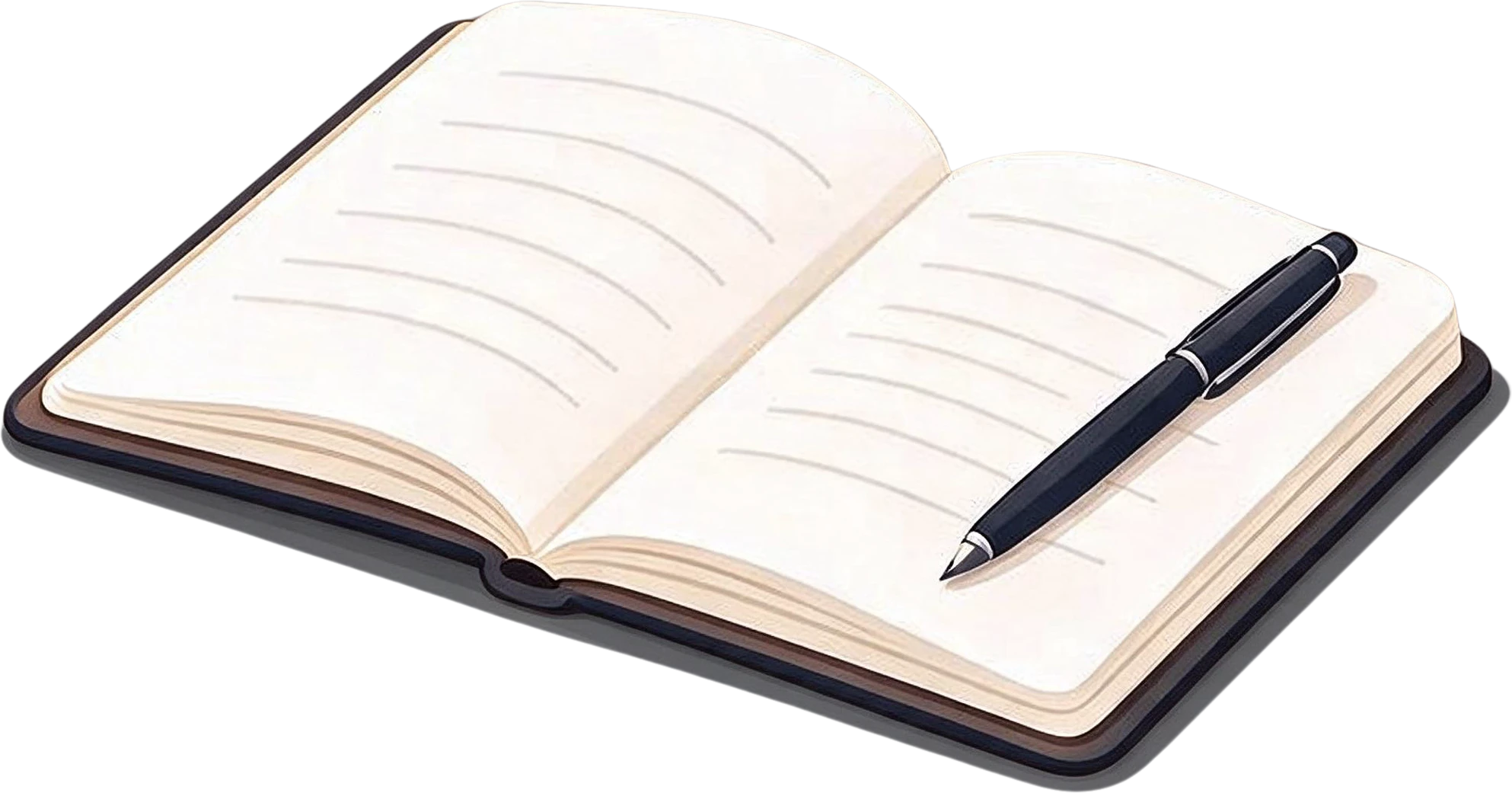
This desk illustration was generated with Seedream 5.0. Split into layers, it comes apart into nine named layers, the lamp, the laptop, the cat, the plants, the books and the desk itself among them, each in place over a filled background.

AI-generated desk illustration — the flat original
Mint green adjustable desk lamp — separated layerLaptop with data visualization screen — separated layerSitting orange and white cat — separated layerMonstera potted plant — separated layerStack of three books — separated layerOpen notebook with pen — separated layer

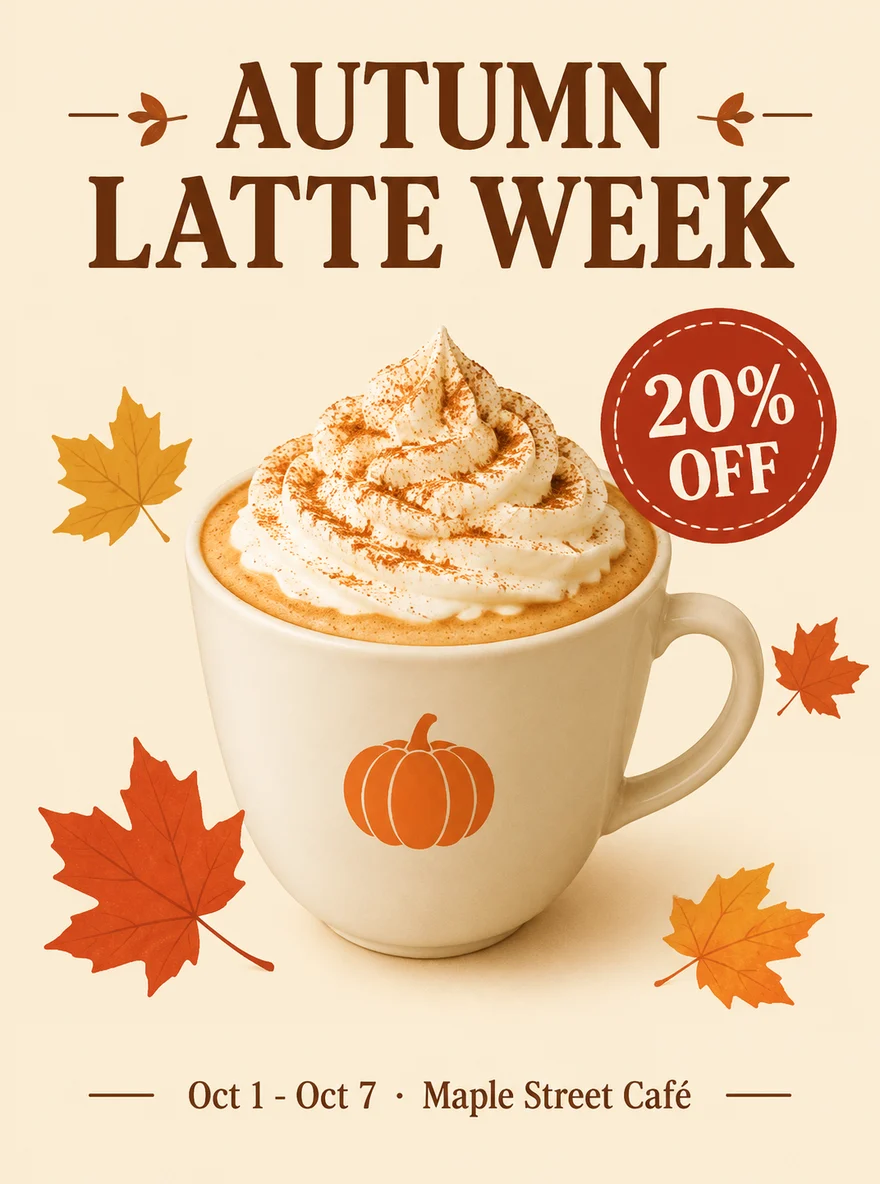
The coffee poster came from gpt-image-2. Its headline is a layer of its own; hide it and the paper texture behind the words is already there, ready for your own text in a real font.

Coffee shop poster — original
Original
Coffee shop poster — headline and date hidden, background filled
Headline and date hidden, background filled

When not to split

If you only need one small change, such as a different colour or one wrong letter, editing the region in the generator may be faster than splitting the whole image. And if you need the text itself to stay editable as type, a tool that rebuilds text, such as Canva Magic Layers, fits better: split layers are pixels.

Frequently asked questions

Can ChatGPT give me a layered PSD?

No. ChatGPT, Gemini and Midjourney return a single flat image file. You can ask for a transparent background or for one element at a time, but a design with several elements comes back merged. Splitting the image afterwards is the way to get layers.

Does Midjourney have layers?

Its editor has layers for combining images while you edit, but Midjourney’s own documentation says they are flattened into a single layer when you submit the edit. The image you download is flat.

Can I edit the text in an AI-generated image?

Not as live text with LayerGrab: the text comes back as its own image layer. What you can do reliably is hide that layer and type the correct words in a real font on top, since the background behind the text is already filled in. Canva Magic Layers rebuilds text as editable Canva text, which is quicker if you only work in Canva.

Is the result good enough to print?

The layers keep the size of the image you upload, so print quality depends on the generator’s output. Many generators return images of around 1 to 2 megapixels by default; for a business card that is enough, for a poster upscale the image before you split it.

Does this work on images from other AI tools?

Yes. Any flat PNG, JPG or WebP works, whether it came from ChatGPT, Gemini, Midjourney, Firefly, Ideogram, Stable Diffusion or a screenshot of one.