

LayerGrab

JPG to PSD with Layers: Why a Converter Gives You One Layer

Converting a JPG to PSD changes the file format, not the picture: a JPG stores a single grid of pixels and no layers, so any converted PSD has exactly one layer. To get a PSD with a separate layer for each element, the image has to be split into layers, either by hand with selections in Photoshop or with an AI layer splitter that also fills in the background behind each element.

Last updated 2026-10-06

Why the converted PSD has one layer

A PSD can hold many layers; a JPG holds one picture. When a file is saved as JPG, every layer it had is merged into that single picture and the layer information is not written to the file at all. A converter can only repackage what is there, so the PSD it returns contains one layer with the same pixels.

That is the answer people get on the Adobe and Quora threads about this: there is nothing to convert back. The elements are still visible in the picture, though, and that is what a splitter works from. It does not recover the old layers; it builds new ones from what it sees.

Three ways to get a PSD you can edit

1. A format converter

Fast and usually free, and the right choice when all you need is a file with a .psd extension, for a print shop or a template upload that only accepts PSD. You get one layer.

2. Rebuild the layers by hand in Photoshop

Select an element with the Object Selection tool, copy it to a new layer with Ctrl/Cmd+J, then remove it from the original and fill the gap with Content-Aware Fill or Generative Fill. Full control, and it scales with the number of elements: a poster with ten pieces is ten rounds of select, copy and fill.

3. Split it with AI

An image layer separator does the select, copy and fill for every element at once and hands you the layered PSD. Less control over each edge than a careful manual mask, in about a minute instead of an afternoon.

From JPG to an editable PSD in four steps

  1. 1

    Upload the JPG

    Drop, paste or upload a JPG, PNG or WebP up to 20 MB on the LayerGrab home page. Other formats your browser can open are converted for you.

  2. 2

    Choose what to separate

    Leave the box empty for one layer per element, or name only what you need, such as "the headline and the product".

  3. 3

    Split

    Each element comes back as a named transparent layer at its original position, over a background with those elements painted out. It takes 60–100 seconds.

  4. 4

    Download the PSD

    Click PSD. The file opens in Photoshop, Photopea and Affinity Photo with every layer named and stacked in order, at the size of the original JPG.

What the PSD looks like

This coffee shop poster was a single flat image. Split with LayerGrab, its PSD has eleven layers: ten elements, each named from what it shows, over the filled background. Nothing in the layer list is called Layer 1.

Coffee shop poster — original

11 layers

  • Bottom event info text — separated layerBottom event info text
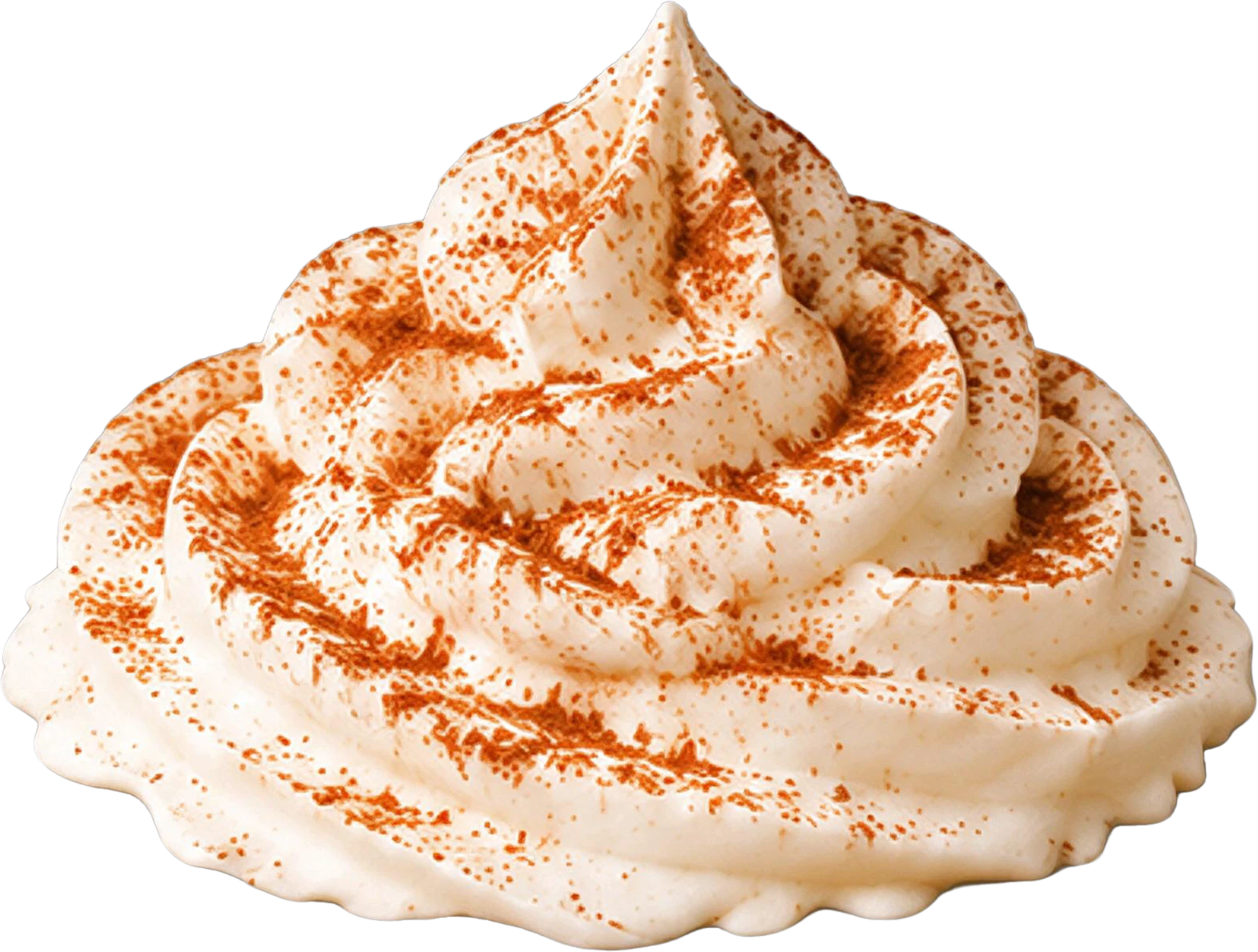
  • Whipped cream topping with cinnamon dust — separated layerWhipped cream topping with cinnamon dust
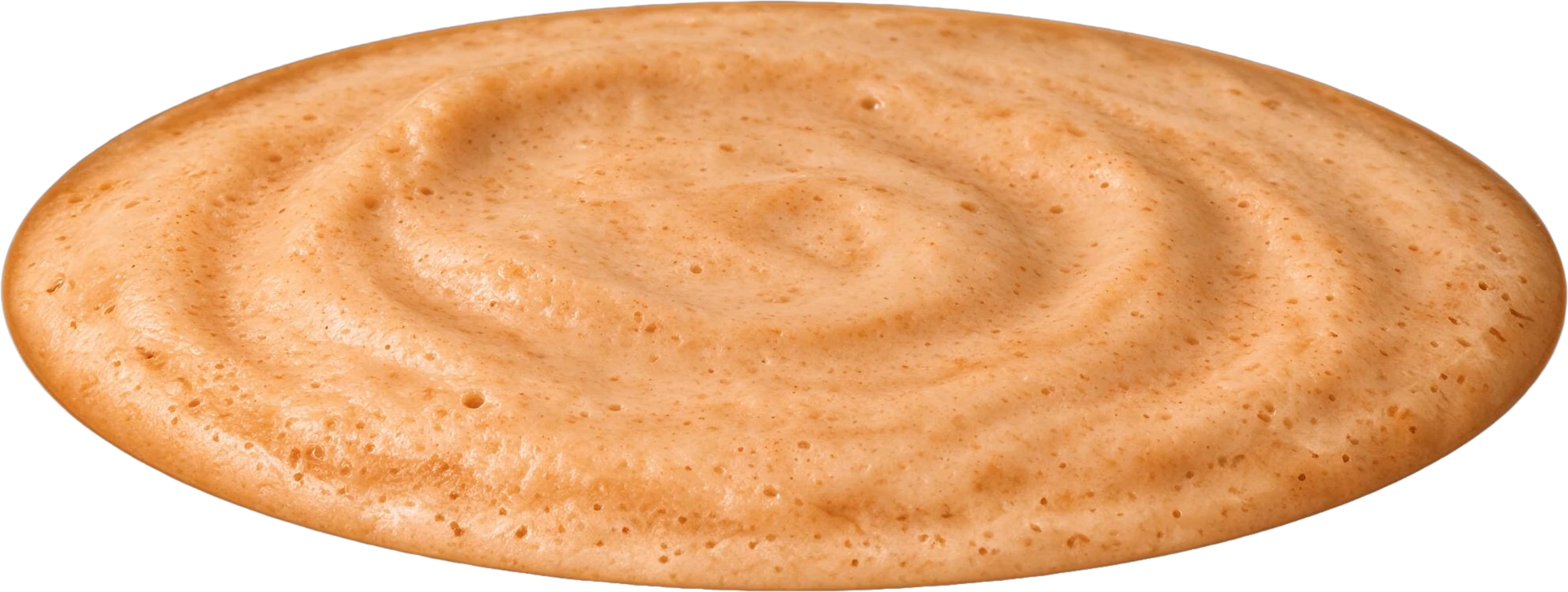
  • Pumpkin spice latte drink base — separated layerPumpkin spice latte drink base
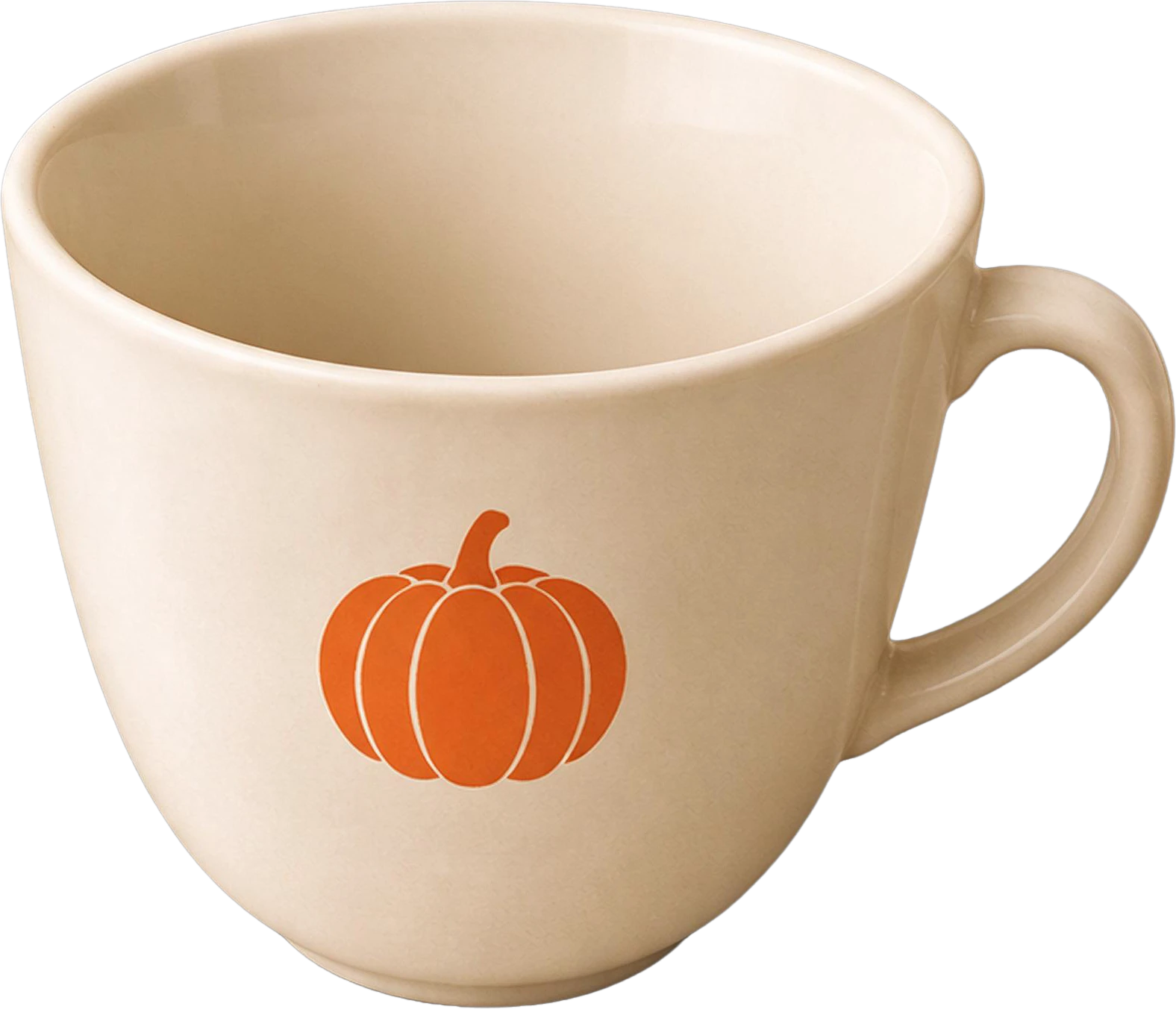
  • White coffee cup with pumpkin logo — separated layerWhite coffee cup with pumpkin logo
  • Orange maple leaf (bottom right) — separated layerOrange maple leaf (bottom right)
  • Orange maple leaf (top right) — separated layerOrange maple leaf (top right)
  • Background (filled)

What a split cannot give you

If the layered original still exists, with a designer, a client or a print shop, get that instead: it keeps live text, smart objects, masks and adjustment layers, which no split brings back. The split layers are pixels, and anything that was completely hidden in the JPG is painted in by the model rather than recovered.

Frequently asked questions

Can Photoshop convert a JPG into layers?

Not automatically. Opening a JPG in Photoshop gives you one Background layer. You can make layers yourself: select an element, press Ctrl+J (Cmd+J on Mac) to copy it to a new layer, then fill the hole it leaves in the original with Content-Aware Fill or Generative Fill. Repeat for each element.

Is there a free JPG to PSD converter with layers?

Free converters give you a valid PSD with one layer. For a PSD with a layer per element, LayerGrab lets you open the sample splits and download their PSDs without an account; new accounts in supported regions get 30 free credits, enough for a split of up to 3 layers of your own image.

Will the text in my JPG become editable in the PSD?

No. The text gets a layer of its own, but as pixels, not live type. Because the background behind it is filled in, you can hide that layer and set new text in the same place with the Type tool.

Does the same apply to PNG to PSD?

Yes. A PNG can store transparency but not layers, so a converted PNG is also a one-layer PSD. Splitting works the same way for PNG, JPG and WebP.

Does the layered PSD keep the original resolution?

Yes, up to 4096 pixels on the long side: every layer sits at its original position on a canvas the size of the JPG. Larger images are scaled down to 4096 pixels before the split.