






LayerGrab

Image Layer Separator for Photos, Posters and AI Images

An image layer separator is a tool that turns a flat picture into named, transparent layers. LayerGrab does it with AI and rebuilds the background behind them.

Image

Leave empty to split every element.

Sample split, free to explore: Coffee shop poster

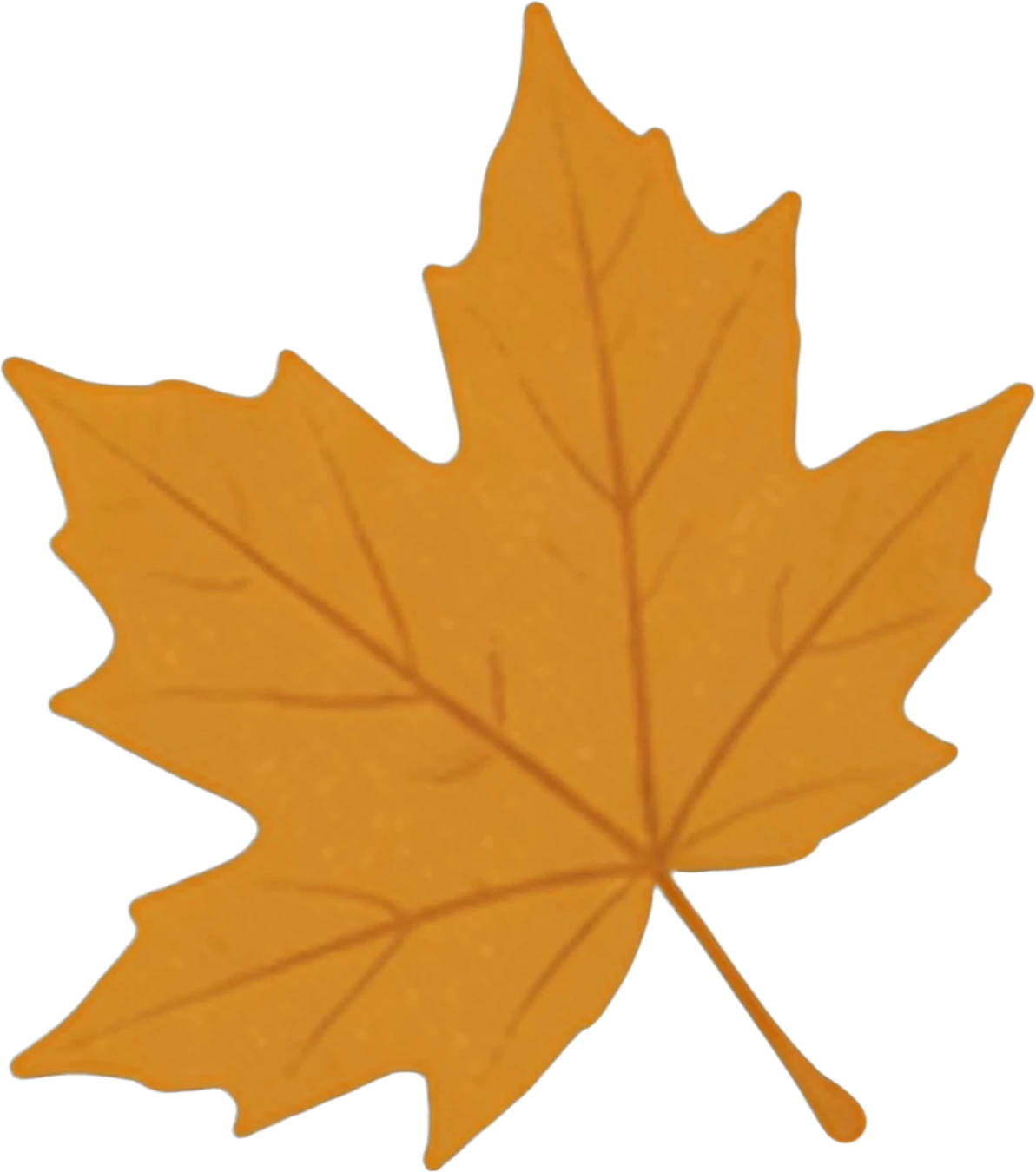
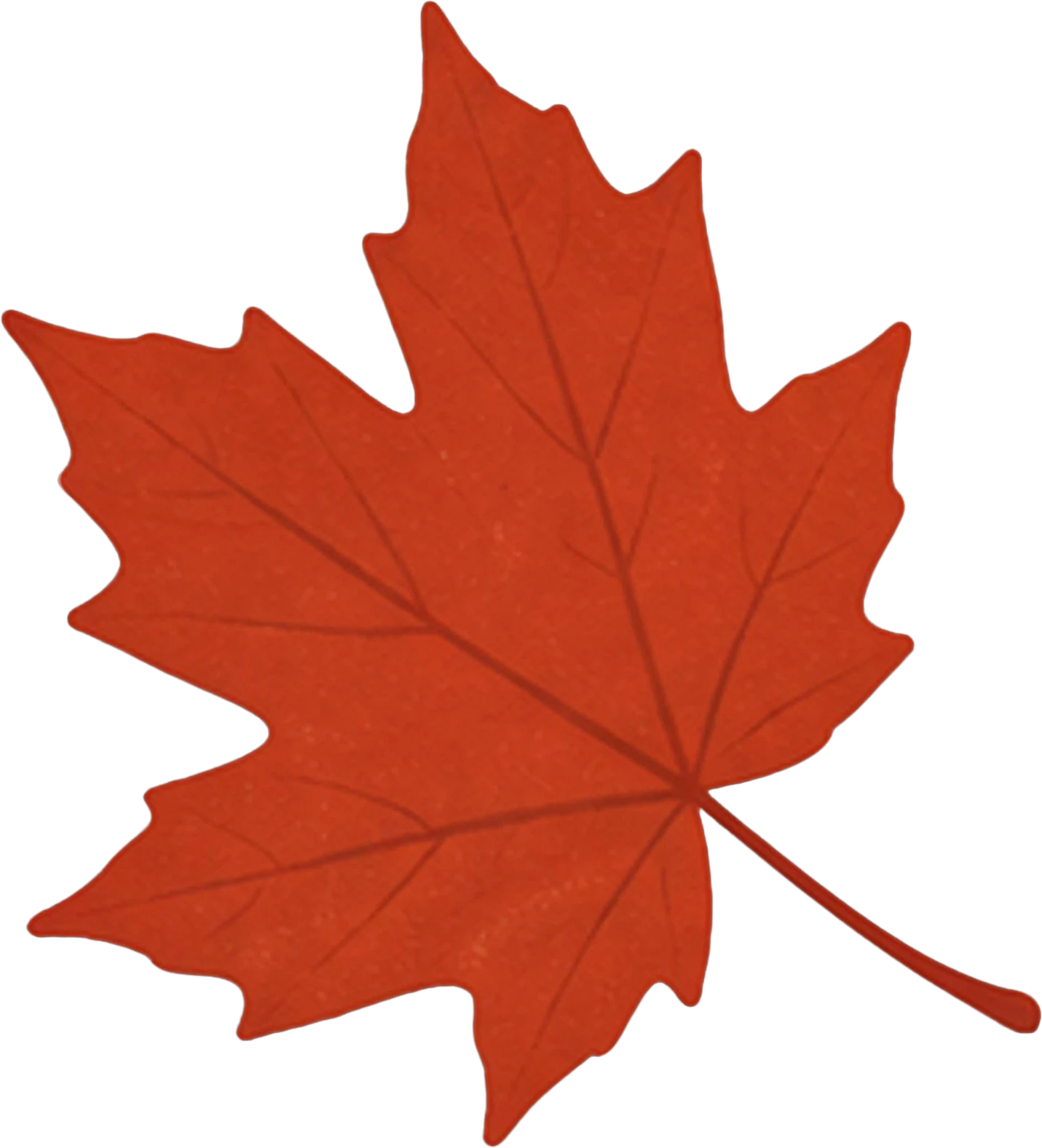
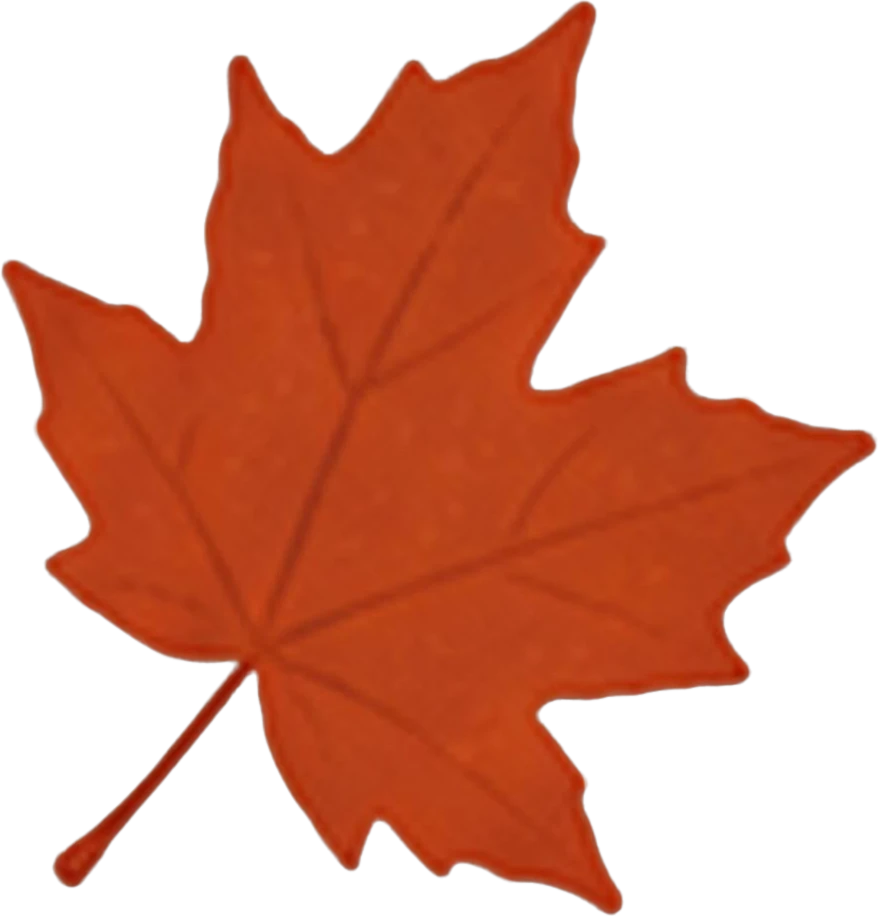
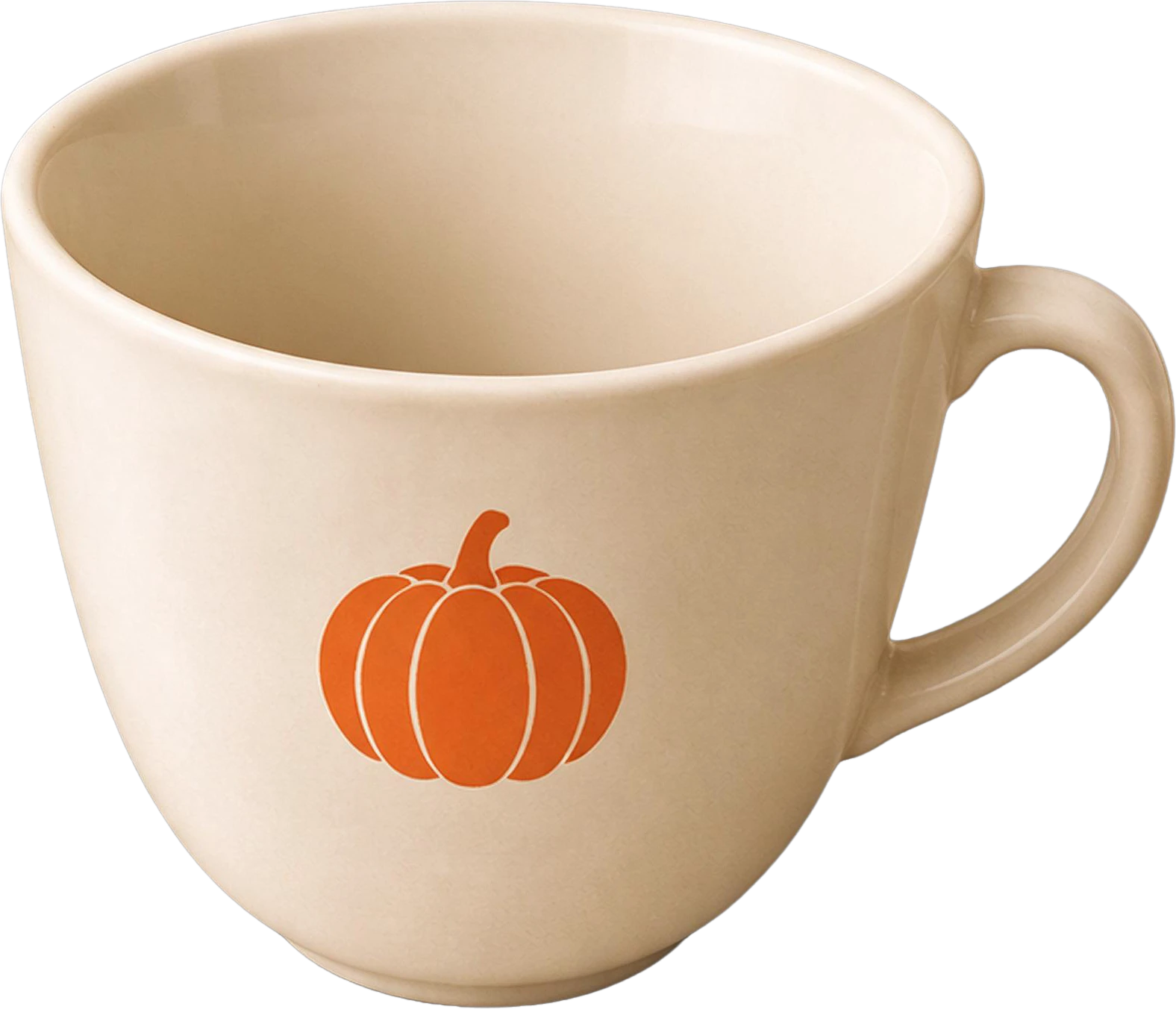
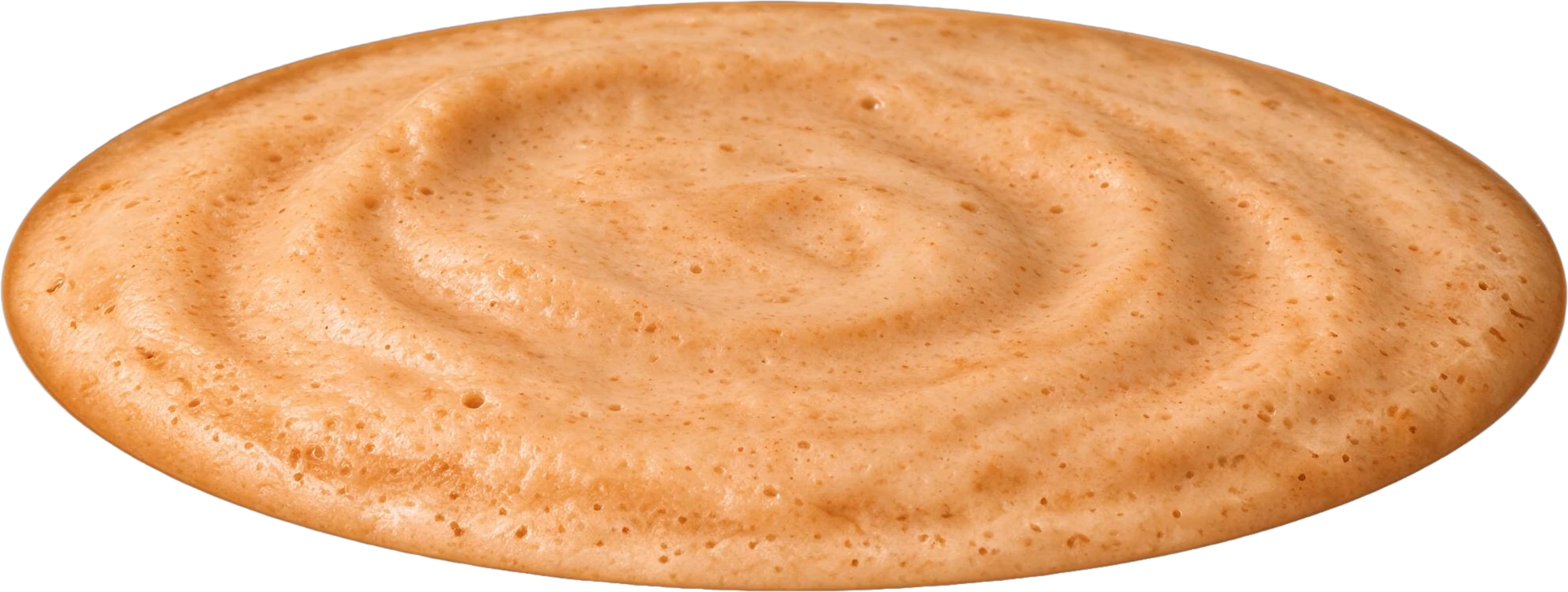
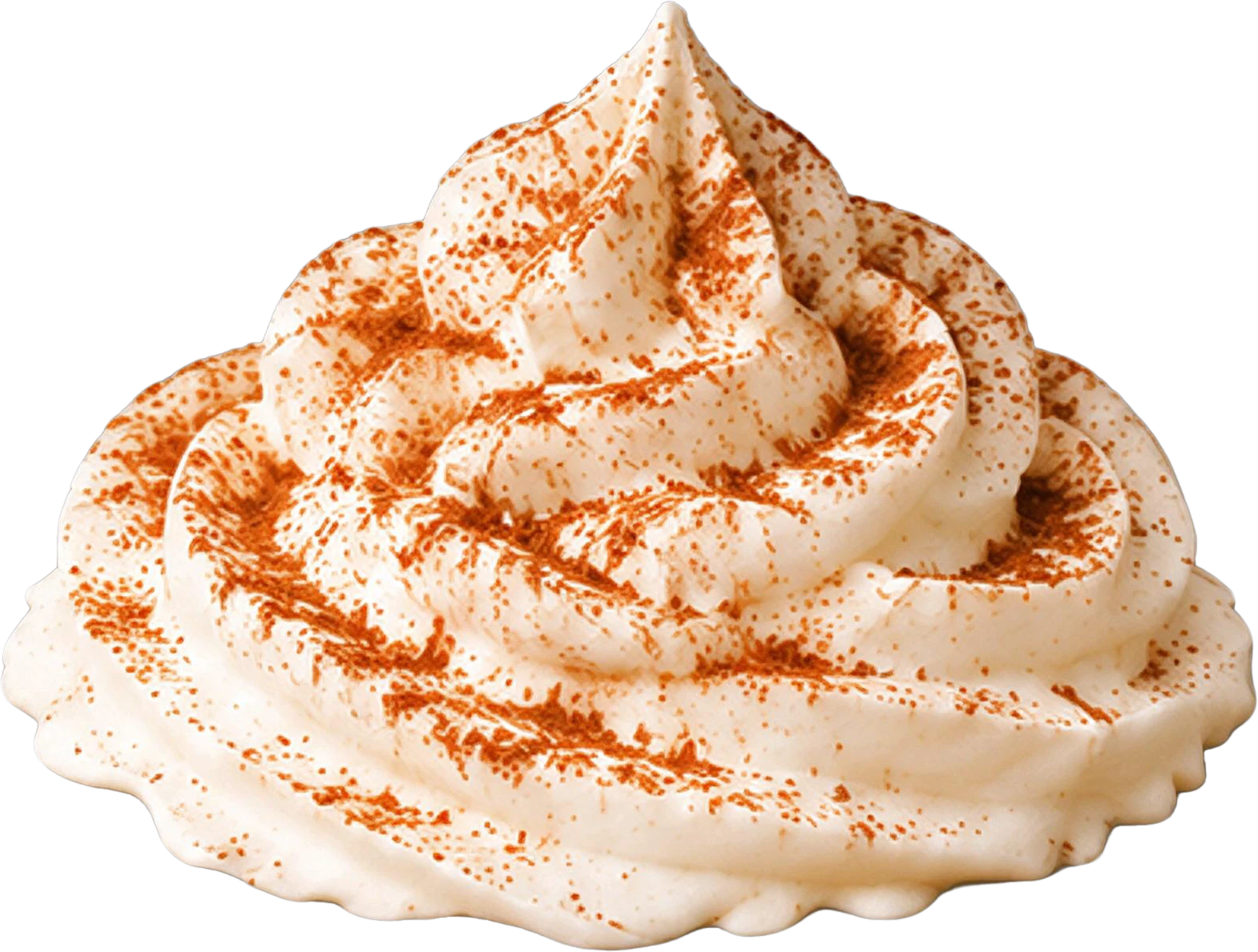
Coffee shop poster — background with every element removedAUTUMN LATTE WEEK headline text20% OFF red badgeYellow maple leaf (top left)Red maple leaf (bottom left)Orange maple leaf (top right)Orange maple leaf (bottom right)White coffee cup with pumpkin logoPumpkin spice latte drink baseWhipped cream topping with cinnamon dustBottom event info text

11 layers

Split in 100s

  • Background (filled)

How it works

What you get back

An image layer separator takes a flat picture and splits it into a stack: one transparent layer per element, with the background underneath rebuilt so nothing leaves a hole. LayerGrab does this online with AI in about a minute, from the browser or inside Photoshop, Figma and Sketch.

Try it on your own image
Coffee shop poster — before splitting
Headphones product banner — before splitting
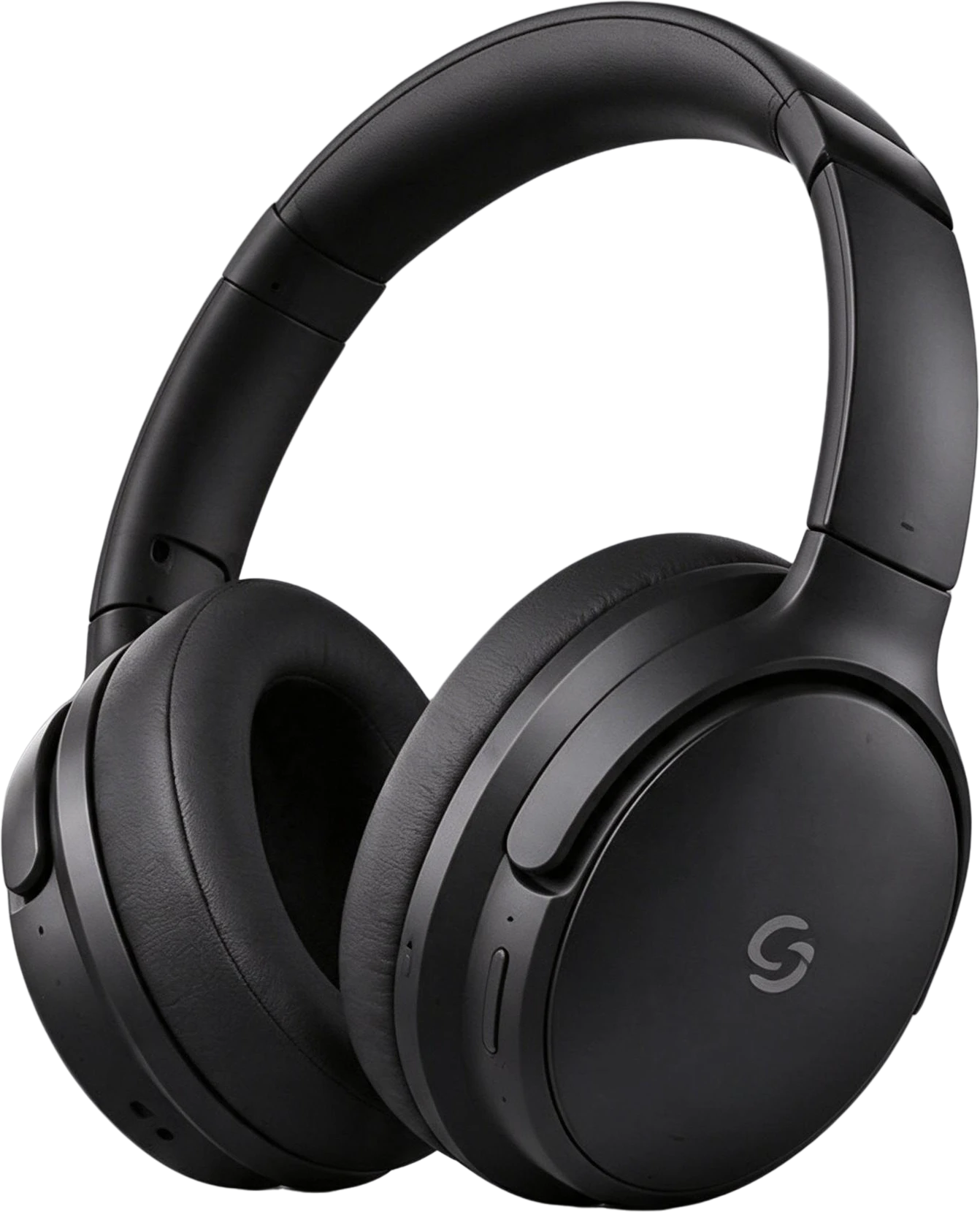
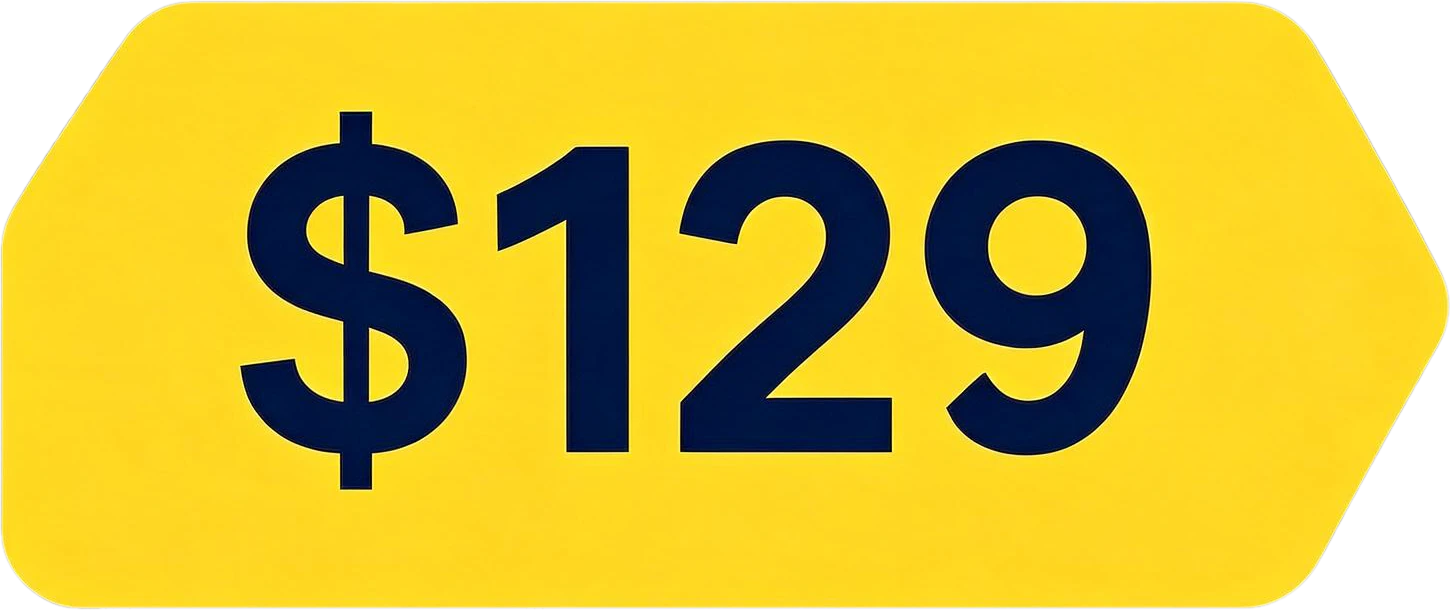
Black Over-Ear Headphones — separated layerYellow Price Tag $129 — separated layer20% OFF red badge — separated layerWhite coffee cup with pumpkin logo — separated layer

What each kind of image separates into

The number and kind of layers depend on the picture. These are typical results for the images people split most.

ImageLayers you getGood to know
Poster or flyerHeadline, sub-copy, badges, product, each decoration, filled backgroundThe cleanest case: designed images have clear, separate elements.
Product bannerProduct, pedestal or props, price tag, button, logo, headlineUseful for resizing an ad into other formats.
Photo with peopleEach person you name, the photo without themName who you want; hair edges are softer than a hand-made mask.
AI-generated imageMain subject, secondary objects, text, backgroundLets you move or delete one object without generating again.
Screenshot or UICards, images and text blocks as pixel layersText is not editable; for real UI, a design file is better.

Named layers, not Layer 1, Layer 2

Each layer is named from what it shows, for example “AUTUMN LATTE WEEK headline text” or “20% OFF red badge”, so a ten-layer poster is easy to find your way around.

Coffee shop poster — original

11 layers

  • Bottom event info text — separated layerBottom event info text
  • Whipped cream topping with cinnamon dust — separated layerWhipped cream topping with cinnamon dust
  • Pumpkin spice latte drink base — separated layerPumpkin spice latte drink base
  • White coffee cup with pumpkin logo — separated layerWhite coffee cup with pumpkin logo
  • Orange maple leaf (bottom right) — separated layerOrange maple leaf (bottom right)
  • Orange maple leaf (top right) — separated layerOrange maple leaf (top right)
  • Background (filled)

Take the layers anywhere

Copy one layer into Figma, Photoshop or Canva, download PNGs with transparency, or get everything as a ZIP or a layered PSD that opens in Photoshop.

Try it on your own image
Black Over-Ear Headphones — separated layerYellow Price Tag $129 — separated layer
  • headphones-banner.psd8 named layers, in place
  • headphones-banner-layers.zip8 transparent PNG files
  • Black Over-Ear Headphones.pngOne layer, or copy it to the clipboard

Layer separator or something else?

Manual selection (Photoshop, GIMP)

You select each element and copy it to a layer.

Trade-off: Slow per element; the hole behind each one has to be filled by hand.

Background remover

Cuts out the main subject on transparency.

Trade-off: One subject only, and the background is thrown away rather than kept as a layer.

LayerGrab (this page)

Every element, or the ones you name, as layers over a rebuilt background.

Trade-off: Costs credits; layers are pixels, not editable text or vectors.

Open layer models (self-hosted)

Run layer decomposition on your own GPU.

Trade-off: You set up and run the model yourself.

When not to use it

If you still have the original PSD or Figma file, open that instead: its layers keep live text, fonts and effects, which no separator can recover. If you need one subject on a transparent background and nothing else, a background remover is faster. To pull out just one thing, separate a single object and pay for two layers instead of the whole picture.

How it works, step by step

  1. 1

    Add the image

    Drop, paste or upload a PNG, JPG or WebP up to 20 MB. Other formats your browser can open are converted for you.

  2. 2

    Choose what to separate

    Leave the box empty to split everything, or name only the parts you need, such as "only the text".

  3. 3

    Wait for the split

    Usually 60–100 seconds. The page shows each step and the time, and you can cancel.

  4. 4

    Check and export

    Hide layers to see what is behind them, then copy one layer, download PNGs, a ZIP or a layered PSD.

Frequently asked questions

What does an image layer separator do?

It turns one flat image into a stack of pieces, one per element, kept in their original positions over a background with those elements removed. You can then move, hide, recolour or replace any element without touching the others.

Is there a free version?

You can try every feature of LayerGrab on the sample splits without an account. Working on your own image uses credits; new accounts in supported regions get 30 free credits, enough for a split of up to 3 layers. Open models such as Qwen-Image-Layered are free to download but need your own GPU.

How many layers will my image have?

It depends on the picture: a simple product shot might give 3, a busy poster 10 or more, up to 17 including the background. You pay per layer returned, and naming only what you need keeps the count down.

Can it separate text so I can edit it?

Text gets a layer of its own, but as pixels, not live type. Because the background under it is filled in, you can hide that layer and set new text in the same place.

Is this the same as a music or audio layer separator?

No. Audio "layer separators" split a song into vocals and instruments. This page is about pictures: photos, posters, banners and AI images.

Last updated 2026-09-29